What to Track in an SEO Editorial Calendar Besides Publish Dates
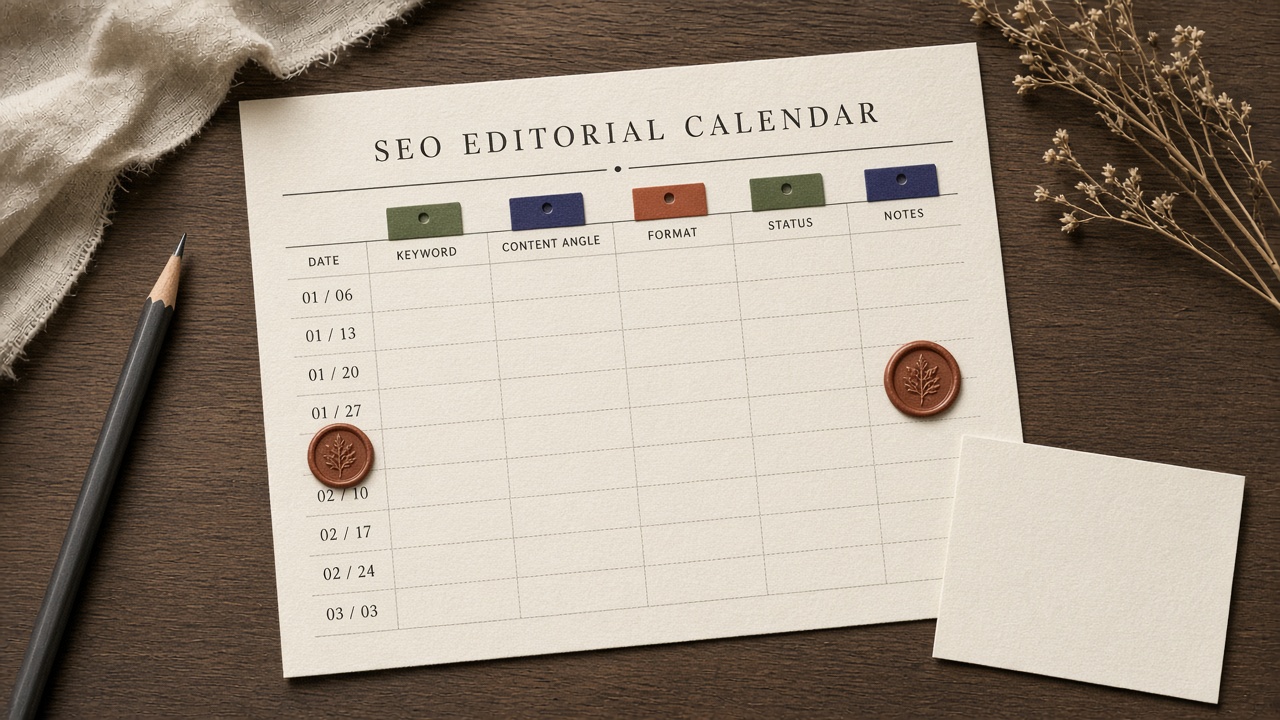
A date on a spreadsheet is not a strategy. A plain editorial calendar answers one question: what publishes when. An SEO editorial calendar also has to say why that URL should exist—the query it owns, the cluster it serves, who is accountable, and when someone will look at it again.
Most published pages never earn that justification. Ahrefs found that 96.55% of pages in its Content Explorer index get zero organic traffic from Google, and only 1.74% of newly published pages reach Google’s top 10 within a year for at least one keyword (Ahrefs). A calendar that only counts ships will look busy while almost nothing ranks.
The fix is a short, fail-closed row. Lock a publish date only after the keyword, cluster home, owner, action type, and brief link are filled. Everything else—SERP notes, outlines, word counts—lives on the brief, not on the master sheet. The sections below walk the fields worth keeping, the capacity you should reserve for refreshes, and the review dates that stop a row from sliding forever.
- A date-only calendar is a publishing schedule; an SEO calendar also records why the URL exists.
- Do not lock a publish date until keyword, cluster, owner, action type, and brief link are filled.
- One primary keyword and one named owner per row; two keywords or a shared owner is how pages cannibalize and dates slip.
- Reserve visible capacity for decay and refreshes, not only net-new posts.
- Put one success check and a review date on the row; leave SERP notes and outlines on the brief.
What an SEO Editorial Calendar Should Include Besides the Publish Date
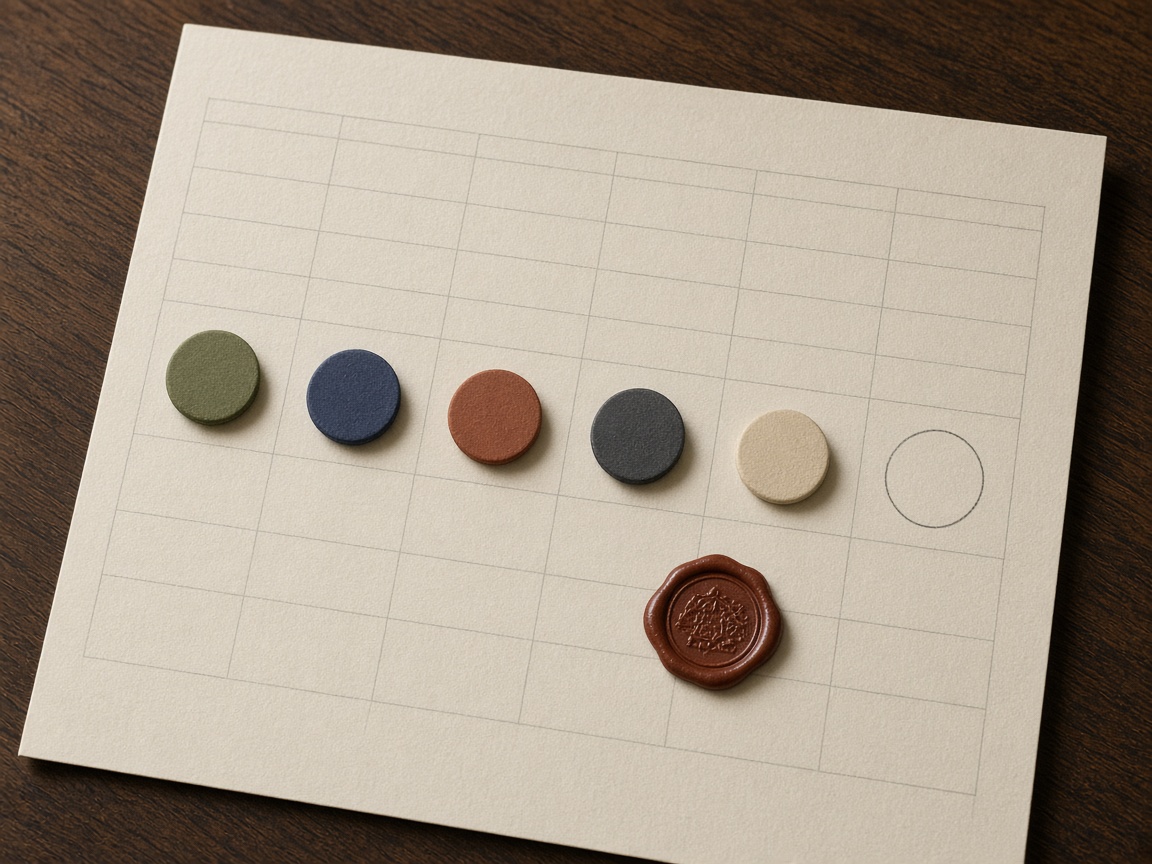
Past the publish date, the minimum row records status, owner, topic, one primary keyword, search intent, topic cluster, funnel stage, target URL, internal link target, CTA, and a review date.
A plain editorial calendar only answers what publishes when. An SEO content calendar also records the keyword, the intent, the cluster, and how the piece links to what is already published.
Those fields exist because unclear goals make a content program look busy and still fail. Content Marketing Institute’s 2025 B2B research found only 29% of B2B marketers rate their content strategy extremely or very effective; among weaker strategies, 42% cite unclear goals and 35% say the approach is not data-driven. The row makes the goal visible instead of implied.
Fail closed: leave the publish date empty until the keyword, cluster home, owner, action type, and brief link are filled. This article is that field ledger—not another template, software comparison, or brief-queue diagnosis.
Date last — An SEO editorial calendar earns its date only after the row shows why the URL exists; until keyword, cluster, owner, action type, and brief link are filled, the date stays blank.
Which Fields Belong on the Calendar, and Which Stay on the Brief?

The calendar row is a gate, not a brief. It keeps identity and gates: one primary keyword, cluster home, named owner, action type, status, brief link, planned internal link, and a review or check date. SERP notes, outline, sources, and word count stay on the brief, where they can change without turning the master sheet into a document nobody updates.
Ten maintained columns beat a strategy schema that goes stale. The brief link and a performance or review cell are the two fields most often skipped, and the two that do the most work. Leave about 20 percent of slots empty for timely work rather than adding columns to look prepared. How a brief enters that queue belongs on the lean-team brief calendar, not as extra columns here.
Lean gates — Keep the live row to gates you will actually maintain, park research on the brief, and leave a fifth of slots open instead of padding the sheet.
One Keyword per Row, a Fixed Status, and New, Refresh, or Merge
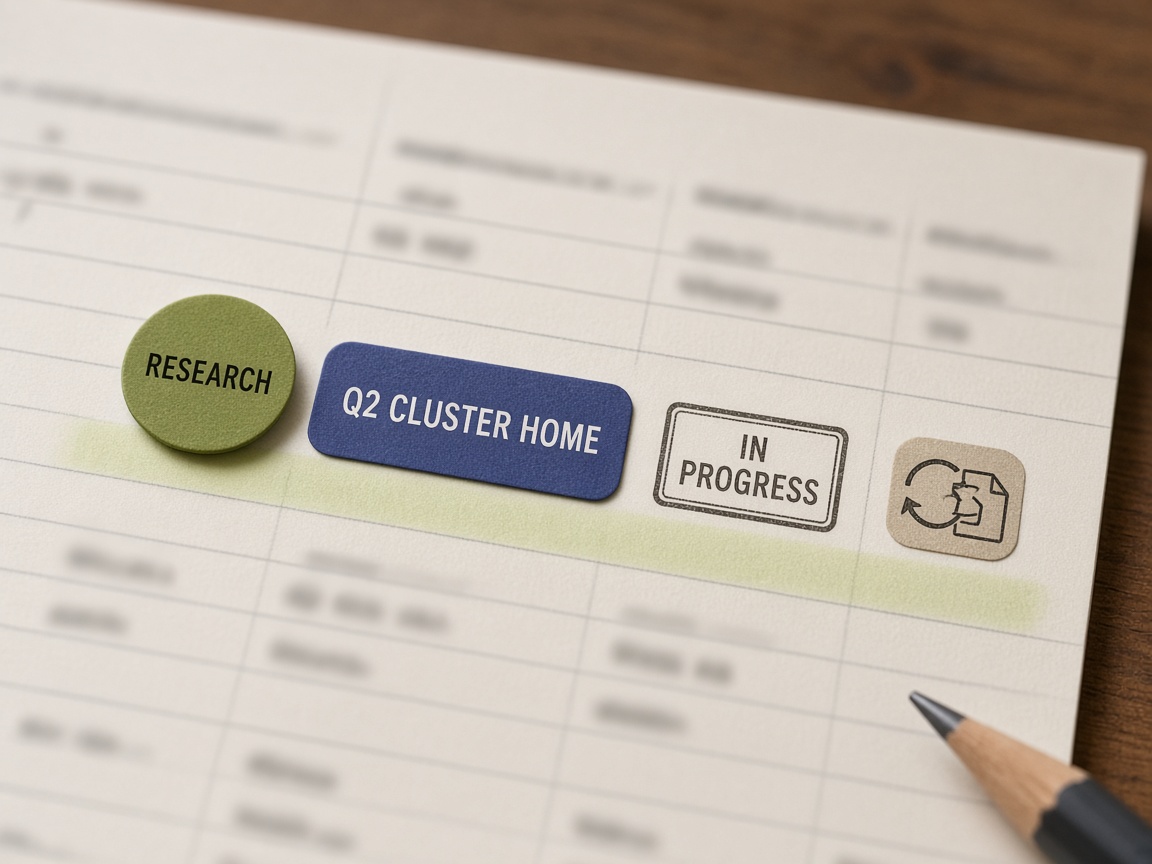
Once the brief lives off the row, the row itself has to stay unambiguous. Each row holds one primary keyword. The cluster is the home that URL supports, not a second target on the same line. Two keywords on one row is how pages cannibalize: it is really two posts competing with themselves. Keep the cluster name so you can see which hub the page serves.
A lean calendar uses one fixed status list and does not invent a status per campaign.
- idea
- briefed
- drafting
- in review
- scheduled
- live
- refresh due
- killed
New posts, light refreshes, medium refreshes, and merges stay on that same sheet as an action type, not as separate calendars. The decay columns worth keeping are URL, cluster or hub, action type, primary query, score, owner, status, baseline clicks, check date, and outcome notes. When a change ships, set the check date for 4 to 8 weeks rather than a vague revisit later.
Name one owner and leave them on the row. Changing the owner mid-cycle is the top reason articles miss publish dates. A success field, if you keep one, names a single win—a top-3 ranking, an AI citation, or demo signups—not a shared dashboard.
One row, one job — One primary keyword, one named owner, a fixed status, and an action type. The cluster is the home the row supports, not a second keyword on the line.
Which Search Console Signals Put a URL on Next Month’s Calendar?
Search Console, not an empty date cell, decides whether a live URL belongs on next month’s calendar. Book it when clicks fall about 20% or more while impressions stay stable or rise, when organic sessions drop more than 20% quarter over quarter, when a top-5 keyword falls below position 10, when a competitor ships a deeper pillar, or when stats and product references age out. That work is an action type—refresh or merge—on the same sheet as new posts, not a second spreadsheet.
Set the review dates on the row the day the page goes live, then keep them:
When a change ships, the check date stays 4 to 8 weeks. Fast topics should not wait 18 months between looks. Whether the fix stays on the same URL or starts a new brief belongs in the refresh-versus-new-page guide; the signal only earns the calendar row.
Flag it — Clicks down about 20% with impressions holding, or sessions down more than 20% quarter over quarter, is enough to book the URL next month—as a refresh or merge on the same calendar, with a review date already set.
How Much of Each Month Should Go to Updates vs New Articles?

A URL that earns next month’s row still loses if every slot is already promised to net-new posts. Solo and local teams are sized at 1–4 strong pieces a month. Plan 70–80% of topics as evergreen cluster work and reserve the rest for emerging queries, competitor moves, and sales requests.
On a mature blog, put roughly 50–70% of monthly capacity on decay and opportunity fixes and 30–50% on net-new, with at least 40% protected for data-tied work. A lighter weekly rule holds 15–25% of capacity for updates. A pillar can anchor supporting posts, but a one-person stack should not copy an 8–15 spoke factory.
Plan 3–5 internal links on the row before drafting so they land in the draft. Briefs shipped and time-to-publish under 21 days belong in the weekly review, not as extra columns. Each article owns one success check: a rank band, assisted conversions, or an AI citation. Leave overall publishing frequency to the cadence guide; do not re-size the rate here.
Capacity split — Keep most of a mature month for decay and opportunity fixes, and do not let a small team copy a spoke factory just to fill dates.
When to Kill a Calendar Row Instead of Moving the Date
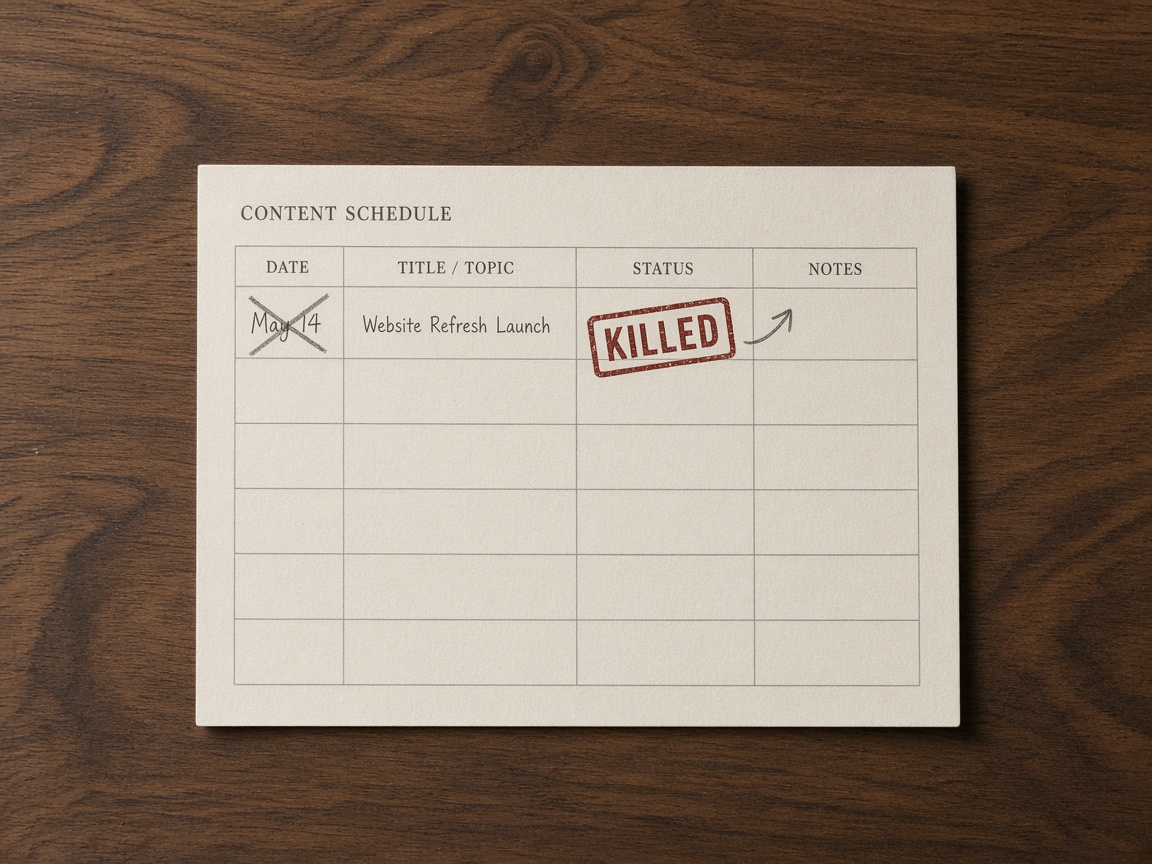
Once the month’s capacity is spoken for, a stalled row should not get another date. Fourteen days without movement means kill or restart, not another slide. Sliding the date only hides a row that never earned a slot.
A one-person team should fill publish dates only as far as review can stand behind—the next few shippable rows, not a quarter of locked dates. Leave open capacity for decay work rather than dating every idea.
Ahrefs finds that only 1.74% of newly published pages reach Google’s top 10 within a year for at least one keyword. Most new pages never earn that rank, or real traffic, inside a year, which is why an empty date is safer than a hopeful one. A sheet with a kill rule already beats a tool that only moves dates; you do not need to reopen the software question to enforce it.
Fail closed — Kill or restart a row after fourteen days of no movement, and date only the next few rows a one-person review can actually ship.
How to Track AI Citation and Zero-Click Risk Without a New Tool

Once a row can be killed instead of slid, the quieter risk is a publish count that looks busy while answers never get cited. For topics that are answer-engine targets, add one citation or information-gain note on the existing row. Do not add a new column set, and do not buy a tool to watch AI answers.
Zero-click is already the default, so that note only decides whether the one success check is a citation, a click, or an assisted conversion. A calendar that only counts publishes will look productive while citations and clicks stall.
Refuse to automate the date lock, the kill-or-restart call, owner assignment, and the choice of that single success metric. Reminders are fine. Readiness is not. If the note, owner, or brief link is blank, the date stays empty.
Fail closed — One citation note is enough to name the success check. Automate reminders, not the date, the owner, the kill call, or the metric.
Indexed Pages by Google Traffic
Key Takeaways
Open next month’s calendar and fill keyword, cluster, owner, action type, and brief link on every row before you type a single publish date.
Frequently Asked Questions
You Might Also Like
- Workflows Content Refresh Calendar: When to Update vs When to Brief a New Page
- Workflows SEO Content Calendar Template for a One-Person Publishing Stack
- AI Search When an AI Citation Should Trigger a Content Refresh
- Measurement How to Prioritize a Content Decay Audit When You Publish Weekly
- Publishing Brief Queue vs Editorial Calendar: Which Artifact Prevents Bottlenecks