SEO Competitor Content Gap Analysis: A One-Person Method Without a Suite

A content gap is not a longer keyword list. It is a missing or weak page for an intent a searcher already has, and most of those intents are already sitting in your own Search Console data. Queries in roughly positions 8 to 20 with real impressions are weak-page gaps: updating the URL that already ranks is faster than publishing another one.
Paid keyword-gap tools are optional, not the method. A useful pass can be run for $0 with Search Console and a rival sitemap, though that free view shows no search volume. Search Console also cannot see other sites, and its Queries export stops at 1,000 rows, so a large site has to filter by folder or topic before the sheet means anything.
The rest of this method is a filter, not a harvest. Compare three or four search competitors of similar size, group terms that share a live SERP into one page, and only then choose create, expand, merge, or skip. A raw export of hundreds of terms is noise: grouping often collapses a list of 400 keywords to about twelve real pages.
- Start inside-out: queries in positions 8 to 20 with impressions are update opportunities, not new URLs.
- Compare three or four rivals of similar size; a small site versus a giant publisher floods the list with unwinnable topics.
- Search Console cannot see competitors, so sitemaps, live SERPs, People Also Ask, and autocomplete stand in for a suite.
- Clean brand terms, wrong products, and junk before briefing; that cut often removes more than half the export.
- Decide create, expand, merge, or skip first, then feed a short sheet into the brief you already use.
What Is a Content Gap Analysis in SEO?
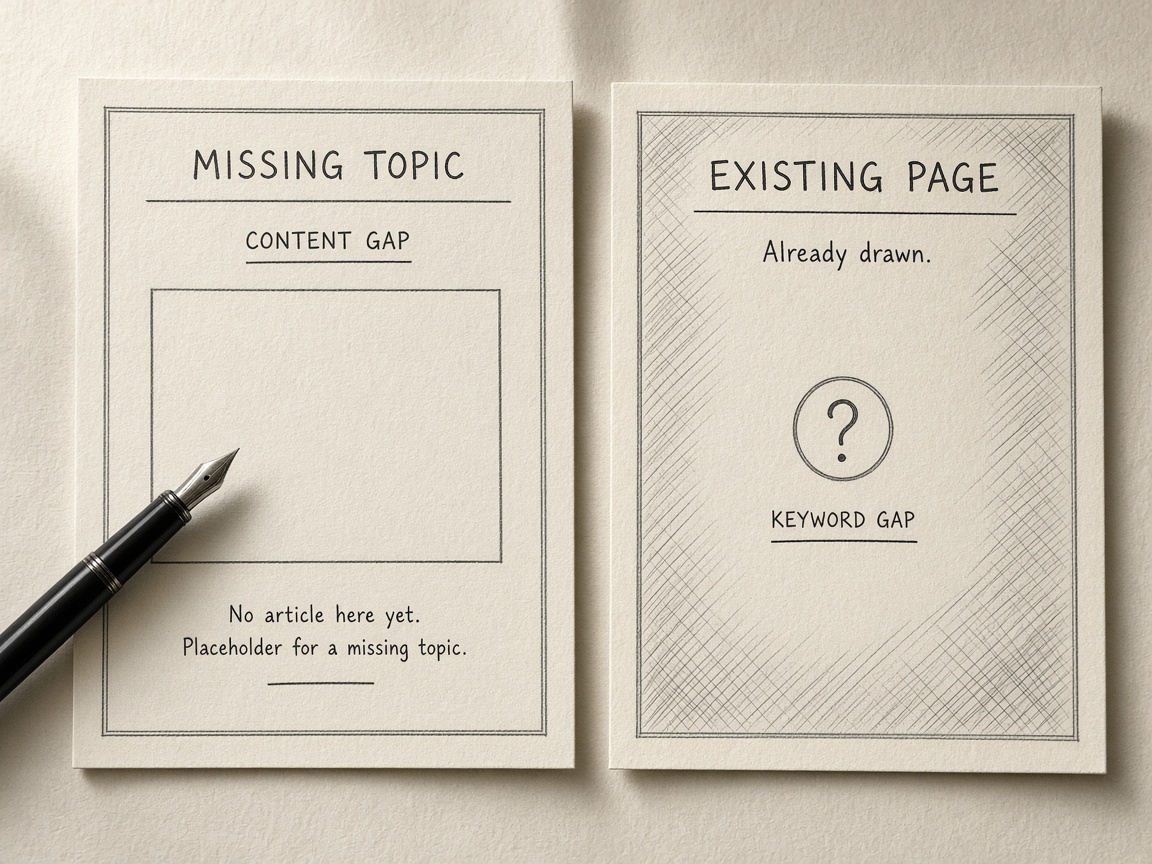
A content gap analysis in SEO is the step that turns “we should write more” into a decision: create, expand, merge, or skip. It looks for topics rivals already cover, and for intents your own pages miss or only half-answer, then stops there. It is not a keyword dump and not a shopping list of every term a competitor ranks for.
That distinction is the one that keeps a one-person site from drowning. A keyword gap is a query you do not rank for. A content gap is broader and more useful: a missing topic, a page that already exists but is too thin or too far from the search, or a format that does not match what the results actually reward. One missing query can sit inside a page you already have. Ten missing queries can still be one topic. Treating each as a new URL is how gap work turns into noise.
How a content gap differs from a keyword gap
- A keyword gap is a specific query with no ranking of yours behind it.
- A content gap is the missing topic, the weak page, or the wrong format that explains why those queries are absent.
- The useful output is an action—create, expand, merge, or skip—not another column of terms.
Keep this pass operational. The artifact is a short sheet that feeds the brief and calendar you already use, plus a quick check that you are not splitting one intent across two URLs. You do not need a suite tour to do that. You need a clear line between “we lack a page for this intent” and “we already have a page that should own it.” Everything after that—who to compare, which queries are near page one, which exports to ignore—only works if that line is drawn first.
Not a dump — A content gap is a missing topic, a weak page, or a mismatched format, and the analysis is finished only when each gap has a create, expand, merge, or skip decision—not when the keyword list is long.
Which Competitors Should a One-Person Site Compare?

With the gap defined as a decision—create, expand, merge, or skip—the comparison set is what keeps that sheet usable. A one-person site should compare three or four search competitors of similar size, not the largest publisher in the niche.
Size is the filter most people skip. Compare a 500-post blog with a 50,000-page publisher and the gap list fills with topics you cannot win this year. A few hundred posts set against tens of thousands of pages is not a fair contest: the giant’s archive covers intents, formats, and supporting clusters a solo site cannot match in one planning cycle. Those rows look like opportunities and behave like a backlog you will never clear.
Shared results, not brand names
Choose rivals who already rank for queries you appear on, then add one peer you consistently lose to on those same results. That keeps every row tied to a page you can actually move. Ignore brand-only competitors—sites people search by name, or brands whose rankings come from product demand rather than topical overlap. They inflate the list without giving you a page to write, expand, or merge.
Match the field — Compare three or four search rivals of similar scale who already share your results, not the biggest publisher in the niche.
How Do I Find Content Gaps in Google Search Console?
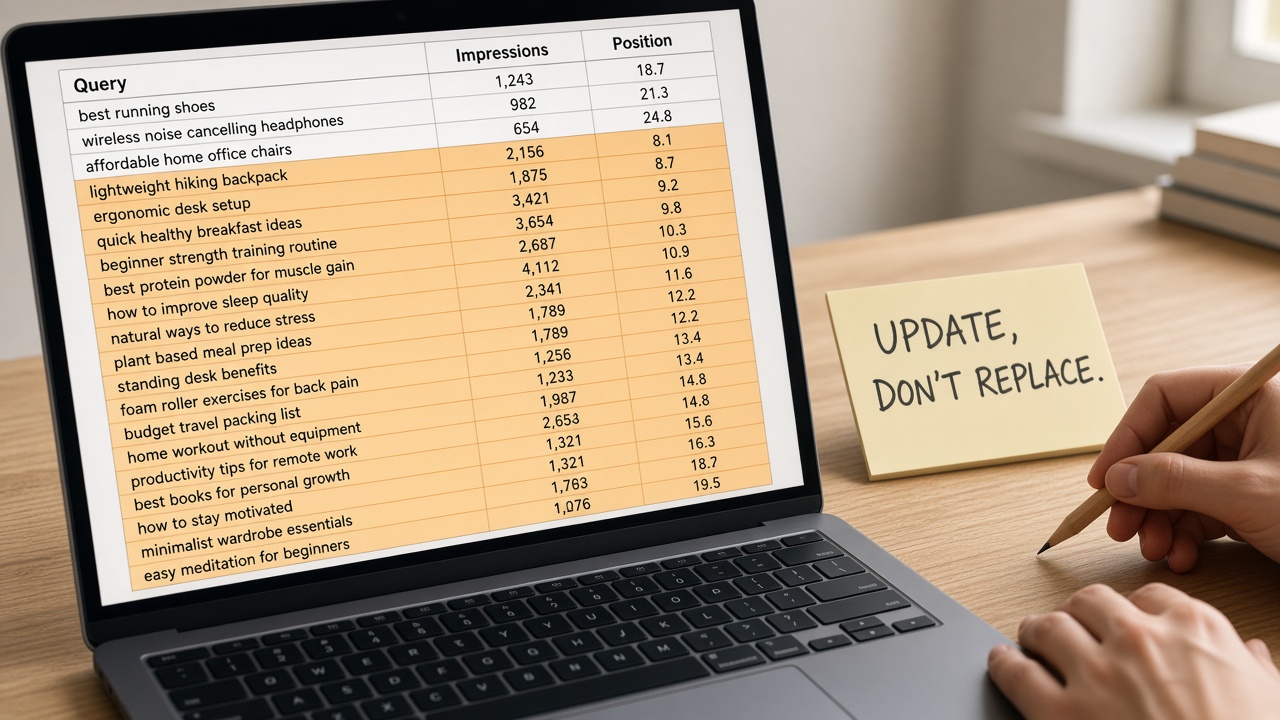
You find them inside your own Queries report, not in a rival export. A striking-distance or weak-page gap is a query you already earn impressions for, sitting roughly in positions 8 to 20: the URL exists, the intent is close, and the job is to update that page rather than publish a twin.
Start inside-out. Open Performance, switch to Queries, and export. The Search Console Queries export used in a free gap pass stops at 1,000 rows, so if the file hits that cap, filter by folder or topic before you hunt gaps. A sitewide dump hides the pages you can actually move this month. Sort what remains by impressions and keep only queries with real visibility in that 8-to-20 band.
What a striking-distance or weak-page gap looks like
Positions 11 to 20 are the highest-yield free pass, and most sites have about thirty easy wins there. Those queries already cleared the hardest step: Google is showing your URL. A new post would compete with that URL instead of helping it. Treat positions 8 to 20 the same way even when a few sit just inside page one. The page is weak relative to the query, not missing.
First Page Sage's 2026 blended organic CTR study, drawn from 1,184 domains between March and August 2026, put position 1 at 7.1% and position 5 at 0.7%. That drop is why moving an existing page beats launching a twin: a small rank gain on a URL that already appears is worth more than another URL starting from nowhere. If two of your URLs already split the query, stop and run a Search Console cannibalization check before any expansion brief. Merging or consolidating comes before rewriting either page.
Update, don't duplicate — Search Console gaps worth acting on are queries you already almost rank for, especially positions 11 to 20. Update the URL that earns the impressions, and pause if two URLs are splitting the same query.
Organic CTR: Pos 1 vs 5
How Do I Run a Competitor Content Gap Analysis Without Ahrefs or Semrush?
Search Console already showed the queries you almost rank for. It cannot see other sites, so a competitor content gap analysis without Ahrefs or Semrush uses a rival sitemap plus the live results page. That pass can be run for free. It is slower, and it shows no search volume—do not invent one.
Paid keyword-gap plans, checked on 27 October 2026, ran about $140 a month for Semrush, or $117.33 a month billed yearly, and $399 a month for Similarweb, or $333 billed yearly. A manual pass is the alternative to a roughly $200-a-month suite: free tools, search operators, a spreadsheet, and reading the pages that actually rank, not only comparing keyword lists.
How do I pull a competitor's topics from a sitemap?
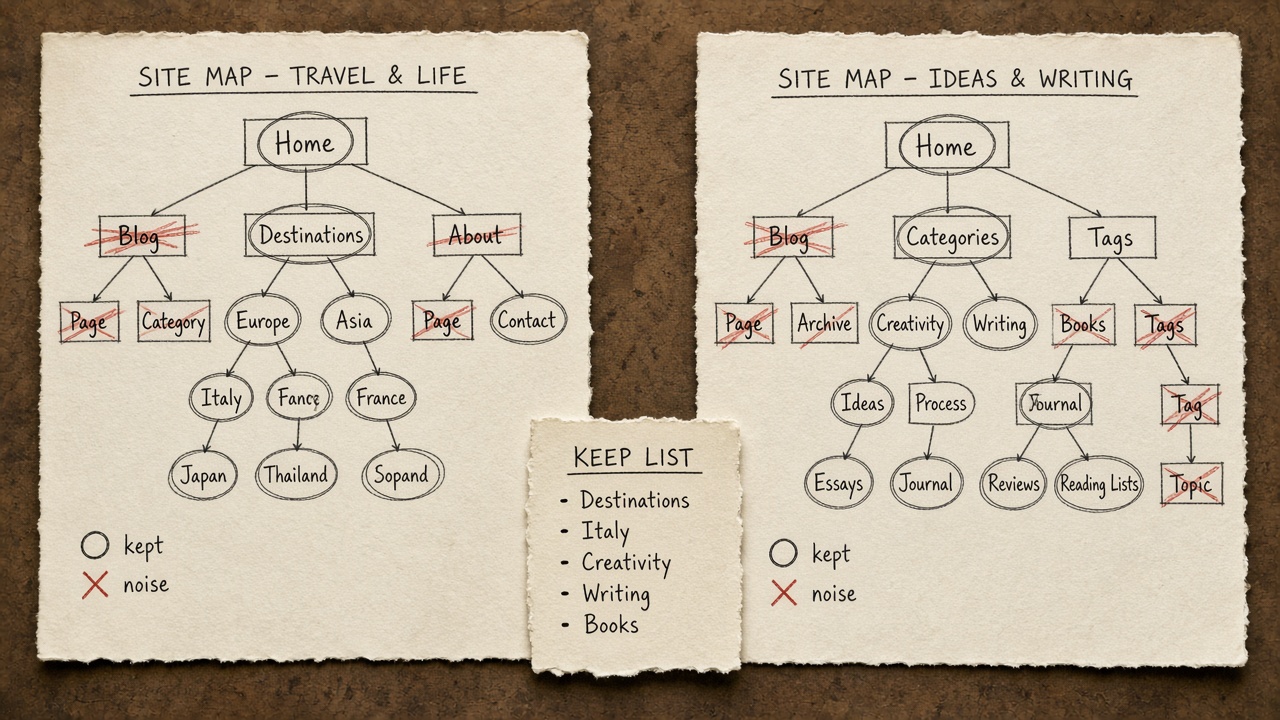
Open the rival sitemap or sitemap index, usually linked from robots.txt, and list URLs and titles. Diff that list against your own URLs. Keep only topics you do not already cover with a similar page, then throw out repeated words that are not topics—product names, cities, dates, and filler in slugs.
A worked free comparison of 562 posts against a rival's 1,308 flagged 274 repeated topic words the smaller site never used. Only six of the top 40 were real topics. The rest was noise that a keyword dump would have briefed. For each of those six, open the live results and note whether you need a new page, a stronger existing URL, a merge, or a skip. This free pass still shows no search volume, so do not guess it.
Skip the suite — A $0 competitor gap is a sitemap diff plus the live results page: most repeated words are not topics, and missing volume is not a reason to guess it.
How to Use People Also Ask and Autocomplete for a SERP Gap
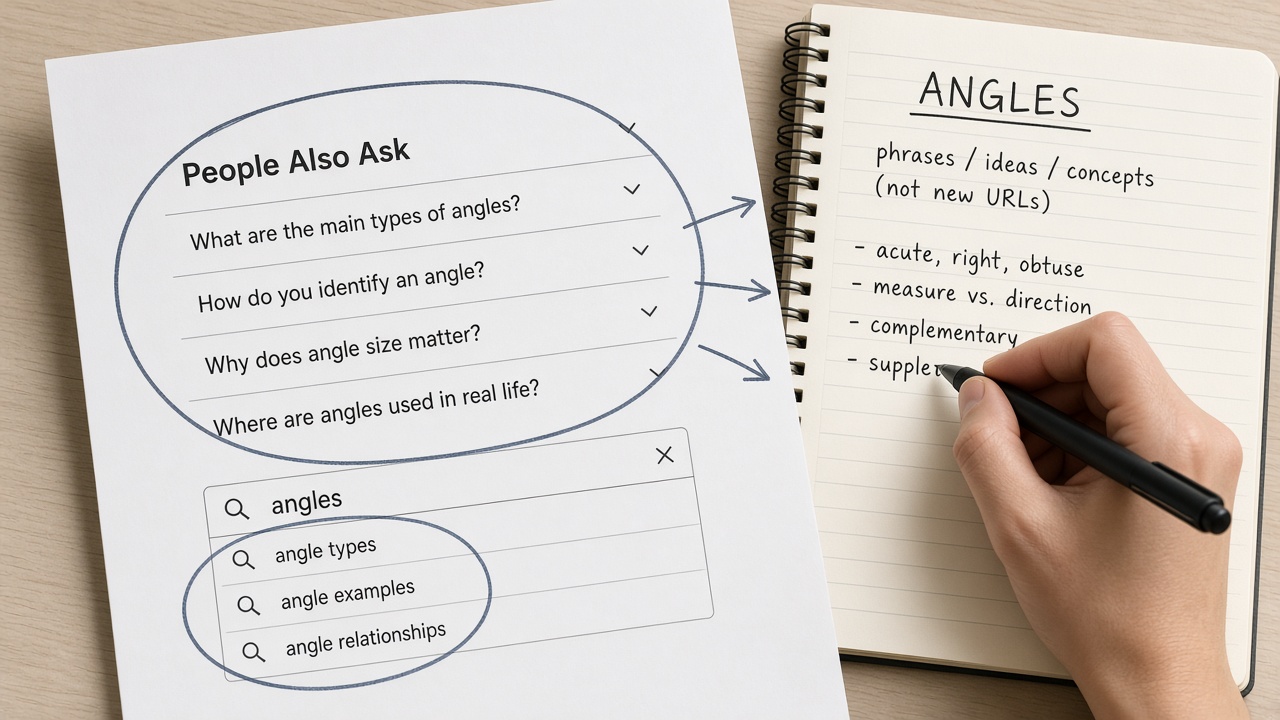
Once the sitemap diff and the live results are in front of you, People Also Ask and autocomplete are the next pass—not a second keyword list. Use them to collect questions the results page already groups with the topic, and log each one as an angle on the page that should own it. Do not turn a People Also Ask box into a URL to copy, and do not brief a new post for every suggestion. Expand a few boxes on the query you are comparing, type the same stem into the search box, and keep only the questions that share one job.
That collection is a SERP gap, not a keyword gap. A keyword gap is only a term you do not rank for. A SERP gap is a missing intent, format, or question on the live results: the comparison the top pages all include, the steps the snippets answer, or a grouped question none of your URLs cover.
Search Console cannot see competitor rankings, so those rival questions never appear in your export. A paid index is the usual way to see what other sites rank for, but it still does not replace reading intent and format on the live page. If the top results answer a different job than yours—a product page where you planned a guide, or a local pack where you planned an article—skip the gap instead of briefing a mismatch.
Skip the mismatch — People Also Ask and autocomplete are angles for one page, and a SERP gap is a missing intent, format, or question—not merely a term you do not rank for. If the live results answer a different job, skip it.
How Many Keywords Should Become One Page?
Those question angles from the live results still do not each earn a URL. How many keywords should become one page? One page per shared topic, not one page per gap term. If four or more of the top 10 results match for two queries, they answer the same job and belong on the same URL. Should you update an existing page or publish a new one? Update when a page already owns that intent and sits near page one. Publish new only when no URL on the site owns it.
A raw list of about 400 keywords is not a content plan. Grouping them into topics often collapses the list to roughly twelve real pages. The long tail makes a one-URL-per-term habit even less sensible: Ahrefs reports that keywords with fewer than 10 monthly searches make up almost 93% of its US keyword database, about 2.3 billion keywords. A one-person site cannot brief a post for each of them, and most would never justify a standalone URL.
The choice sits on ownership, not on how tempting a term looks in an export.
That bias toward expansion is practical, not timid. In a 2025 study, only 1.74% of newly published pages reached the top 10 within a year, so writing another URL is usually the slower path. Send only the survivors — the grouped topics, each marked update or create — to the brief and calendar you already run. Leave the rest of the export off the sheet.
One page — If four or more of the top 10 results match, those keywords are one topic and one page. Update the URL that already owns the intent; publish new only when none does, and brief only those survivors.
When Should a Gap Be Merged or Skipped?
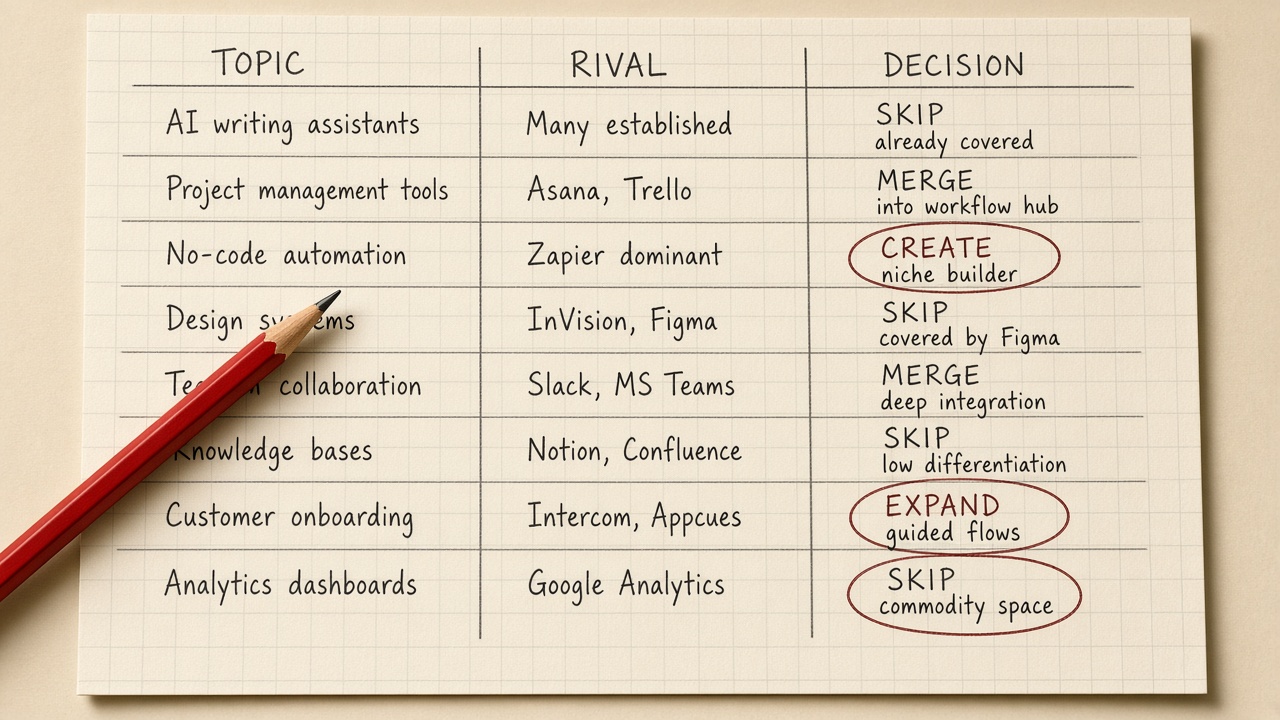
A gap earns a brief only after you decide it is not a merge or a skip. Merge when two of your URLs already split one intent: pick the stronger page and fold the other in, rather than publishing a third. Skip brand terms, products you do not offer, wrong intent, and results you cannot win this year. Those rows are noise, not a backlog.
Cleaning is what makes that call possible. Removing brand names, off-catalog products, and junk often cuts a competitor gap export by more than half. Publishing a page for every leftover keyword only adds to the pile Ahrefs found in its 2023 study of about 14 billion pages: 96.55% get no traffic from Google at all.
Score what remains for information gain, from 1 to 5. A 1 is a rewrite of the current top results with nothing new to add. A 5 is a clear angle those pages do not cover. A missing keyword is not a reason to brief a rewrite of pages that already answer the query.
What fields belong on the content gap sheet
Keep the sheet short enough that you will actually fill it. One row is enough if it holds:
- Topic
- Your URL, if any
- A rival URL, as reference only
- Intent and format
- Information-gain score
- Action: create, expand, merge, or skip
- The reason for that action
Only create and expand rows that clear that gate move to a brief. Merge rows go to the cannibalization check first, so you do not brief a new URL while two of yours already fight for the same intent.
Gate first — Merge split intents, skip brand terms, off-catalog products, wrong intent, and unwinnable results, and brief only create or expand rows that score real information gain.
How Often Should a Solo Operator Rerun a Content Gap Analysis?

Once the short sheet is the only list you brief from, rebuild it after you ship a batch. A full pass on a tight fixed schedule is wasted work: striking-distance queries move faster than rival sitemaps, and a competitor URL list changes far more slowly than those queries.
Yes, content gap analysis still matters for AI answers and citations, and the same sheet should log that gap. Classic rankings alone understate it. When an AI Overview appears, clicks to the number-one organic result can drop by roughly 58%.
One answer-engine run is not evidence. Across 972 repeated runs of 42 prompt-engine pairs from February to October 2026, 42.9% flipped between mentioning and not mentioning the brand at least once. Do the AI check by hand with free tiers, Search Console, and the spreadsheet you already keep, and trust a miss only if it repeats.
Do not brief a page per sub-query either. In an AirOps study of 15,000 prompts in March 2026, ChatGPT generated two or more fan-out queries for 89.6% of searches, and 95% of those fan-out queries had zero monthly volume. Note the angle on the existing topic row, then stop. The sheet still feeds the brief, the calendar, and the cannibalization check; the cadence is what keeps that list honest.
Cadence — Rerun after a shipped batch, log an AI or citation gap only when the miss repeats, and never brief a zero-volume fan-out query as its own page.
Key Takeaways
Open Search Console, pull the queries already sitting in positions 11–20, and fill the short sheet with create, expand, merge, or skip before you brief a single new page.
Frequently Asked Questions
You Might Also Like
- Measurement Search Console for Content Ops: Queries That Should Become Briefs
- Quality Content Cannibalization Audit: How to Merge, Redirect, or Hold Overlapping URLs
- Guides How to Find Cannibalizing Pages in Search Console Without a Paid Tool
- Workflows How to Find Long-Tail Keywords Without a Big Research Stack