How to Find Cannibalizing Pages in Search Console Without a Paid Tool

Search Console has no cannibalization report. The official path is Performance, then Search results: open Queries, click the query, and open the Pages tab. Google’s own help text is direct: view the Pages tab to see which URLs were shown. That tab, not a paid dashboard, is where a real split becomes visible.
The chart can hide the problem you came to find. Performance data is aggregated by property, so if two results from the same site appear for one query, they count as a single impression in the chart total. Query-grouped totals and page-grouped totals can disagree for the same reason. Multiple URLs on one query are a candidate, not a verdict. John Mueller has said three pages in one result are not a problem just because there is more than one, and pages are not duplicates merely because they appear together.
This check stays fail-closed. Use at least the default three-month window, drop branded queries, and log a split only when impressions are material, positions compete or swap, and the intent is the same. A deep, low-impression second URL is noise. Anchors, parameters, and canonical duplicates are a different problem, and nothing in this audit is a reason to merge yet.
- Search Console has no cannibalization report; the Pages tab shows which URLs were shown for one query.
- Chart totals can hide a split because two results from the same site count as one impression.
- More than one URL is a candidate, not proof of cannibalization or duplicate content.
- Confirm only material, same-intent splits over at least the default three months, and skip branded queries.
- The UI table stops at about 1,000 rows and one dimension, so a full query-and-page join needs the free Search Console API.
How to see which pages rank for one query
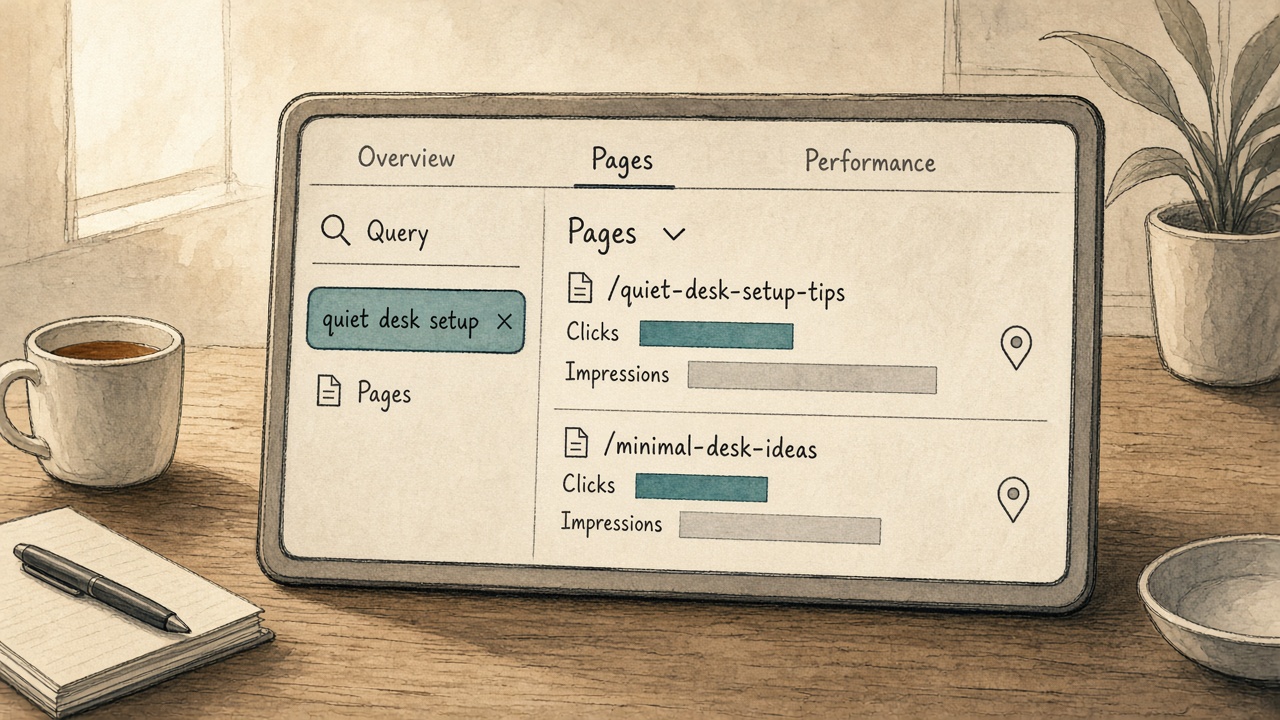
Search Console has no keyword cannibalization report, and no threshold that says merge. To see which of your pages were shown for one query, open Performance, then Search results, then Queries. Click the query and open the Pages tab. Google’s own help states it directly: view the Pages tab to see which URLs were shown.
Run that path on the exact query you might brief next, before you write. Custom regex filters, available since April 2021, can group close query variants in one view so a near-duplicate search is not missed. Stop at the Pages list. Do not treat the chart total as the list of competing URLs: query-grouped data is aggregated by property, so two URLs on one results page can count as a single impression in the chart. Only the Pages tab separates them.
The path — There is no cannibalization report. Click the query, open Pages, and read the URL list — not the chart total.
Is it bad if two pages show for the same keyword?

No — not by itself. Two of your pages on the same keyword are a candidate, not a verdict. John Mueller said three pages in one result are not a problem merely because there is more than one, and Search Console only lists pages that were actually shown.
Those pages are not duplicates just because they appear together. A hand review of 80 multi-ranking keywords, drawn from about 9,700 cases, found only one that needed action.
Confirm a split only when it is material. A practical gate is a flip rate above 0.2 and a top click share below 70 percent. A 90 percent click share with no flips is a double listing, not cannibalization.
A deep, low-impression second URL is noise. Average position is the average of the topmost result, not a permanent rank for every URL, so a position gap alone is not proof.
Require the same intent. Pages that do different jobs stay separate. Name same text versus same intent using the existing cannibalization-versus-duplicate-content guide, and do not merge from this screen.
Not a verdict — Two shown URLs are cannibalization only when the split is material — flip rate above 0.2, top click share under 70 percent — and both pages serve the same intent.
Cannibalization cutoffs vs. real fixes
Which date range to use, how to spot a URL swap, and why branded queries don't count
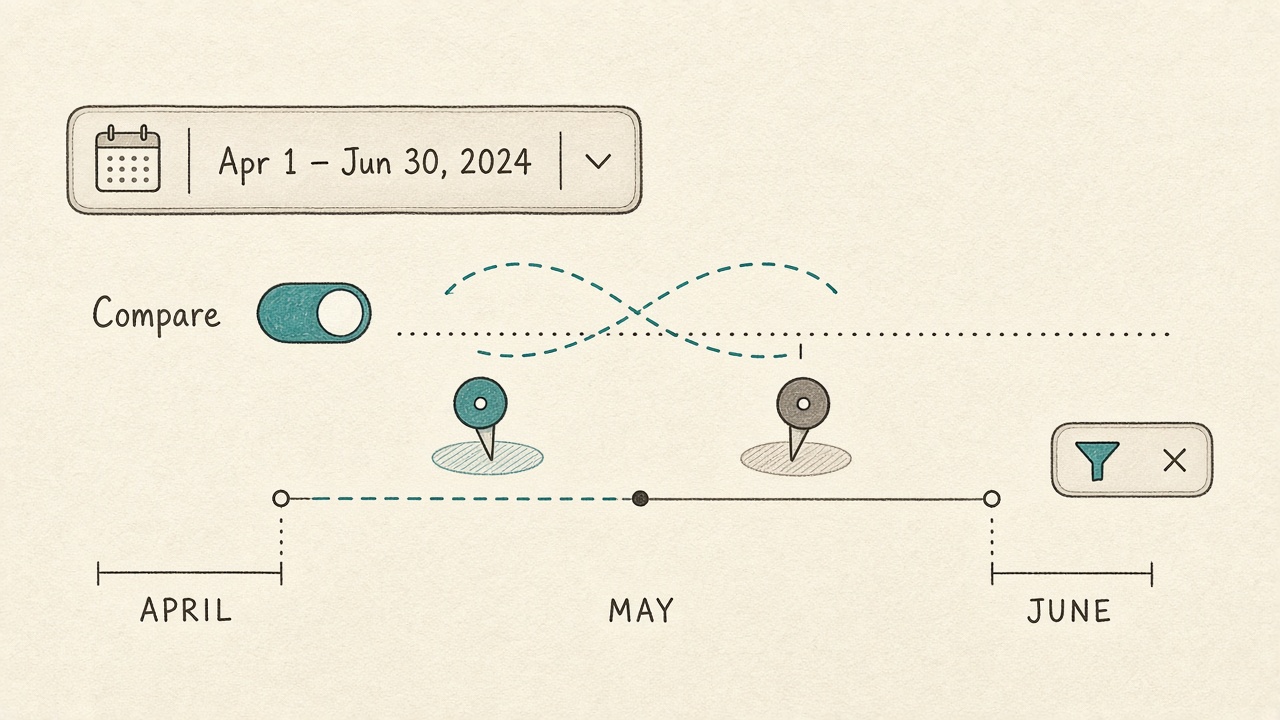
Do not log a split from that Pages list until the window is long enough to show a pattern. Use at least the default three-month Performance view of clicks and impressions. A short range turns a one-off appearance into a false conflict.
To see whether Google is swapping which URL ranks, compare two periods, or open the same query filtered to each URL, and note whether the leading URL flips. Record that flip as swap evidence, not as an automatic merge.
Ignore branded queries. Homepage, About, and contact pages are supposed to show together for the brand name, so co-appearance there is not cannibalization.
The branded and non-branded filter has data from 11 March 2025, with a 16-month history from that introduction. It is unavailable on low-impression sites and on URL-prefix sub-properties. If the filter is missing, exclude brand terms by hand before you log anything.
Log only this — A three-month window, a documented leading-URL flip, and non-branded queries are what turn a Pages list into a loggable split — not a one-week blip or a brand query the homepage is meant to own.
Why chart totals and the Pages table don't match
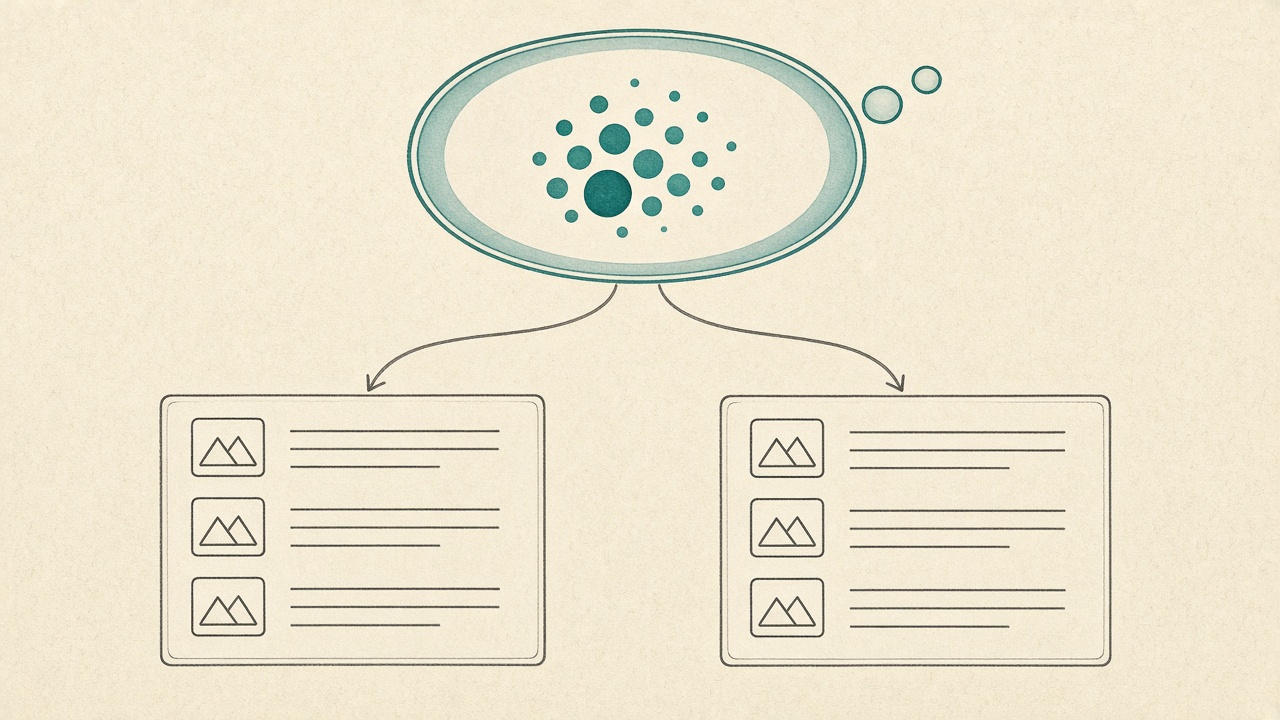
Once branded queries are out and the window is long enough, the chart can still look like one clean ranking. Chart data is aggregated by property, so two results from the same site on one query count as a single impression. A split can hide under that single number.
The table will not agree, and that is expected. Data grouped by Queries is aggregated by property, while the Pages tab is aggregated by page — the view that separates the URLs.
Some queries are omitted for privacy but still count in chart totals unless a query filter is applied. Grouping by page and query can also drop rows so the result can be computed with limited resources. Neither the gap nor a missing row is a hidden cannibal, or proof the site is clean.
Decide from the filtered Pages rows, not from the chart number.
Judge the Pages rows — Property-level aggregation hides a split in the chart; privacy omissions and dropped page-and-query rows explain the rest. A split is real only when the filtered Pages rows show it.
How to export past 1,000 rows — and why query groups are not the report
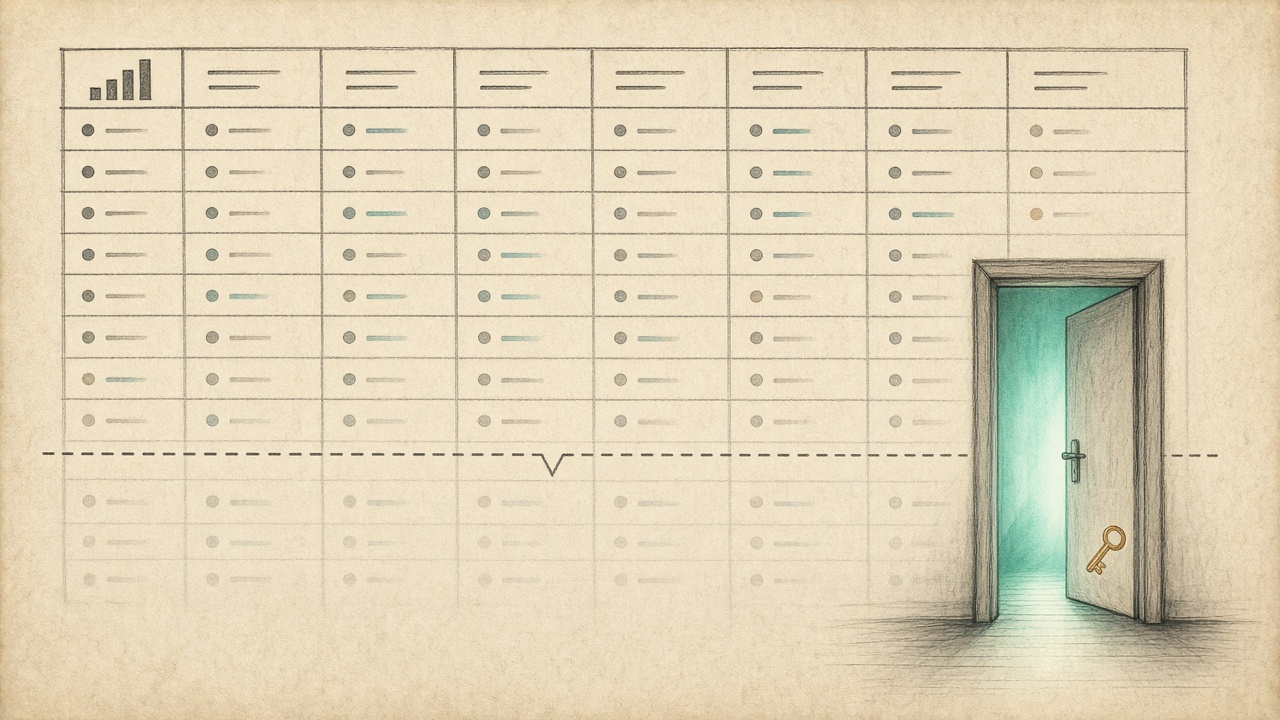
The free way past that wall is not another Search Console screen. The Performance table cannot list query and page side by side and shows at most 1,000 rows, and a UI export hits the same wall. Query groups do not show competing pages either.
For a one-person site, stay in the interface on the queries you might actually brief. Use a free pull only when that cap hides the query-and-page join.
The Search Analytics API returns at most 25,000 rows per response and exposes a maximum of 50,000 rows per day per search type. BigQuery bulk export is the other free bulk door. Do not buy a cannibalization tool for this step, and do not build a pipeline just to see the join.
That list is still partial. Anonymized queries and page or query grouping drop rows. Query groups, added to Search Console Insights in October 2025, cluster similar queries. They do not show when two pages compete, so they are not a cannibalization report.
Past the cap — Stay in the UI unless the 1,000-row cap hides the join; the free API or BigQuery can extend the list, but query groups still will not show two pages competing.
Canonical problem, or two real articles?

A partial export or a query group still will not separate a canonical duplicate from two articles. Most performance data in this report is assigned to the page's canonical URL, not to a duplicate URL, so a click on the duplicate does not create a second Pages row. If an anchor, a parameter, or a near-duplicate path still shows, fix canonicals before you call those URLs two articles.
Two real articles are two distinct URLs that each do a job. Same intent plus a material split is the only row that leaves this worksheet. Identical text is a duplicate-content problem: name the existing guide on the brief, and do not merge it from this log.
Recheck that query before the next brief on the topic is queued, and once more after the new URL has impressions inside the three-month window. Do not recheck daily.
Hold the merge — A second URL is two articles only when both do a job, share intent, and show a material split. Anchors, parameters, and canonical duplicates get fixed first; a blank intent stays on the log.
Key Takeaways
Before you brief another page on a topic you already cover, run this Search Console check on the exact non-branded query and log a split only when the Pages rows meet the flip, click-share, and intent tests.
Frequently Asked Questions
You Might Also Like
- Strategy Keyword Cannibalization vs Duplicate Content: Which Problem the Brief Should Name
- Guides Update vs Rewrite: A Decision Rule for SEO Articles
- Measurement Search Console for Content Ops: Queries That Should Become Briefs
- Guides SEO Content Brief Examples for Product, Comparison, and How-To Pages