Content Pruning: When to Noindex, Redirect, or Delete Pages That Are Not Compounding

Quiet pages are not automatically dead weight. Google has said that removing a lot of older content mainly to make a site seem fresh will not help rankings. Content pruning is useful only when a URL is not compounding: it no longer serves a real reader or business purpose, it is not worth updating or merging, and leaving it indexed adds unhelpful inventory rather than a path someone still needs.
The wrong shortcut is treating zero clicks as the action. In one documented crawl, the team kept 386 pages, and 213 of those also had zero clicks, including pages the business still needed. Traffic is a flag. Purpose, inbound links, and whether a close replacement exists decide whether you hold the URL, drop it from Search with noindex, permanently redirect it, or let it return a 404 or 410.
Google has also said that removing unhelpful content could help the rankings of a site's other content, because a high share of unhelpful pages is a site-wide signal. That is not an overnight ranking hack: sites identified by that kind of signal may find it applied for months, not days. The rest of this guide is the disposal card for that decision — what each status actually does, and the checks that have to pass before you change one.
- Content pruning is a disposal choice — hold, update, noindex, 301, or remove — not a freshness tactic.
- Zero clicks flags a page; purpose, links, and a close replacement decide the action.
- Use a 301 only when a genuinely relevant replacement exists; otherwise a 404 or 410 is the honest removal.
- Noindex drops a page from Google Search only if Googlebot can crawl the tag, and a robots.txt block can hide it.
- Removing unhelpful content can help the rest of the site, but any site-wide signal can take months to lift.
What Is Content Pruning in SEO, and What Is a Zombie Page?
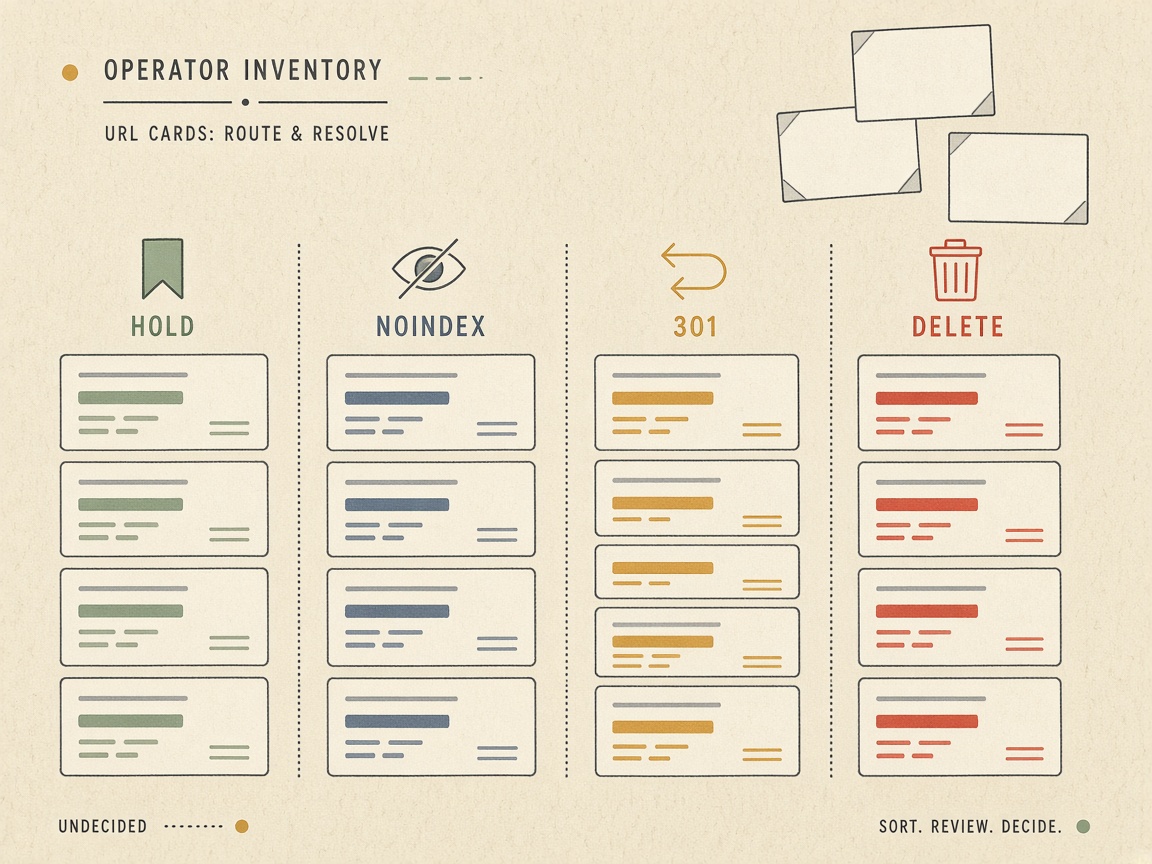
Content pruning in SEO is the disposal decision for one URL that is not compounding: update it, merge it, 301 it, noindex it, or return a 404 or 410. It is not a freshness stunt, and it is not a call to retire a whole topic. Hold the page if it still has a user job, a scheduled refresh, or links without a genuinely close replacement. If none of those apply, pick one disposal and stop. Pairing a noindex with a redirect, or deleting a URL you also plan to merge, leaves crawlers and users with conflicting signals.
Taking pages down only so the site looks newly published will not help the URLs that remain. Traffic shape is a flag, not the verdict. Purpose, links, and whether a close replacement exists decide the action. A quiet page can still be doing a job, and a page that once earned traffic is not automatically dead.
A zombie page is not a decaying page
A zombie page is indexed, crawlable, and purposeless: no real query, no user job, and no links worth preserving. A decaying page is different. It once compounded, then slipped. Across 719 editorial pieces, the typical article peaked a median of four months after publishing and then lost about 76% of peak traffic within three months. That curve is decay, not proof the URL is a zombie. Send it to a content decay audit before you prune it.
Do not use this card on confirmed overlap. Those URLs belong in a cannibalization audit, then a merge, redirect, or canonical rule. A whole topic that never compounded belongs to the kill-a-cluster rule, not a page-by-page prune.
One disposal — Content pruning is one disposal for a URL that is not compounding — update, merge, 301, noindex, or 404/410 — and only after a hold check. A page that peaked and then lost most of its traffic is decaying, not a zombie.
Should I Delete Every Blog Post With Zero Clicks?
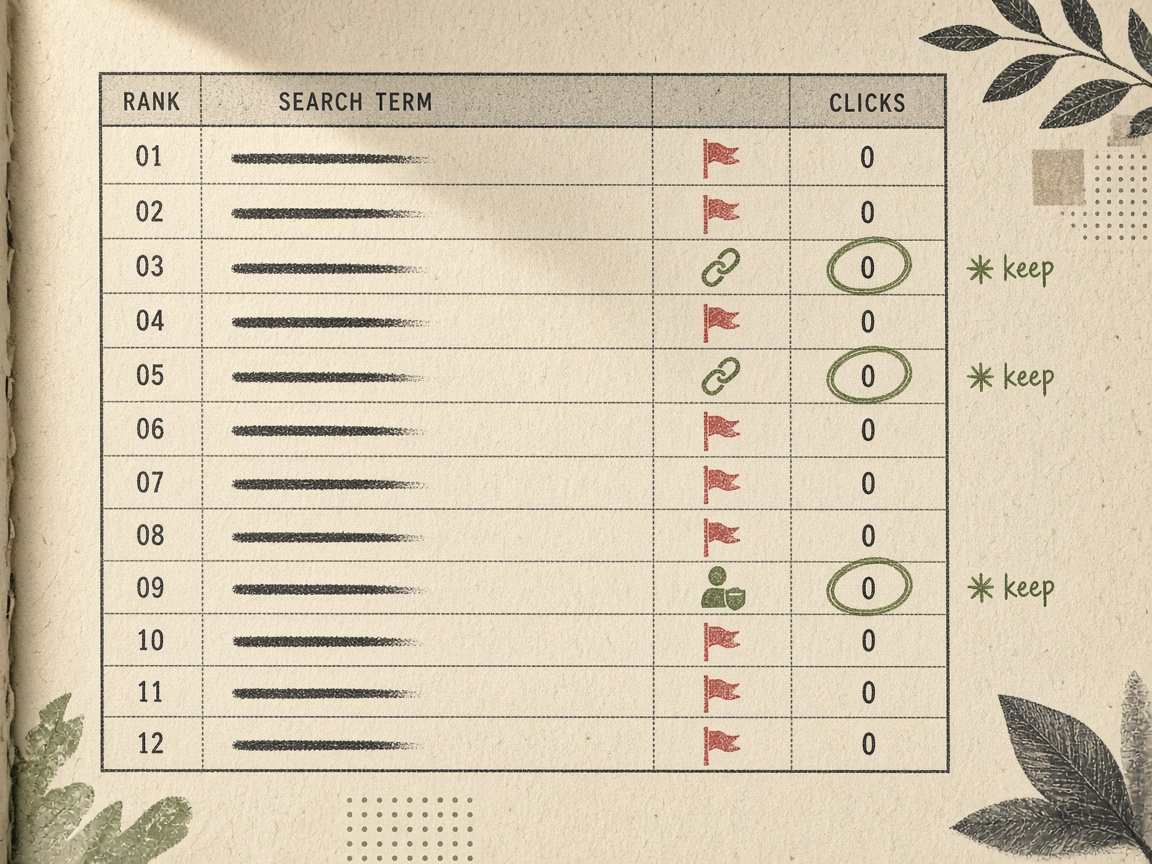
No. Zero clicks is a flag, not a delete verdict. In the Search Engine Land prune, the team kept 386 pages, and 213 of those also had zero clicks — including pages the business still needed. A blank click column only tells you to look harder at purpose, inbound links, and whether a genuinely close replacement exists. It does not tell you to dispose of the URL.
Pull at least 16 months of Search Console history if the property has it, then compare a recent 90-day window with the same window a year earlier. A short window hides seasonal pages and URLs that index slowly. A post that looks dead this quarter may have been the seasonal answer last year, or it may still be waiting to be crawled into the index. Judge the row against that longer baseline before you pick an action.
In that December 2024 crawl of 600 URLs, 198 pages — one third — were removed. They had earned 144 clicks between them, about 3.1% of site clicks, and 140 of them had never earned a click. After the prune, clicks rose 37% and sessions rose 55%, while top-10 rankings rose 3%. The author’s warning still stands: the chart does not prove pruning caused the growth. Treat those lifts as context, not as a promise that deleting quiet URLs will move the rest of the site.
Traffic was already concentrated. The homepage and the client login page drove 62% of clicks in that crawl, so a support URL can look dead simply because it is not a traffic page. Prune against that baseline. Keep a zero-click row when it converts, serves logged-in users, is the only page for a real query, has links, or is already scheduled for a refresh. Those jobs are reasons to hold or update, not reasons to delete.
Flag, not fate — Zero clicks starts the review; 16 months of Search Console, plus purpose, links, and a close replacement, decide whether the page stays.
Reported gains after the prune
Can Weak Pages Hurt Rankings of Pages That Are Compounding?

A URL you correctly keep can still sit beside pages that should not stay in Search. Yes: a high share of unhelpful content can drag the rankings of pages that are compounding. Google has said removing unhelpful content could help the rankings of a site's other content, because that share is a site-wide signal — not because the calendar looks newer. Deleting old posts does not make Google treat the site as fresh. Google says deleting or adding a lot of content only to seem fresh will not help rankings. If that freshness myth is the only motive, do not prune.
Do not expect an overnight lift either. If unhelpful content is removed, Google said the helpful-content signal may stay applied for months, not days. Indexing low-quality content can still hurt rankings, and removing it is the surest way to keep it out of Search. That is a quality reason, not a freshness reason. The point of the disposal is to stop a purposeless URL from remaining indexed and crawlable, not to manufacture a newly published site.
When a lift shows up, treat it as a case, not a guarantee. Seer's insurance client went from an average 17.3% year-over-year traffic decline to a 23% year-over-year increase within six months after pruning, and high-value sections gained 8% more crawler hits within five months. A slipping URL that still has a user job belongs in the monthly content decay audit, where an update or a scheduled refresh is the right next step. This decision is only for pages that fail the hold tests.
Quality, not freshness — Unhelpful pages can drag compounding ones as a site-wide quality signal, and that signal may take months to lift. Deleting old posts just to look fresh will not help rankings.
When to Noindex a Page Instead of Deleting It
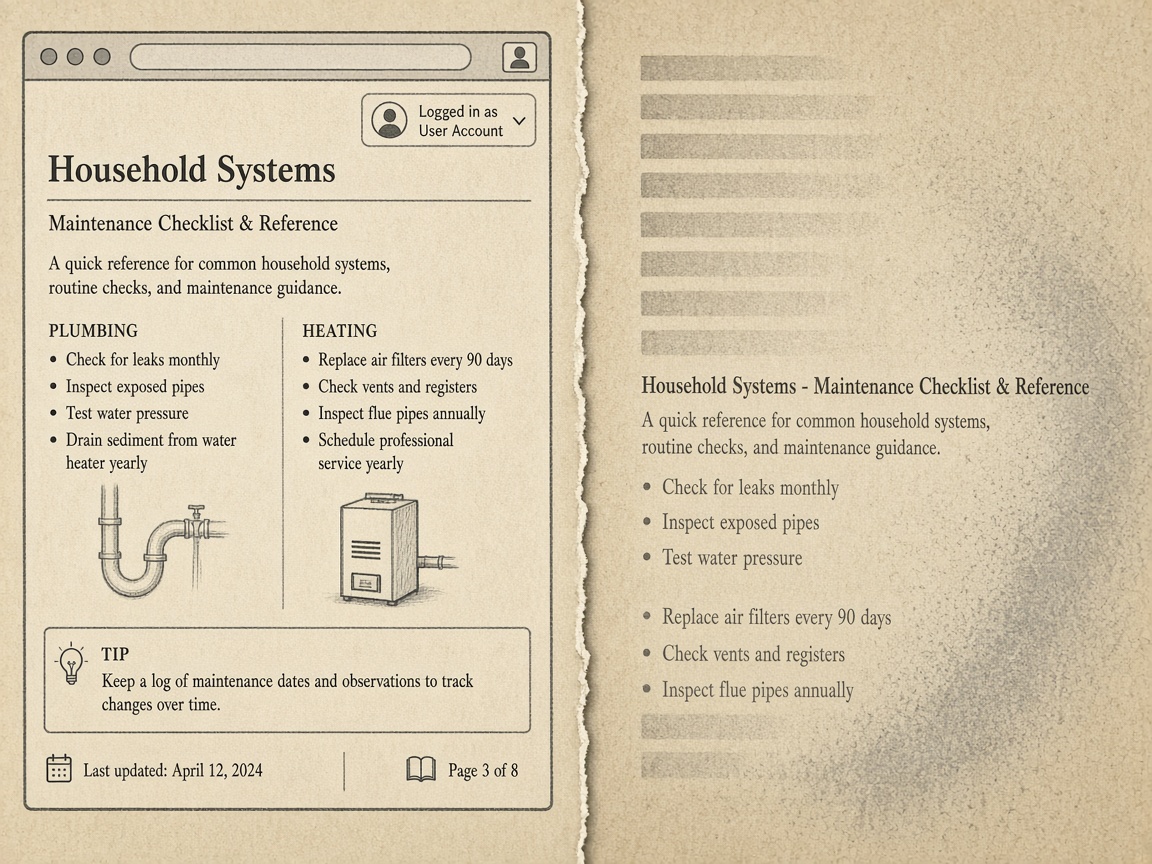
Once a URL fails the hold tests, the split is whether anyone still needs to open it. Noindex when the page must stay live for users — a login, a thin utility, a legal notice, or a paginated archive — but should leave Google Search. Delete it, or return a 410, when nobody should land on it at all.
A noindex meta tag or an X-Robots-Tag header is the mechanism. Google will drop that page entirely from Google Search results once it crawls the directive, even if other sites still link to it. That is not a substitute for a 301. If a genuinely close replacement exists, hiding the old URL in place wastes the equity a redirect is meant to pass.
The tag only works if Googlebot can see it
Noindex works only if Googlebot can crawl the page. Specifying the noindex rule in the robots.txt file is not supported by Google, and blocking the URL there can hide the tag so the crawler never reads it. Leave the page crawlable, then drop it from the sitemap so you are not requesting a refresh you do not want indexed.
How long removal takes is a recrawl problem, not a same-week switch. A low-priority URL may stay in results for months until Googlebot revisits it. Keep the directive in place and do not treat a lingering listing as proof that noindex failed.
Noindex is a Google Search directive. It does not unpublish the page, and it does not guarantee removal from third-party AI answers that can still fetch a live URL. If the page should not be citable anywhere, remove it.
Noindex vs delete — Noindex keeps a needed page live for users and asks Google Search to drop it after recrawl. Delete or 410 when nobody should land on it — and do not expect noindex to erase a live URL from AI answers.
When Should I 301 Redirect a Page I Am Pruning?
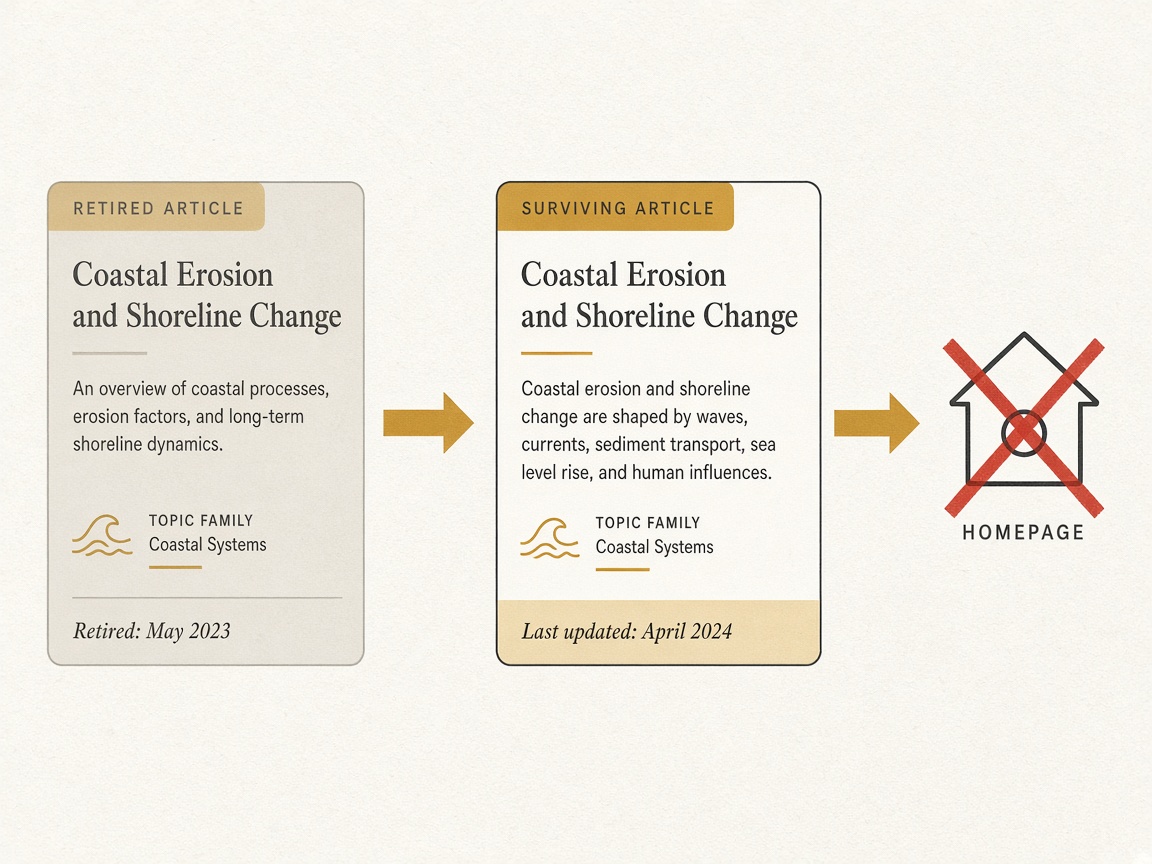
Noindex leaves the URL in place for people. A 301 does the opposite: use it only when a genuinely relevant replacement already exists and the URL shown in search should change. If that close page is missing, do not redirect — hold the URL, noindex it, or retire it. A redirect is not a softer way to hide a page that still has a job, and it is not a way to retire one that has no successor.
Google treats a 301 as a strong signal that the redirect target should be processed, and treats a 308 as equivalent. When the address in search results must change, the recommendation is a permanent server-side redirect, and both 301 and 308 count as permanent. A temporary redirect does not make that case, and neither does pointing the old URL at something merely in the same topic.
What do I do if a low-traffic page has backlinks?
Links do not force a redirect. If the page is thin on traffic but still has backlinks and no close page, hold it or noindex it. Do not invent a target just to save the links. Those links are a reason to keep the URL available until a real replacement exists, not a reason to manufacture one and hope the equity follows.
Should pruned URLs redirect to the homepage?
No. The homepage is not a relevant replacement for a retired article, product, or guide. Sending every dead URL there dumps unrelated visitors onto a page that never promised to answer that query, and it wastes the signal a permanent redirect is supposed to pass.
Google's crawlers follow up to 10 redirect hops by default. That is a ceiling, not a plan. One hop to the closest surviving URL is the rule. A chain is a smell that the replacement was never chosen: each extra hop is another place for the signal to stall and for the user to land on the wrong page.
Confirmed overlap is a different decision, not this one. Merge and 301 only under the overlap rule already in the audit — two URLs fighting for the same query. If they are merely related, differentiate them, canonicalize the weaker one, or refuse the redirect. A prune is not a license to fold unlike pages together.
Redirect only on a match — Use a 301 or 308 only when a close replacement exists and the search URL must change. Backlinks without that match mean hold or noindex — never a homepage dump, and never a chain.
When a 404 or a 410 Is Better Than a Redirect
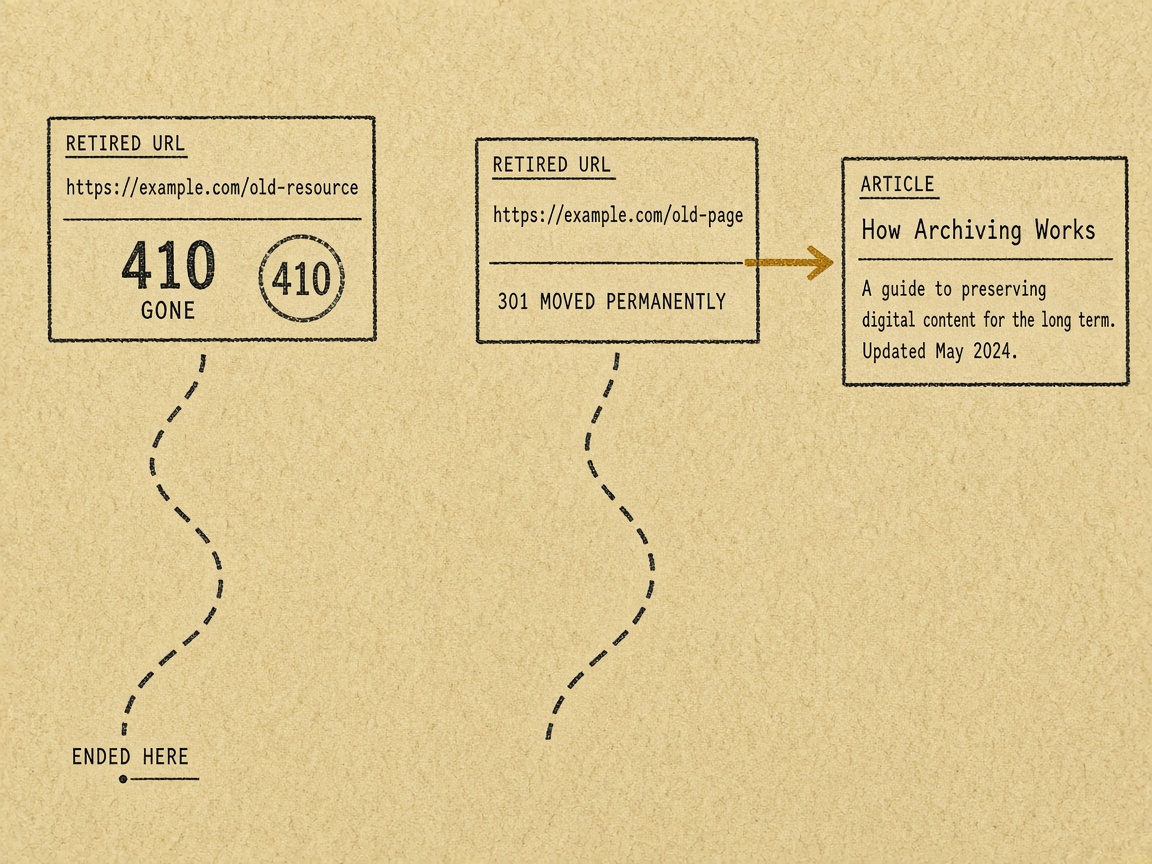
A 301 only earns its place when a genuinely close replacement exists. When none does, a 404 or a 410 is the better disposal: it retires the URL instead of handing a bad or empty signal to a page you still want to compound.
Google treats 404 and 410 the same for indexing. All 4xx codes except 429 are handled alike, and a previously indexed URL is removed. After a persistent 4xx, Google gradually crawls that URL less often. Prefer a 410 when you are sure the page is gone for good; a 404 is fine if you are not. Do not choose 410 because you think it will lift the rest of the site faster. Slower crawling is a side effect of a lasting error, not a ranking shortcut.
That redirect is the wrong prune. It passes a mismatched or empty signal into a URL you want to keep compounding. Return the status from the server. A soft 404 that still looks like a thin page does not complete the disposal — search can keep treating it as a real, weak URL.
The rule — Use a 404 or a 410 when there is no close replacement. Google removes a previously indexed URL the same way for both, and a redirect to a poor target only contaminates a page that is still compounding.
How to Prune AI-Scaled or Autoblog Posts Without Passing a Bad Signal

The same rule that keeps a 404 from becoming a homepage redirect is the rule for a scaled cohort. If the posts were published to occupy queries rather than to serve a reader, prune them as a set. Do not wait for each URL to fail a click test, and do not 301 that set into pages that are still compounding.
Google lists extensive automation across many topics as a warning sign of search-engine-first content, and it treats large-scale generative text without manual oversight or curation as little to no effort. A queue that briefed the same thin page type over and over is that pattern. Judging those URLs one by one, as if each were a decaying editorial piece with a user job, misses the point: the cohort was built to fill the index, not to compound.
On one small site, 161 AI-scaled posts earned 570,020 impressions and 521 clicks in 90 days — a 0.091% click-through rate — while original content on the same site earned 0.280%. Of those 161 posts, 112 (70%) earned zero clicks. One page at position 5.3 across 5,195 impressions earned none. Indexed and visible is not the same as compounding.
The team deleted the cohort, returned 404s, and did not redirect those URLs into surviving pages. They also removed 226 internal links from 91 posts in the same pass. Copy that disposal. A 301 from scaled spam into a good URL passes the association you are trying to cut. A 404, or a 410 if the URL is certainly gone, finishes the removal without nominating a replacement that does not exist.
After the status change, drop the URLs from the sitemap and write the briefing rule that stops the queue from producing that page type again. Pruning the live set without closing the production rule only refills the index with the same dead pattern.
Cohort, not click test — Prune AI-scaled or autoblog posts as a cohort with 404s, stripped internal links, and a stopped briefing rule — never a 301 into pages that are still compounding.
How Often Should a Weekly Autoblog Run a Pruning Pass?
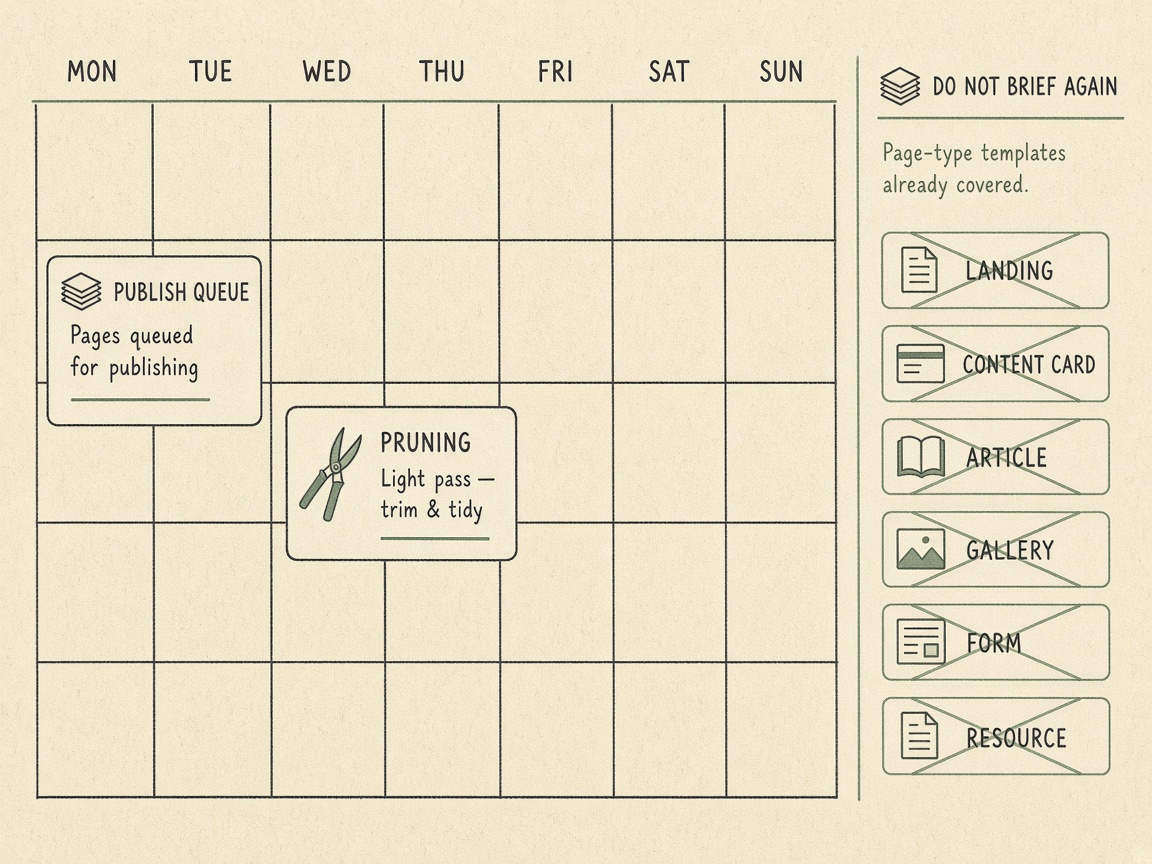
Pulling the dead page type out of the index is not a one-time cleanup. A weekly autoblog should run a short pruning pass every week, but only on the cohort old enough to judge: at least 90 days live, and longer if Search Console history shows slow indexing. That is a review of one age band, not a sitewide delete day.
A weekly flag list only helps if the chosen disposal is finished in the same sitting. Leaving the URL in the sitemap, or letting the briefing rule publish the same type again on Monday, puts the page back into the crawl before the last pass has settled.
Cadence — A weekly autoblog prunes on a schedule, but only pages old enough to judge, and only after thresholds have been checked against purpose, links, and a close replacement.
Key Takeaways
Run this week’s prune pass on URLs at least 90 days old, and keep every disposal behind the hold tests before you noindex, redirect, or delete.
Frequently Asked Questions
You Might Also Like
- Measurement When to Kill a Cluster That Is Not Compounding
- Strategy Merge, Redirect, or Canonical: A Decision Rule for Overlapping SEO URLs
- Quality Content Cannibalization Audit: How to Merge, Redirect, or Hold Overlapping URLs
- Measurement Content Decay Signals: What to Check Before You Rewrite a Ranking Page
- Guides Update vs Rewrite: A Decision Rule for SEO Articles