Content Gap Spreadsheet: Fields a Lean Team Should Log Before Briefing
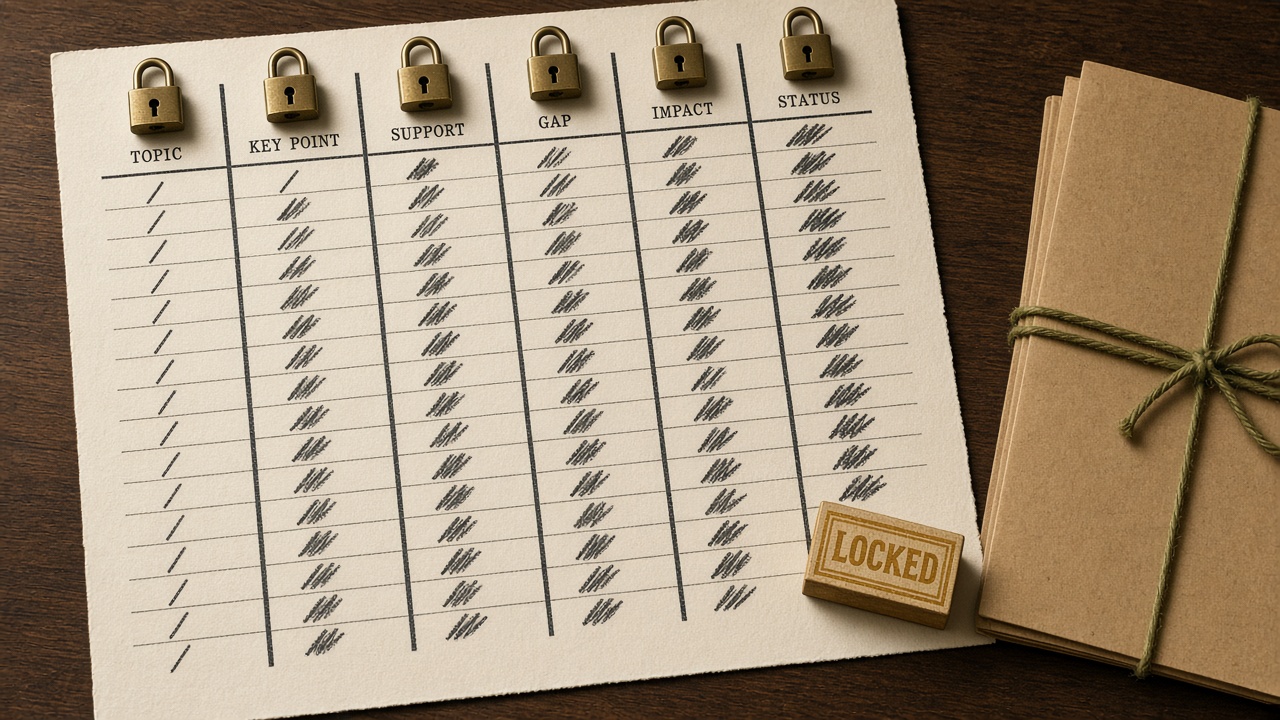
A content gap analysis template is not a keyword export with a status column. Ahrefs defines the job as finding topics competitors have covered that you have not, then deciding what to do with each one. Domain-level gaps are topics you do not cover at all. Page-level gaps are topics you already cover where a competitor ranks for more related queries.
A lean team should treat the spreadsheet as a gate, not a backlog. One row is one topic cluster, not one keyword. Almost 93% of keywords in Ahrefs' US database get fewer than 10 searches a month, so a page-per-term sheet manufactures work that will not earn a ranking. Before a brief opens, every row needs an existing URL or an explicit none, a gap type, two to five similar-size competitor sources, and a decision: create, expand, merge, or skip.
Creating a new URL when a relevant page already exists is the most common way this analysis backfires, because the two pages compete. Prefer expand when a page is close. Ahrefs' 2025 study found only 1.74% of newly published pages reached the top 10 within a year. The fields below are the minimum a one-person sheet must lock so that decision is made before writing starts.
- Log one row per topic cluster, not per keyword.
- Every row needs an existing URL or none, a gap type, competitor evidence, and a create, expand, merge, or skip decision.
- Do not brief a new URL when a relevant page already exists.
- Inside-out gaps from Search Console, roughly positions 8 to 30, often beat a raw competitor export.
- AI visibility notes belong on the same sheet only when the observation repeats.
What fields should a content gap spreadsheet include before a brief?
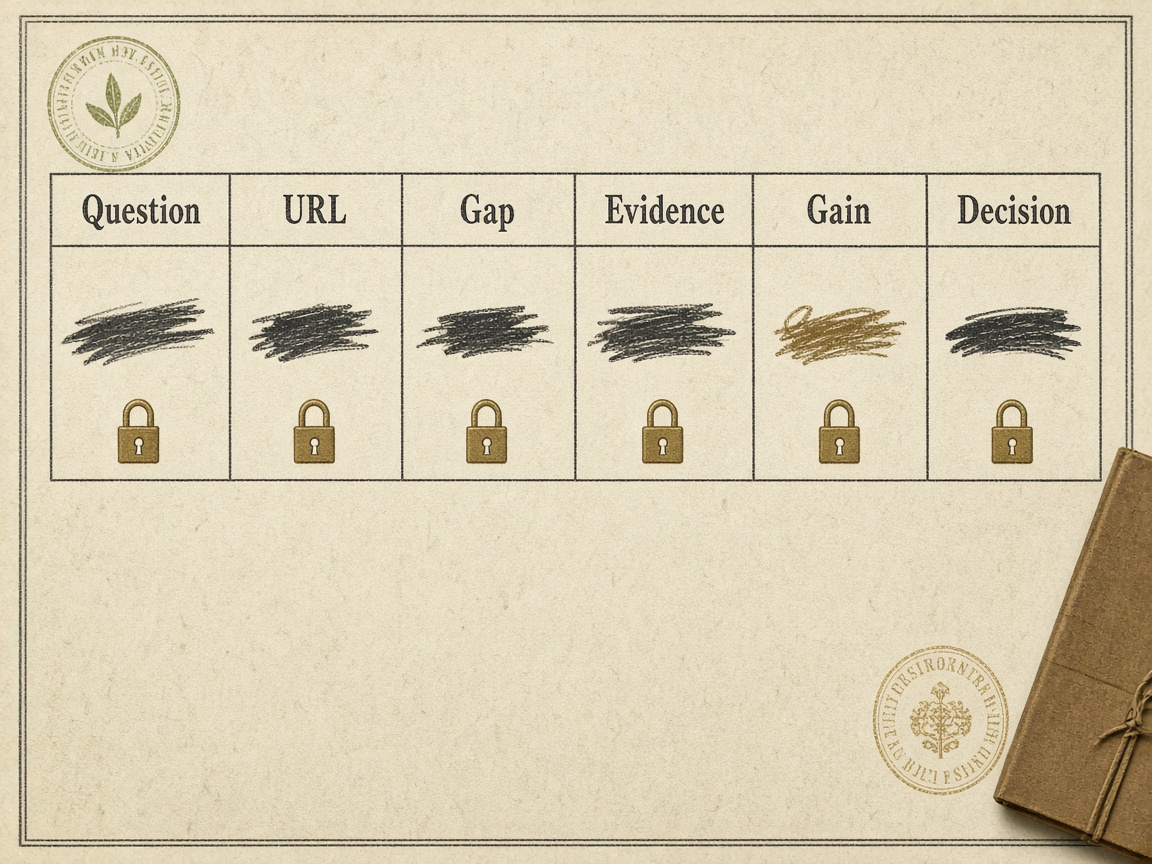
Before anyone opens a brief, each row has to already be a decision. It needs the buyer question, the evidence source, an existing URL or an explicit none, the gap type, two to five similar-size sources, an information-gain note, and a recommended action of create, update, merge and redirect, or skip.
A blank decision, a blank URL field, or TBD means the row stays closed. A keyword list is evidence you used to find the gap. It is not the handoff.
Only locked columns travel into the SEO content brief: topic cluster, target question, existing URL or new-URL intent, gap type, named source URLs a human checked, the action, and what the page must add. Volume, difficulty, and raw exports stay on the sheet. When the row is allowed to leave, hand it to the free brief-generator playbook. This sheet's job ends there.
Handoff rule — A row can leave only when the URL, gap type, checked sources, information gain, and action are locked. Keywords, volume, and difficulty stay on the sheet.
Content gap vs keyword gap
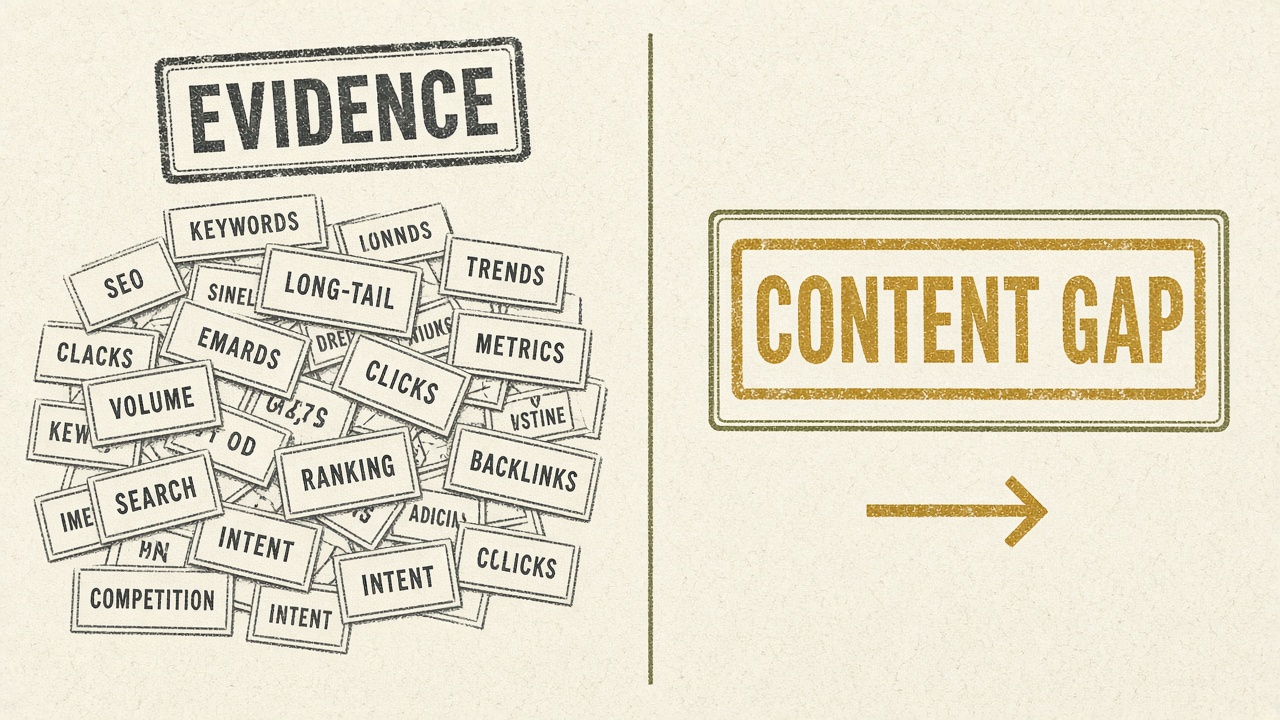
A content gap is a topic competitors have covered that you have not, plus a page action. A keyword gap is only a missing query in an export. Ahrefs defines the analysis as finding those uncovered topics, not as a list of queries you fail to rank for.
Log gap type as domain-level (no page on the topic) or page-level (a competitor ranks for more keywords on a topic you already cover)—the split Ahrefs uses. Page-level almost never justifies a new URL, so the keyword export stays in an evidence column. The briefing gate is the content-gap-versus-keyword-gap article; this row does not re-argue that a new brief is the exception.
Decision, not dump — A missing keyword is evidence, not a brief. Log the topic, mark it domain-level or page-level, and attach a page action before anyone opens a brief.
How many competitors a one-person team should compare—and which URLs may enter the brief

Keep that comparison to two to five real search competitors of similar size. Ahrefs Content Gap can compare up to 10 competitors and Semrush Keyword Gap up to five; those ceilings are not a target, and extra names make a one-person sheet unusable.
Raw gap-tool lists, high-traffic pages on an irrelevant query, and any URL from a single AI prompt stay evidence only—logged as sources, never pasted into the brief as models.
Name a URL in the brief only after a human confirms it answers the same buyer question and is a similar-size rival. Cap named sources at the two to five already on the row. Pick those rivals with the one-person competitor-gap method; this section only sets the logging rule.
When a gap becomes a new page, an update, a merge, or a skip
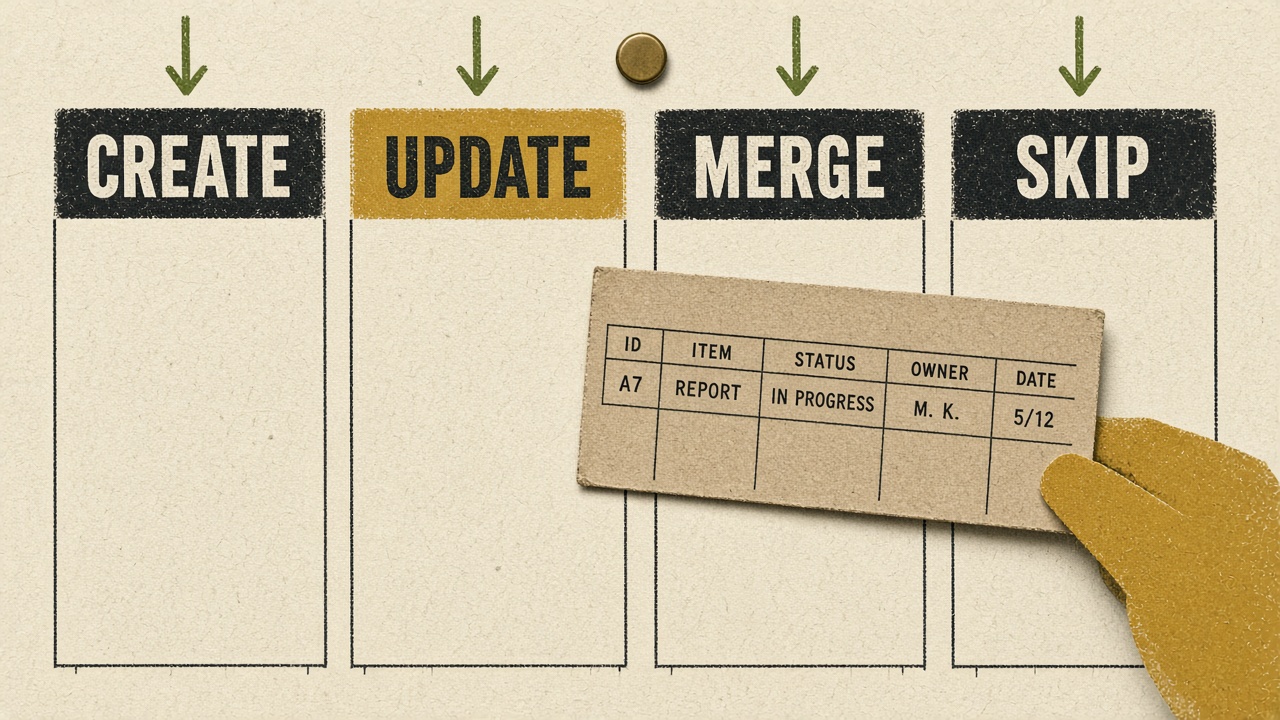
Those confirmed rival URLs still do not open a brief. The row stays closed until the action is one of four calls, and only one of them justifies a new page.
Creating a new URL when a relevant page already exists is the most common way gap analysis backfires, because the pages compete. Expand is usually faster: only 1.74% of newly published pages reached the top 10 within a year, and blended organic click-through rate falls from 7.1% at position 1 to 0.7% at position 5, so a page already near the first page is the better bet. Leave the decision cell blank and the row stays closed.
Lock the call — No decision, no brief. Create only from an explicit none; otherwise update, merge and redirect, or skip.
How to run a content gap analysis without Ahrefs or Semrush
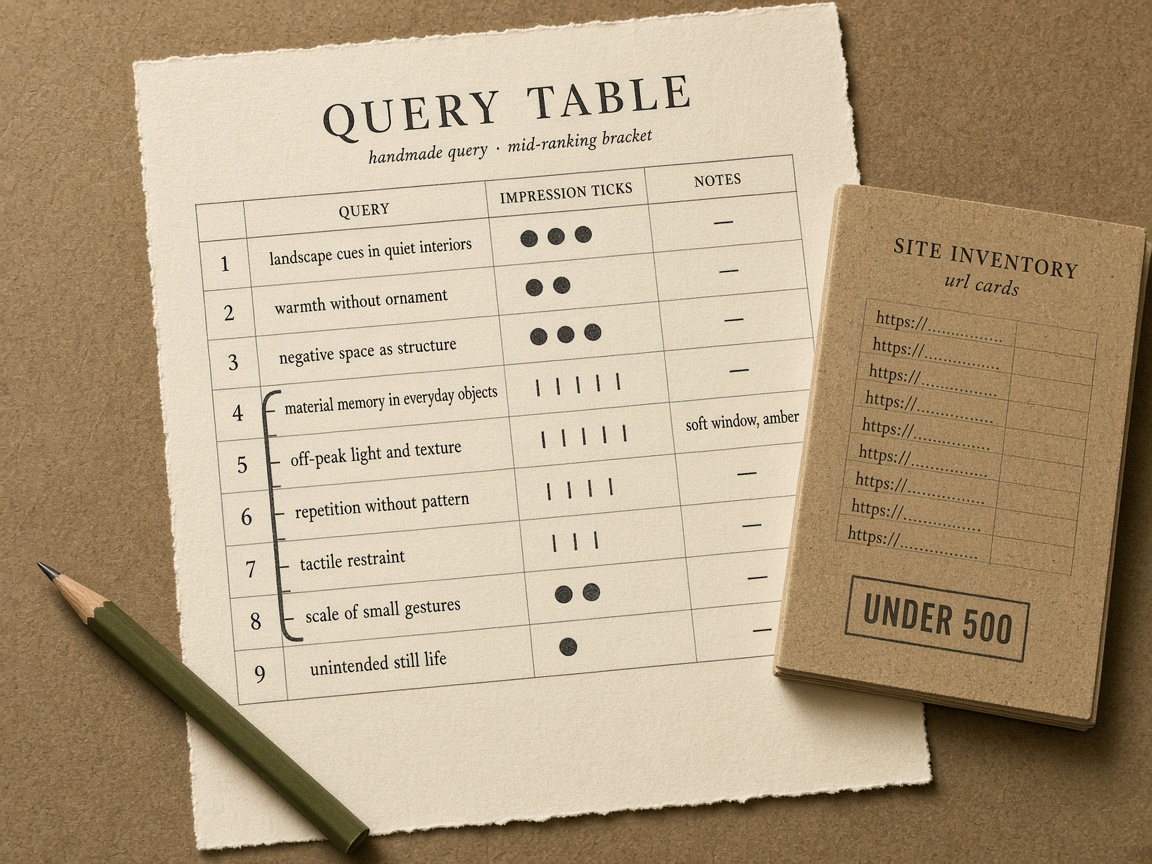
Those locked calls do not require Ahrefs or Semrush. Start inside-out: inventory your URLs, then log Search Console queries you already earn impressions for but do not satisfy. A free crawl of up to 500 URLs is enough to mark the existing-URL cell as a page or an explicit none.
In Search Console, the filter worth logging is queries with meaningful impressions and an average position of roughly 8 to 30. Treat them as update candidates, not automatic new pages. Leave out zero-impression curiosities and brand-navigational queries.
Outside-in without a suite means checking two to five similar-size rivals against that inventory by hand, not importing a domain-versus-domain CSV. Rival selection stays in the one-person competitor-gap method; a row here is only a cluster those checks show you do not satisfy.
Log the middle — Queries you already impress for in roughly positions 8 to 30 are the gaps worth a row; a 500-URL inventory plus two to five manual rival checks decides page versus none without a paid suite.
Turn hundreds of gap keywords into one topic row
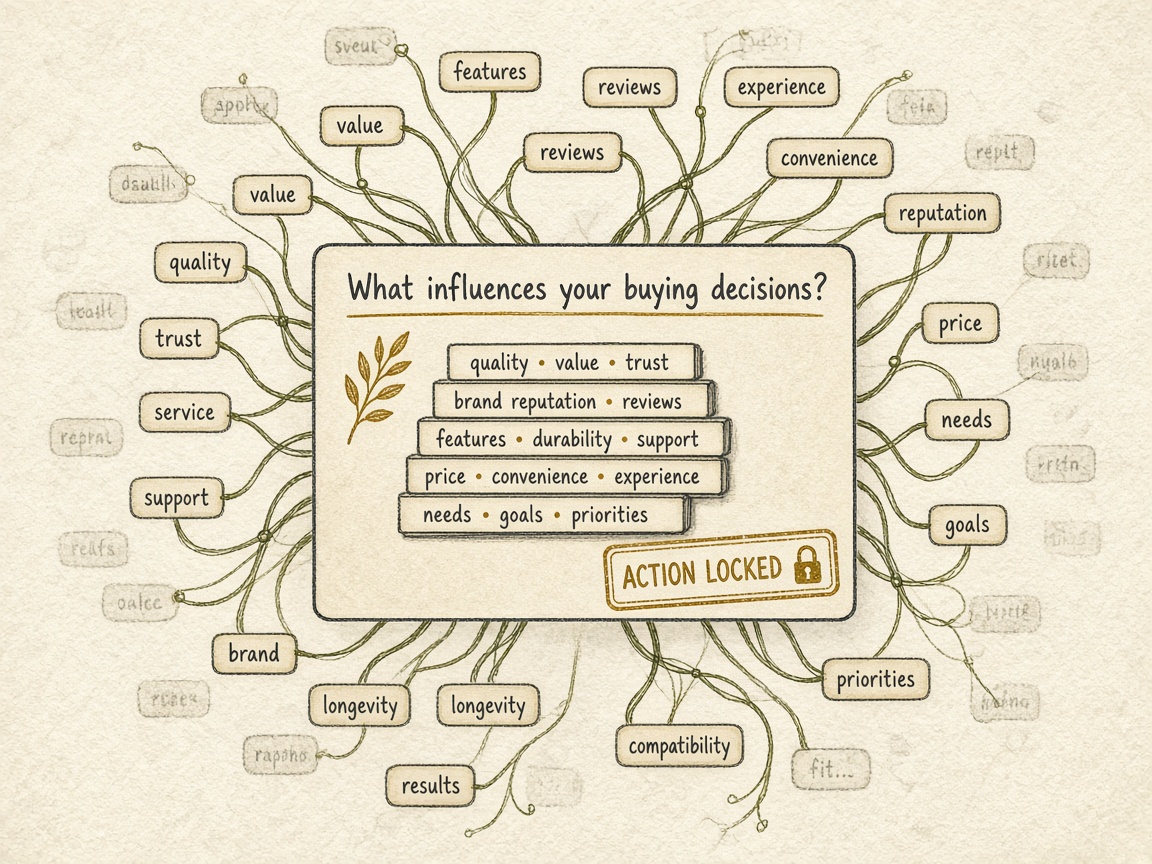
Hundreds of gap keywords become one topic row only when they share one buyer question that one URL can answer—never one page per term. Almost 93% of keywords in a large US database get fewer than 10 searches a month, and 96.55% of pages get no Google traffic, so a page-per-term sheet manufactures work that will not rank.
Group terms that share the same intent and could be answered on one URL. Put the head question in the topic cell and the supporting terms in a notes or cluster cell. If a suite export exists, volume of at least 20 and keyword difficulty of 30 or below are optional cuts that keep the queue short; they do not authorize a new page. Terms that need two different answers are two rows, and each still needs its own existing-URL check. The topic-cluster map template shows how clusters relate, not this gate.
One row — One buyer question per row. Volume and difficulty filters only shorten the queue—they never green-light a new URL.
Why one URL per gap keyword fails
How to score priority when search volume is a poor proxy
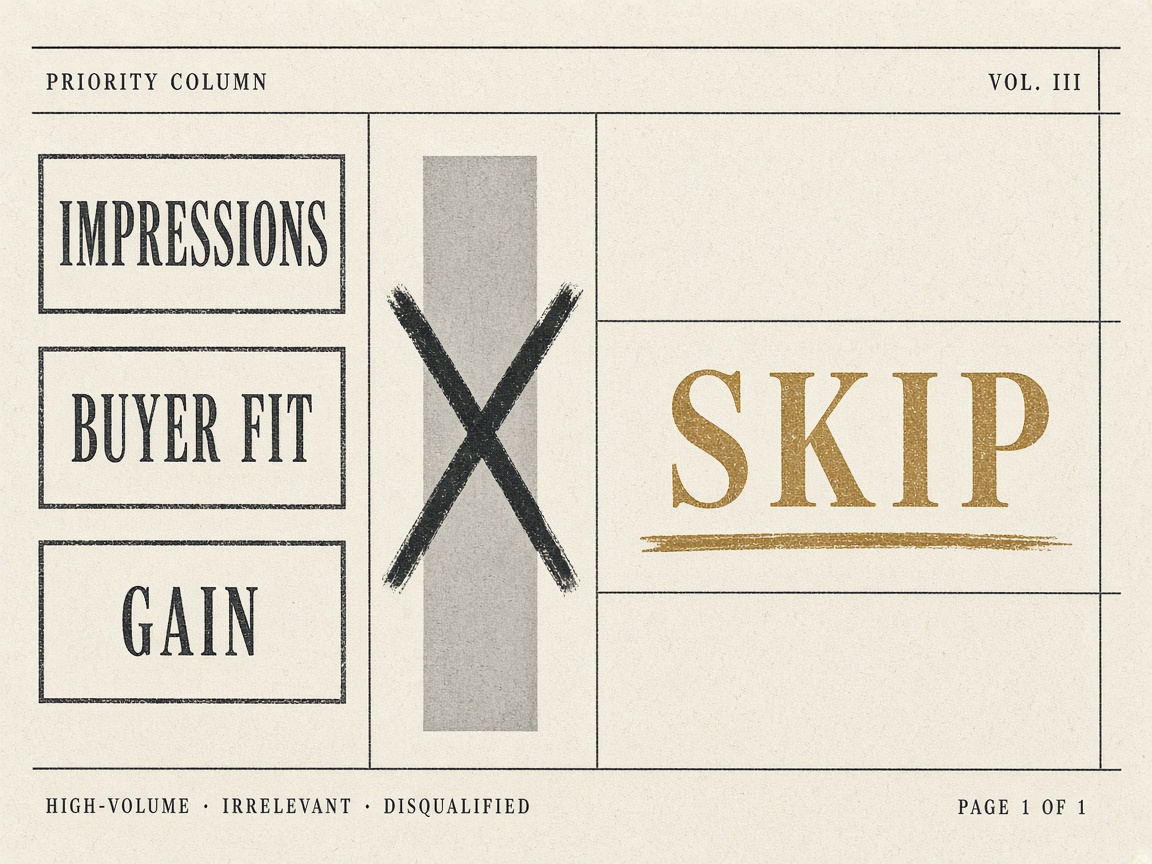
That single topic row still needs a priority, and search volume is a poor proxy for it. Score from Search Console impressions in the position 8–30 band, buyer-question fit, whether an existing URL is already close, and whether you can add something the logged sources lack. Do not rank rows by raw volume.
A worked gap can look large and still fail. In Ahrefs' example, one Moz page ranked for 120 keywords the site did not and was estimated at 2,187 monthly visits, yet the keywords were not relevant. When relevance fails, the row stays closed.
Information gain is a note, not a magic number: the fact, example, or answer this page would add that the named sources do not already cover. Do not invent a formula. A blank or low note blocks the brief even if volume and difficulty look easy—skip, or keep the row as research until the note is specific.
Score the row — Priority comes from impressions, fit, a close URL, and a specific information-gain note—not from raw search volume.
How to log an AI citation or GEO gap so one prompt run is not proof
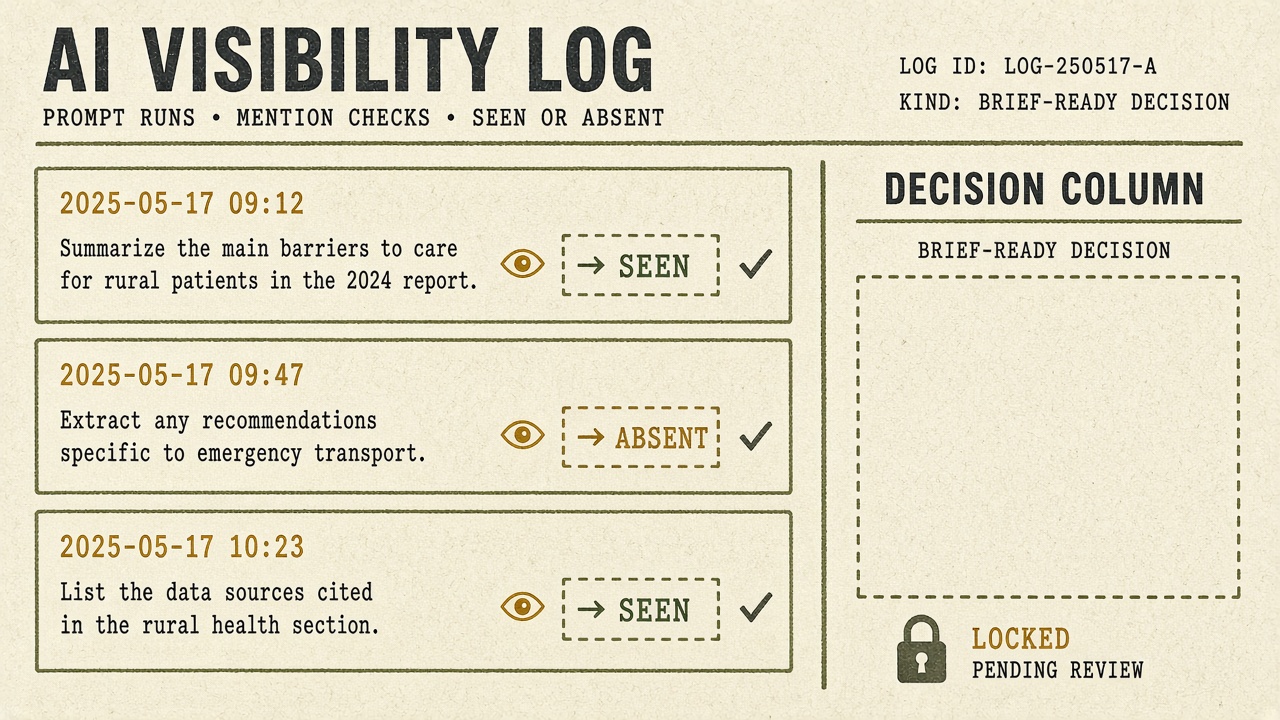
The same briefing gate applies when the miss is an AI citation or a GEO gap rather than a ranking export. Log it on this sheet only as a repeated observation: the prompt, the engine, the date, whether you were mentioned, and whether a page was cited. One prompt run is not evidence enough to brief.
Mention status is unstable. Across 972 repeated runs, 42.9% of prompt-engine pairs flipped between mentioning and not mentioning the brand at least once. Only 15% of the pages ChatGPT retrieved were cited in the final answer, so a retrieval is not a citation gap. ChatGPT generated two or more fan-out queries for 89.6% of searches, and 95% of those fan-out queries had zero monthly search volume. Do not turn those terms into new rows or briefs. Require the same miss on repeat runs before the row can even be considered, then still apply the create, expand, merge, or skip call.
How often to rerun the gap sheet—and what it should refuse to automate
Rerun the sheet when the URL inventory changes, when a shipped cluster turns an explicit none into a live URL, or when the competitor set changes—and at least before the next quarter of briefs. Refreshing a weekly export is not a rerun.
After you publish, update the existing-URL cell before any related row can be briefed again. A stale none is how the same buyer question gets a second page.
The sheet must refuse to automate the decision, the brief, and the publish date. A suite CSV, a single AI prompt, or one keyword never becomes a locked row on its own. Dates belong on the content calendar only after the action cell is filled; that calendar is the next queue, not part of this gate.
Cadence — Rerun on inventory, publish, or competitor-set change—not on a weekly export—and keep decision, brief, and date off automation until the action cell is filled.
Key Takeaways
Lock the action cell on each topic row, then hand only those closed decisions to the brief generator and date them on the content calendar.
Frequently Asked Questions
You Might Also Like
- Guides SEO Competitor Content Gap Analysis: A One-Person Method Without a Suite
- Strategy Content Gap vs Keyword Gap: Which One Becomes a Brief
- Guides How to Read a Competitor’s Topic Cluster Without Copying Their URLs
- Templates Topic Cluster Map Template for SaaS Content Teams
- Measurement AI Citation Log Template: Fields to Capture Per Engine