AI Automation
Content Automation Workflows for Blogs
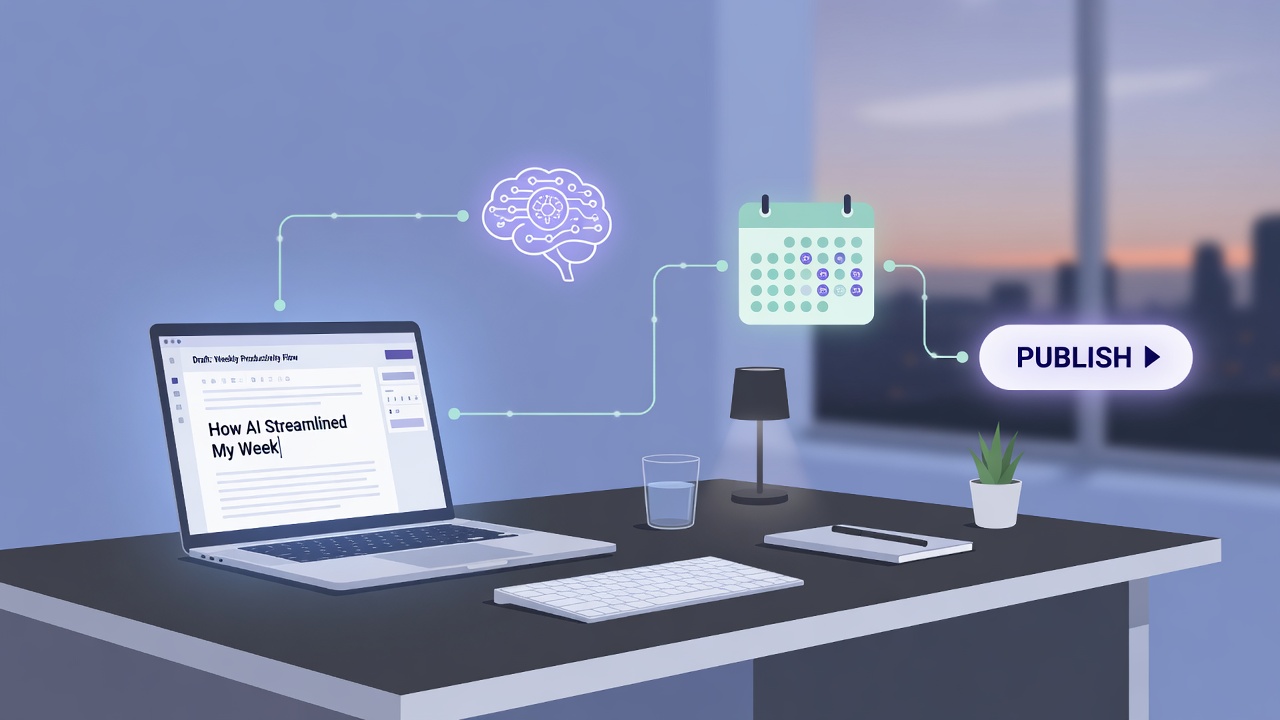
Scaling a blog used to mean managing a massive, expensive team of writers, editors, and SEO specialists, but modern AI has completely rewritten the playbook. Today, any brand can build automated systems that handle the heavy lifting of keyword research, drafting, and optimization. However, the secret to maintaining search rankings and reader trust isn't total hands-off automation. As experts advise, you shouldn't try to automate everything on day one; instead, start with one clean path using a content calendar, from keyword to draft to edit to publish.
Building this initial pipeline is simpler than it looks, and you do not need a bloated software suite to make it happen. A lean stack consisting of five core tools—an AI writer, an SEO plugin, a scheduler, analytics, and your CMS—covers 80% of the automation work efficiently. To tie these components together, no-code automation platforms like Zapier, Make, and n8n make this process seamless, allowing your tools to communicate without writing a single line of code.
The most critical rule of modern automation is maintaining high quality. You must always start with drafts, not live posts, setting your publishing workflows to create drafts for human review. This human-in-the-loop review process relies on assigning editorial review roles for every AI-generated post to protect readability, originality, and search engine performance. Let's explore how you can design and deploy your first reliable automation system step by step.
- Start small by automating a single, clean pathway from keyword research to final draft before expanding.
- Always generate posts as drafts rather than publishing live to allow for essential human-in-the-loop review.
- Use no-code tools like Zapier or Make to seamlessly connect your AI writers with your CMS.
- A lean five-tool stack can efficiently handle 80% of your blog automation workload.
The Golden Rule: Start with One Clean Workflow Path
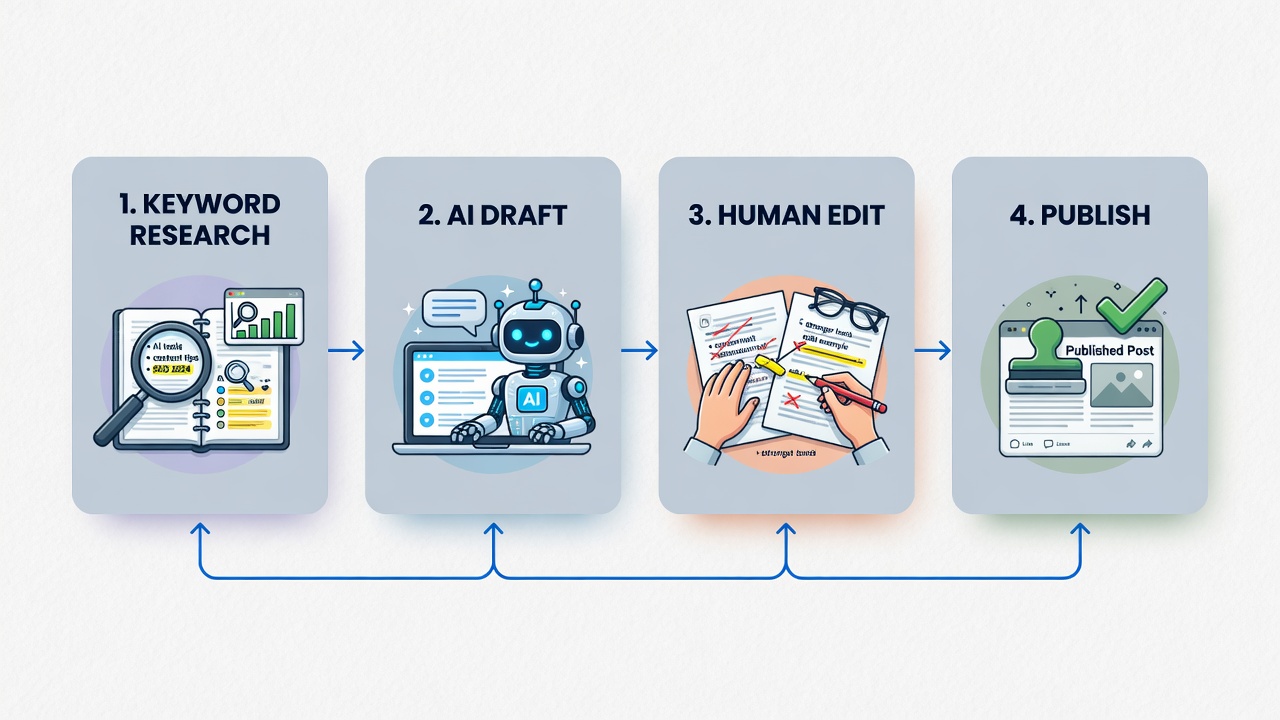
To build that reliable system, you have to resist the urge to automate every single task immediately. When setting up AI content automation, trying to map out a massive, multi-branched system right away is a recipe for broken integrations and messy content.
Instead, the smartest approach is to start small. By focusing on this single pipeline, you can easily spot bottlenecks, refine your AI prompts, and ensure your team actually adopts the new workflow. You can easily connect your AI writing tools to your CMS using no-code platforms like Zapier or Make, keeping the entire process streamlined and manageable.
Once this foundational pipeline is running smoothly, you can begin optimizing the individual stages. The most critical stage to master first is how you transition from an automated draft to a human-reviewed masterpiece.
Start small to scale fast — Focus on building one reliable pipeline from keyword to published post before adding complex, multi-tool integrations.
The Human Safeguard: Why Drafts Must Come Before Live Publishing

This transition requires a hard rule: always set your publishing workflows to create drafts for human review rather than publishing live posts immediately. Letting an AI publish directly to your blog is like letting a new intern run your marketing without supervision. By routing every automated output straight to your content management system (CMS) as a draft, you create a natural checkpoint in your content automation workflow.
This checkpoint is where you catch formatting errors, correct factual slip-ups, and ensure absolute originality. More importantly, it protects your readability, SEO performance, and critical E-E-A-T (Experience, Expertise, Authoritativeness, and Trustworthiness) signals. AI is fantastic at building the structure, but it takes a human touch to inject the real-world perspective that search engines reward. Once you have established this review boundary, the next step is seamlessly connecting your AI writer to your blogging platform so these drafts flow in automatically.
Drafts first, always — Setting your automated workflow to output drafts instead of live posts ensures you protect your E-E-A-T signals and catch errors before they reach your audience.Bridging the Gap: Linking AI and Your CMS with No-Code Tools
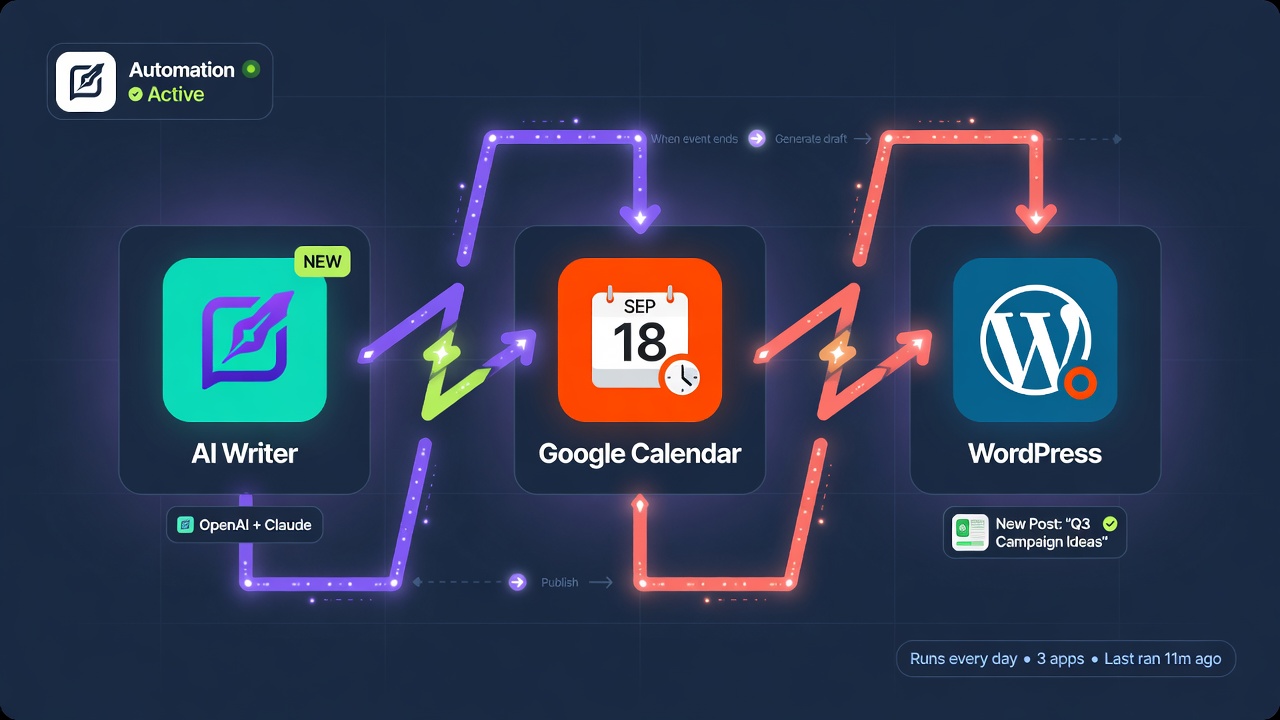
Building this bridge doesn't require a team of developers or complex, custom-written APIs. Instead, no-code automation platforms like Zapier, Make, and n8n make this process seamless, allowing you to link your AI generation engines directly to WordPress or other CMS systems.
By using these visual builders, you can establish a reliable, automated pipeline without writing a single line of code. For example, a simple trigger—like moving a content topic to a specific column in your project management board—can prompt your AI writer to draft the post and instantly push it to your blogging platform as a pending draft.
This approach keeps your setup incredibly flexible; if you ever need to swap tools, update prompts, or insert an SEO optimization step, you can easily adjust the workflow yourself. This ensures your publishing pipeline remains robust and adaptable as your content strategy grows. With your automated highway built, you can now focus on choosing the specific gears that run it—starting with a lean, efficient tool stack.
No-code integrations — Platforms like Zapier, Make, and n8n allow you to reliably connect your AI tools to your CMS without writing custom code, keeping your publishing pipeline clean and easy to update.The Lean Five-Tool Stack: Maximize Efficiency, Minimize Clutter
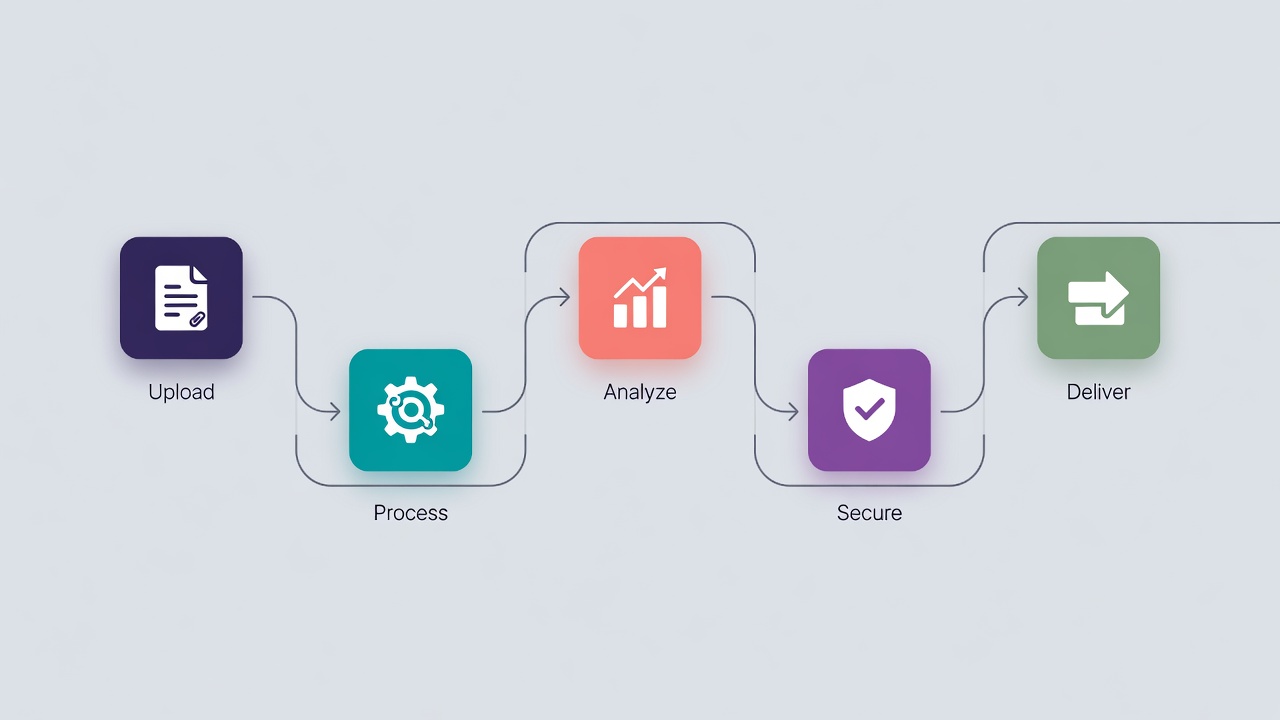
Building this stack doesn't mean hoarding every software subscription on the market. In fact, overcomplicating your toolkit is the fastest way to break your pipeline. Instead, you can achieve remarkable efficiency by focusing on a select few components.
A lean 5-tool stack—consisting of an AI writer, an SEO plugin, a scheduler, analytics, and your CMS—covers 80% of automation work efficiently. This simple setup keeps your workflow light and manageable while handling the heavy lifting of content creation, optimization, and distribution. Your AI writer generates the initial drafts, while the SEO plugin ensures they target the right search intent. The scheduler keeps your publishing calendar consistent, analytics track what resonates with your audience, and the CMS serves as your central publishing hub.
By keeping your tool stack minimal, you avoid integration headaches and keep your focus where it belongs: refining your content and engaging your readers directly on the page.
Keep it lean — A simple five-tool stack covering your AI writer, SEO plugin, scheduler, analytics, and CMS is all you need to handle 80% of your automation workflow efficiently without overcomplicating your pipeline.
Beyond Reading: How Embedded AI Chat Transforms Blog Engagement
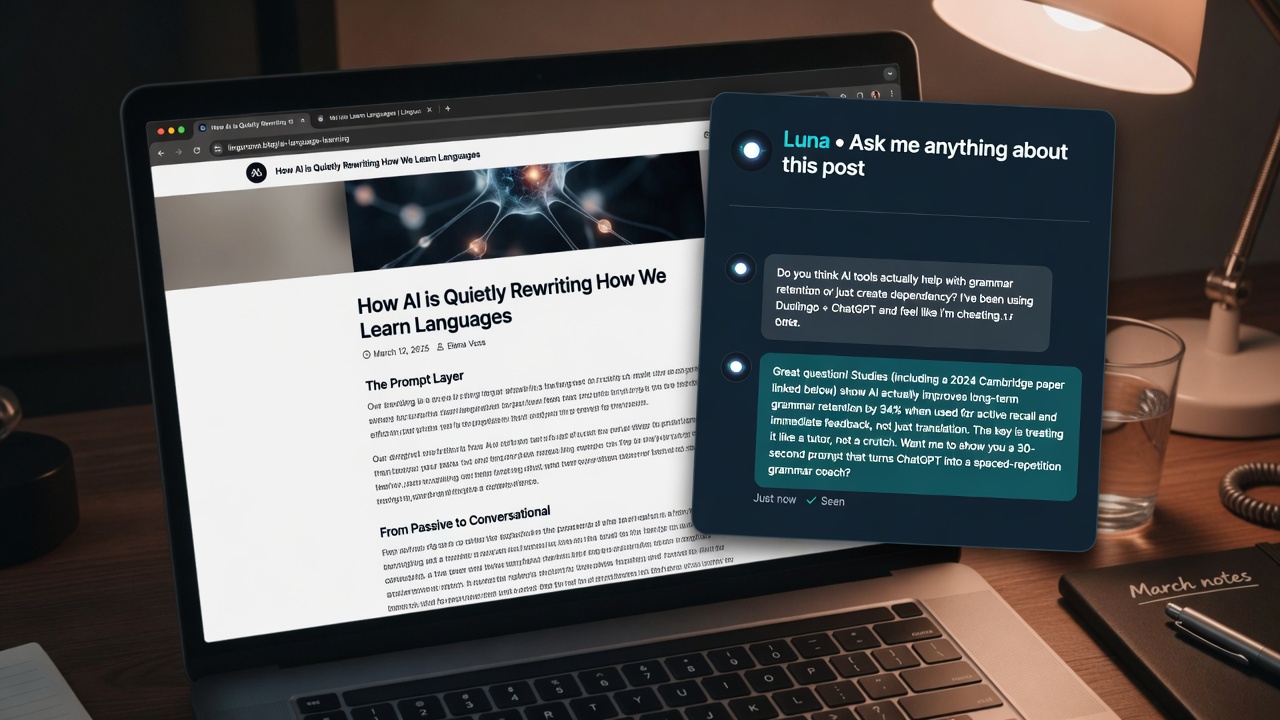
Once your automated workflow is consistently delivering high-quality, human-approved drafts to your CMS, you can look beyond static text to elevate the reader's experience. Integrating an interactive, on-page AI chat assistant directly into your published articles turns passive reading into an active conversation.
Instead of skimming and bouncing, readers can ask specific questions about the topic and receive instant, tailored answers right there on the page. This significantly boosts time-on-page and overall reader satisfaction, signaling to search engines that your content is highly valuable.
Beyond engagement, an embedded AI chat serves as a powerful monetization engine. By analyzing reader questions in real-time, the chat can naturally recommend affiliate products, suggest relevant newsletter sign-ups, or guide users toward high-value internal links. It bridges the gap between helpful information and seamless conversions, ensuring your automated blog works harder for your business.
Interactive engagement — Embedding an AI chat assistant on your blog turns passive readers into active participants, driving up time-on-page and unlocking natural new pathways for monetization.
Key Takeaways
Ready to streamline your content pipeline and engage readers automatically? Let Flows handle your SEO automation and interactive content today.
Common questions
Directly publishing AI content without human review risks quality issues, factual errors, and poor user experience. Setting up your workflow to save posts as drafts allows editors to add unique insights, verify facts, and format the content to protect search engine rankings.
No-code automation platforms like Zapier, Make, and n8n are ideal for connecting tools seamlessly. They allow you to trigger draft creation in WordPress or other platforms whenever your AI writer finishes generating an article.
You only need a lean stack of five tools to cover 80% of the automation work. This includes an AI writer, an SEO plugin, a scheduler, analytics, and your CMS platform.
It is the practice of inserting a human editor into the automated workflow to review, refine, and approve AI-generated drafts. This step ensures that every published post maintains high readability, originality, and brand alignment.