Reader Engagement
Integrating AI Chat into Generated Articles
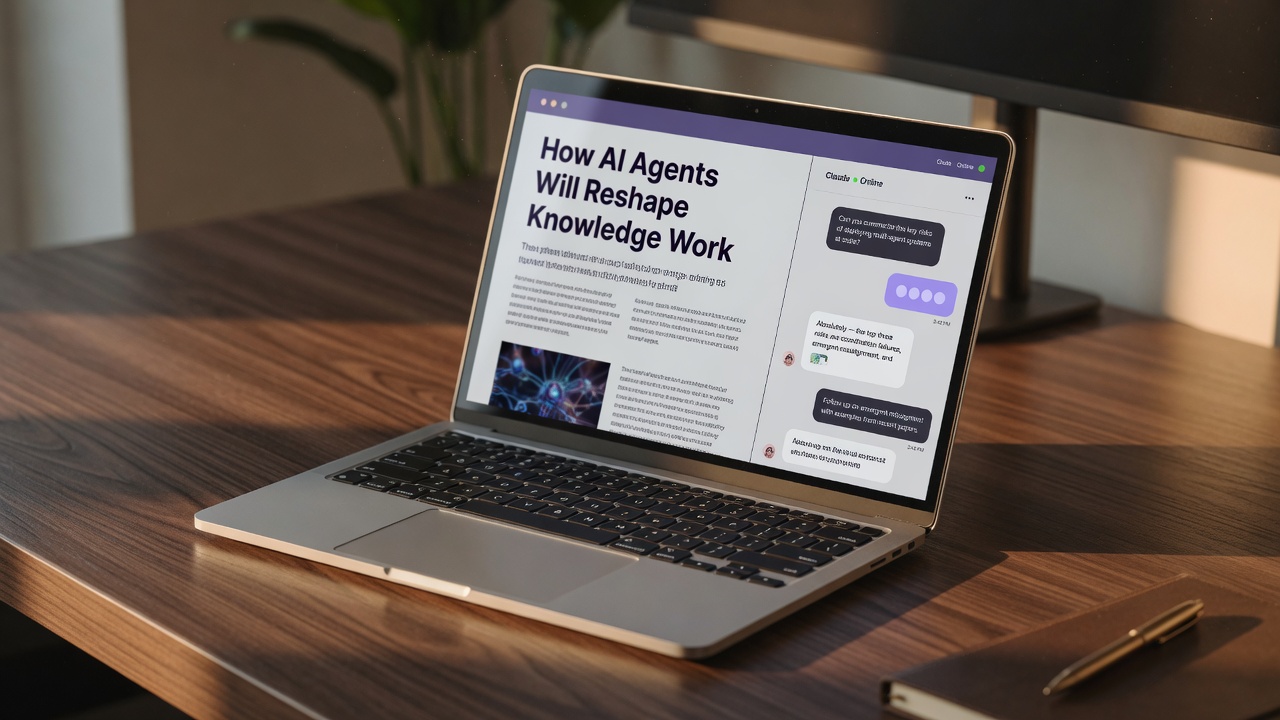
When it comes to content automation, publishing high-quality articles is only half the battle; the real challenge is keeping readers on the page long enough to convert.
Static text often leaves readers with unanswered questions, leading them to bounce back to search engines. By embedding an interactive AI chat directly into your generated articles, you can turn passive reading into an active conversation. This approach leverages advanced AI publishing to solve reader queries in real-time, guide user navigation, and drive monetization directly from the content.
Let us explore how integrating AI chat into your SEO automation workflow can dramatically improve reader engagement and elevate your search rankings.
TL;DR
- Integrating AI chat transforms static articles into interactive experiences that capture reader attention.
- Interactive widgets keep visitors on your page longer, sending powerful positive signals to search engines.
- Embedded chat assists with navigation and answers specific reader questions instantly.
- AI chat acts as a direct monetization channel by guiding users toward sign-ups or purchases.
Beyond Static Text: How Interactive AI Chat Reshapes Reader Engagement

To truly appreciate this shift, we have to look at the traditional limitations of standard blog posts. For years, AI SEO content generators have focused solely on outputting static text. While high-quality articles attract organic traffic, they often lose readers who have highly specific, follow-up questions. By embedding an interactive AI chat directly within these automated articles, you turn a one-way broadcast into a dynamic, two-way conversation.
When a reader lands on your page, they might be looking for a quick answer or a deep dive into a niche subtopic. Instead of forcing them to hit the back button or scroll endlessly, the inline AI assistant guides their navigation in real-time. It acts as an on-page concierge, answering hyper-specific queries and seamlessly nudging users toward high-value monetization actions like product signups or newsletter subscriptions.
This interactive layer does more than just help the reader; it sends powerful engagement signals back to search engines. Longer dwell times and active page interactions signal that your content is genuinely useful, boosting your overall search rankings. But how do you actually implement this technology without bogging down your site's performance or relying on clunky third-party plugins?
Interactive content wins — Adding an AI chat helper to automated articles transforms passive readers into active participants, dramatically increasing dwell time and SEO authority.
Setting It Up: How to Build Native AI Chat Directly Into Your Content Flow

The secret lies in keeping things native. Instead of pasting heavy, third-party iframe widgets that slow down page loads and hurt your Core Web Vitals, you want a system that taps directly into your existing SEO automation framework. By using site-native AI capabilities, the chat interface runs on the same engine powering your content generation.
This approach eliminates external dependencies, keeping your site lightweight, secure, and lightning-fast. When your publishing platform is built to handle both content creation and interactive chat under one roof, you don't have to worry about broken APIs or sluggish scripts dragging down your rankings.
With this architecture in place, the AI chat doesn't just sit there—it actively reads the article alongside the user, ready to assist them in real-time. This sets the stage for a seamless reader journey, but keeping it fast is only half the battle. To truly maximize the value of this interactive tool, you need to configure the chat's behavior so it guides readers exactly where you want them to go.
Go native for performance — Powering your on-page chat with site-native AI capabilities avoids external dependencies, protecting your Core Web Vitals and search rankings.
Conversational UX: Guiding Readers from Questions to Conversions
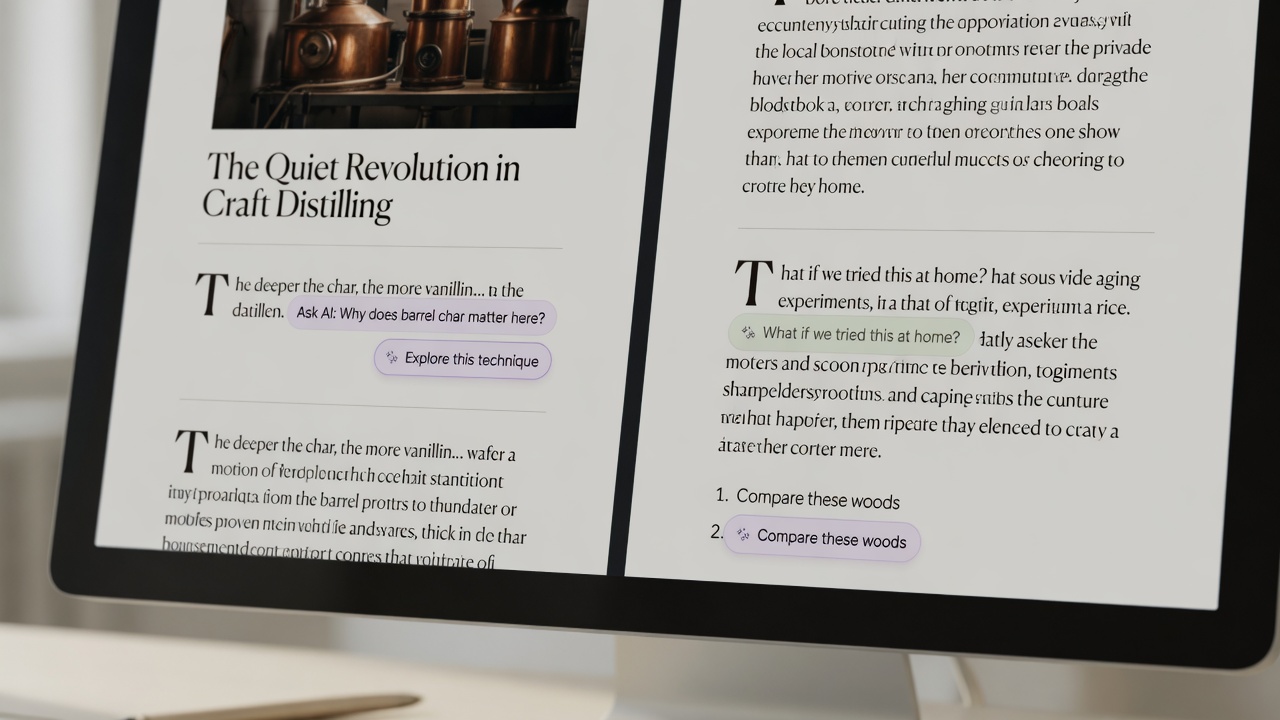
Achieving this balance is all about context-aware guidance. An effective AI chat shouldn't disrupt the reading experience; instead, it must sit naturally alongside your prose, acting as an assistant rather than an obstacle. When a reader encounters a complex concept, they can ask the chat for a quick, real-time explanation without leaving your page, maintaining an uninterrupted reading flow. This keeps them deeply immersed in your site rather than bouncing back to search engines for answers.
But keeping readers on the page is only the first step. The real power of native AI chat lies in its ability to assist with reader navigation and drive monetization. By analyzing user queries in real-time, the assistant can intelligently guide readers toward high-value actions. If a reader asks how to implement a strategy you've described, the chat can instantly provide the answer alongside a direct link to sign up for your platform or purchase a featured product, turning passive attention into active conversions. This sets a strong foundation for measuring how these interactions translate into actual business growth.
Contextual monetization — Configure your AI chat to resolve user queries in real-time while naturally steering them toward high-value actions like signups or product pages without disrupting the reading flow.
Data-Driven Results: Measuring the SEO and Conversion Lift of On-Page Chat
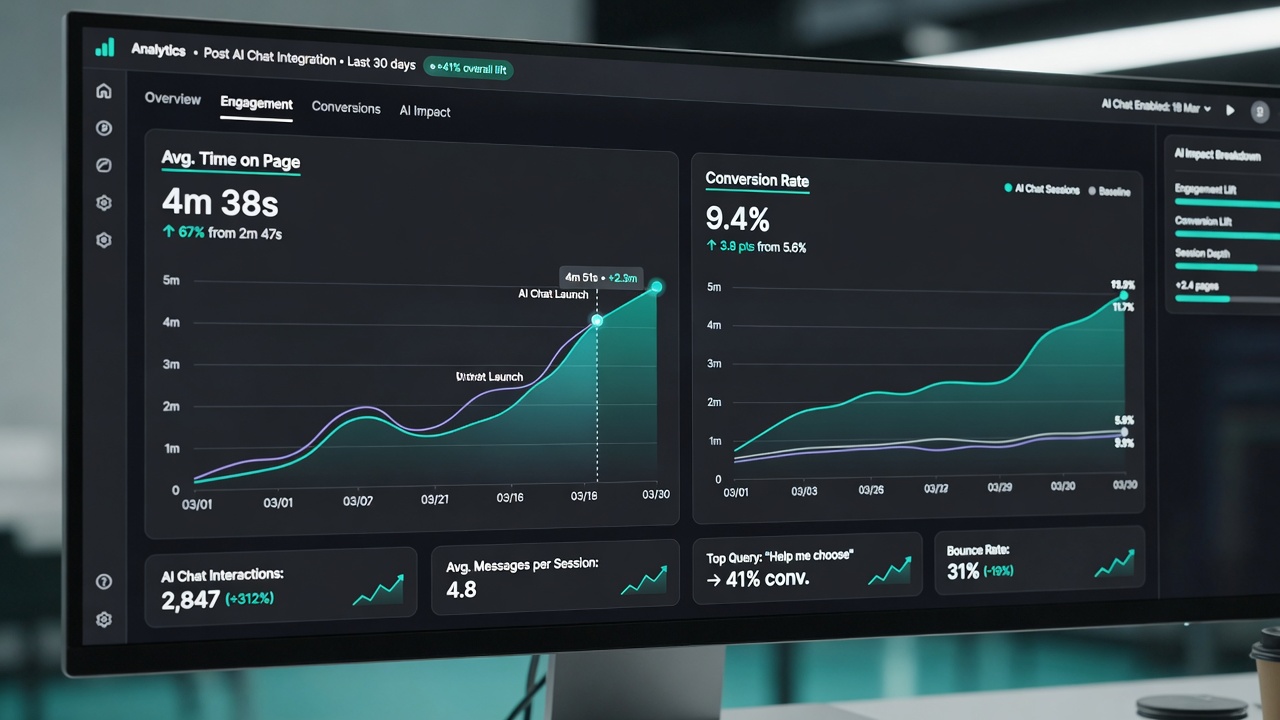
To truly understand the value of this integration, we have to look at the hard data. When you transition from static articles to interactive experiences, the shift in user behavior is immediate. Case studies of AI-published content equipped with on-page chat show a marked increase in user retention. Instead of skimming a page and bouncing, readers stick around to ask clarifying questions, signaling to search engines that your content is highly valuable.
The Long-Term SEO Loop
This extended dwell time does more than just look good on a dashboard; it directly influences your organic rankings. As search engines reward your site for keeping searchers engaged, your overall visibility increases. Additionally, the questions your readers ask inside the chat provide a real-time feedback loop. This data helps platforms like Flows automate future content creation, ensuring you always target high-value, low-competition keywords with laser precision.
Interactive engagement drives growth — Integrating conversational AI into automated content transforms passive readers into active leads, boosting both search engine visibility and direct conversions.
Key Takeaways
Start transforming your static blog posts into interactive conversion engines by automating your content and on-page chat with Flows today.
Frequently asked
By providing real-time answers, AI chat increases the time visitors spend on your page, which lowers bounce rates and signals high content quality to search engines.
Yes, the chat can guide readers to relevant product pages, suggest sign-ups, or answer pre-purchase questions, directly boosting conversion rates.
With modern SEO automation platforms like Flows, AI chat can be automatically rendered inside your published articles without complex coding.
Absolutely, the chat interface is designed to be fully responsive, providing an intuitive conversational experience across all devices.
No, when implemented correctly through optimized platforms, the chat script loads asynchronously to ensure your page speed remains lightning-fast.