Help Center SEO: How to Turn Support Articles Into Rankable Answers

Most help centers are busy and almost invisible in search. In a 24-month multi-industry analysis, HelpDocs found organic search accounted for only 12.26% of knowledge base visits, well below the 40–70% typical of content sites, while referrals supplied 87.36% and direct traffic was 0.37%. People arrive from the product, the website, or a search box they already trust—Search Engine Journal, citing a TSIA survey, notes that more than 80% of corporate IT users prefer Google first when seeking product support—and they leave if the public page does not answer the ticket in their words.
Help center SEO is not a second blog under a docs URL. It is one public article per recurring ticket question: the customer’s phrasing in the title, a short answer first, then the steps. That shape is what both classic results and answer engines can quote. It is not automatic. Arc Intermedia found one brand’s average knowledge base URL earned 4.5x the generative AI impressions of non-KB URLs, while a nonprofit brand’s average KB URL earned about 60% fewer. Citation penetration beat library size in the same monitoring style: 85.7% of a 14-article knowledge base was cited, versus 3.9% of a 128-article library.
The job, then, is selective. Index distinct product answers. Noindex thin stubs, internal-only notes, and search-result URLs. Keep a citation log so an assistant quotes a verified article or logs a miss. The sections that follow cover what earns a URL, how to write a quotable page, where to host it, and the three numbers that show ticket deflection rather than keyword vanity.
- Organic search is a small share of knowledge base visits today, which is unclaimed demand, not a reason to ignore help pages.
- Publish one public article per recurring ticket question, with a short answer before the steps.
- Index distinct product answers; refuse thin, internal, overlapping, or stale pages.
- A small, question-aligned library can be cited far more often than a large, unfocused one.
- Prove the work with help-URL clicks, new queries, and ticket volume on topics that now have a canonical article.
What Help Center SEO Is, and Why Organic Traffic Stays So Low

The distinction is sharper than a different template. Help center SEO means one public support article answers one customer question, in the words that customer already uses, so Google and AI assistants can quote it. It is not blog SEO pasted onto docs.
Blog SEO opens demand. Help SEO closes a ticket.
Blog SEO earns attention the reader did not arrive with. Narrative, proof, and a reason to keep scrolling are the tools. Help SEO assumes the reader already has the problem. The fix comes first, the steps second, and no topic gets a page unless the support queue has already named it. A clever angle that has never shown up in tickets is a blog post, not a help article.
That job is also why a content-site scorecard misreads a knowledge base. The row below is the mix HelpDocs measured: search is not where these readers start, so a thin organic share is not, by itself, a verdict on the articles.
Do not plan growth around people typing the help URL or keeping a bookmark. That path is already nearly empty. The pages worth writing are the ones search and assistants can open on their own: public, distinct, and phrased as the ticket, not as an internal note.
Whether a URL should rank in classic search or be cited by an assistant is a separate split, and it belongs in the AEO versus SEO piece rather than in a second explanation here.
Unclaimed demand — Help SEO closes a ticket the reader already has; it is not blog SEO under a docs URL. A low organic share means search was never handed that answer, not that a clear public page cannot rank.
Where Knowledge Base Visits Come From
Should You Index the Help Center, and Where Should It Live?
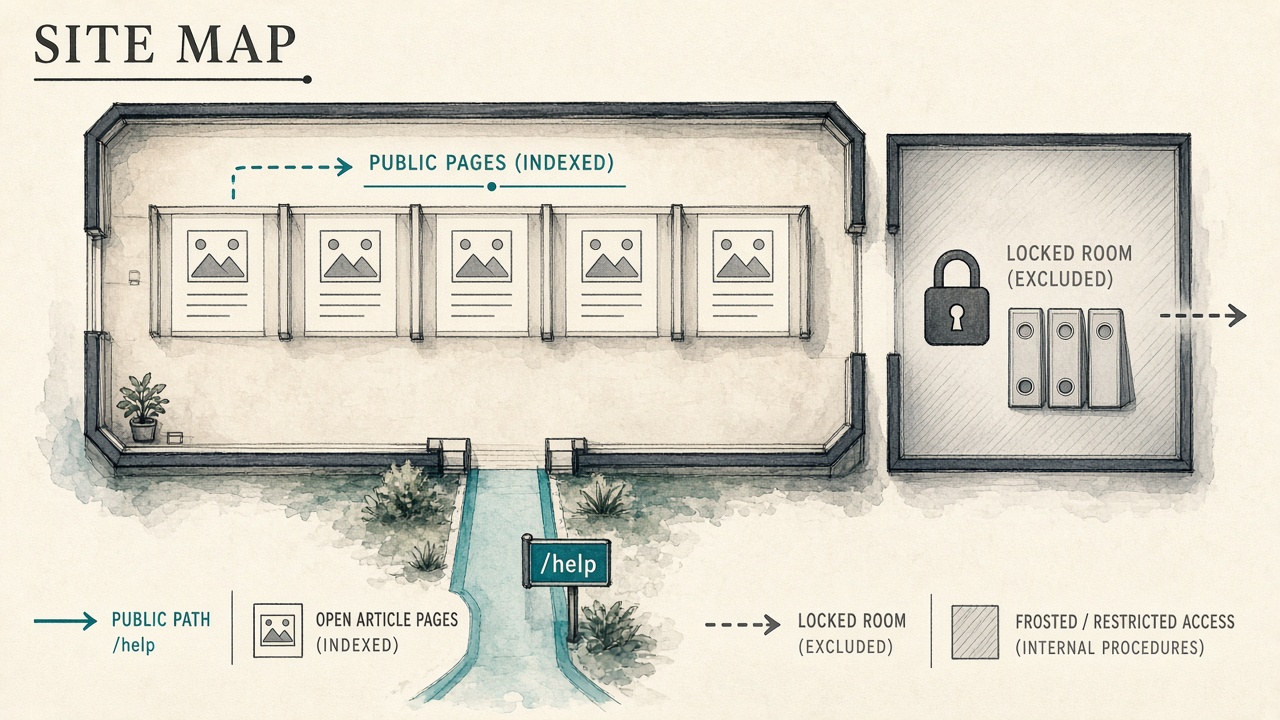
That unclaimed demand only turns into traffic if the right pages are allowed into search. Index public answers to distinct product problems. Keep account-specific records, internal-only procedures, and security-sensitive articles behind a login or noindex. A login wall is for private steps, not for every how-to a customer would Google.
- Index a public article when it answers one distinct product problem a stranger could search.
- Noindex, or keep behind login, anything account-specific, internal-only, or security-sensitive.
- Leave thin stubs and overlapping variants out of the index even if the rest of the library is public.
Volume matters as much as intent. Indexing is favored once you have about 50 or more substantive articles on distinct problems, and less favored below about 20 short or overlapping ones. Do not open a thin library to search just so the help center “has SEO.”
Readers already leave the product to look for support, so a public answer is how you meet them. Meeting them there is also a retention move: Search Engine Journal cites Harvard Business Review that acquiring a customer costs 5 to 25 times more than keeping one. A current public answer is cheaper than winning that customer again.
Put public help on a /help path
Prefer a /help subfolder on the main domain when the platform allows it. Subdirectories tend to inherit domain authority more directly than a separate host, which is why Slack’s help lives at slack.com/help rather than on a vendor hostname. If the platform only offers a separate host, keep the canonical URL on a path you control so links, authority, and any quoted answer point at one place.
Index selectively — Index public answers to distinct product problems—once the library is substantive, not while it is thin—and host them on a /help path of the main domain, not a vendor hostname.
How to Pick Help Topics From Tickets and Failed Searches

Once the help center is public and on a path search can trust, the next mistake is stocking it from a keyword tool. Pick topics from recurring tickets and from searches that already failed on the site. A keyword tool can confirm wording later. It should not invent a page the queue has never seen.
Start with the subjects that keep coming back, written in the customer's words rather than the product team's feature name. Then cluster duplicates before anyone drafts. Two tickets that differ only in wording are one question and one canonical article. Splitting them leaves search with two thin pages competing for the same query, and leaves an assistant with two quotes that can disagree.
What earns a page, and what you hold
Not every question earns a brief. Hold it when a product page or blog URL already answers it, and hold it when the answer is a single sentence with no steps worth quoting. Those belong as a link or a UI label, not as another indexed article.
The weekly failed-search export is demand the keyword tool cannot see, because those people were already in the product looking for an answer. A repeated miss that lines up with a ticket is a missing page. A novel query with no ticket behind it is noise until it repeats. Work the log from the top: publish the clustered questions that have steps, and refuse the rest so thin or overlapping pages never get indexed.
Queue first — Start from tickets and repeated failed searches, fold wording variants into one canonical article, and hold anything already answered elsewhere or too thin to quote.
How Should a Support Article Be Structured So Google and AI Can Quote It?
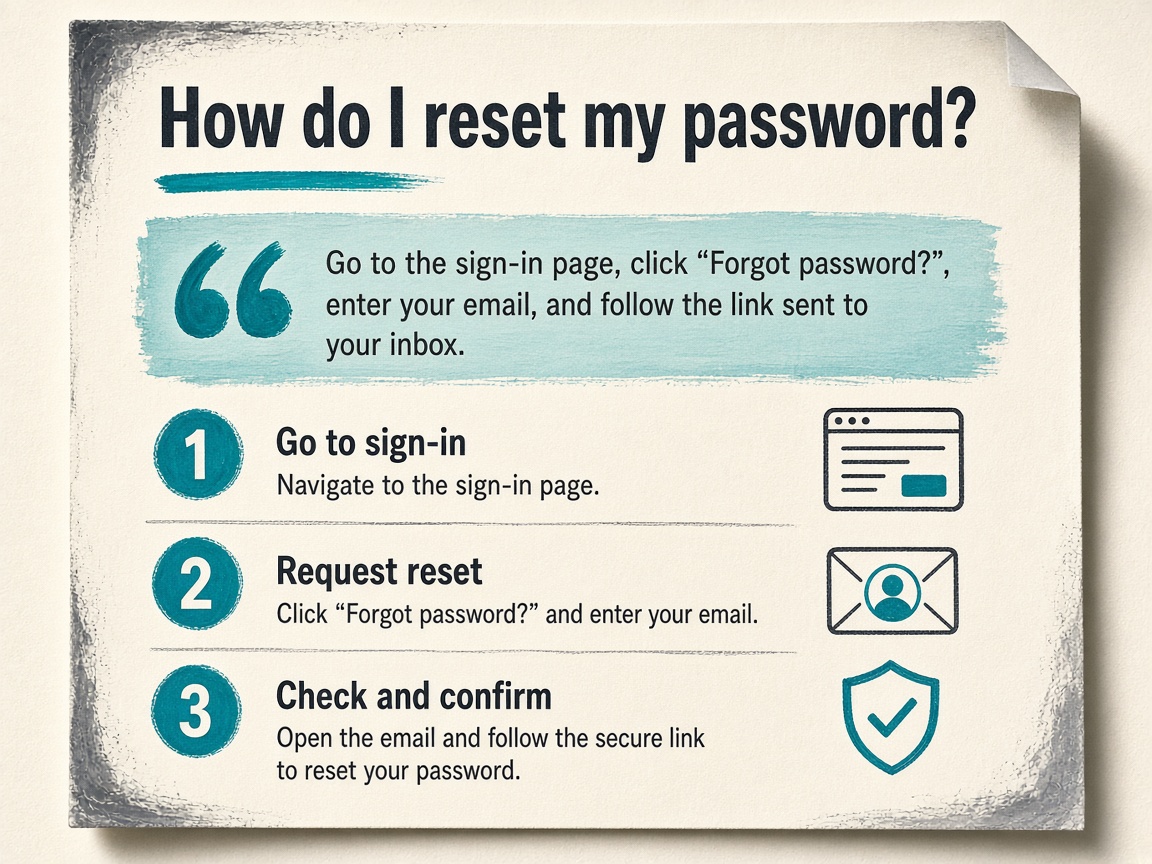
Once a ticket question clears the publish log, structure it so a search result or an assistant can lift the fix without guessing. Put a complete answer of about 40 to 60 words directly under the title, then the steps. More than a third of knowledge base traffic is mobile — 37.6%, in HelpDocs’ traffic study — so the first screen has to resolve the question, not introduce it.
One question, and steps that stand alone
One article answers one question. If the title is how to reset two-factor authentication, the body does not also cover billing, password rules, and SSO. Each step should be readable alone: a person, or a model extracting a passage, should understand step three without rereading the lede. How to write those passages so they survive extraction is in this site’s passage-level and citation-ready writing guides. The help article stays a fix, not a style manual.
Add a source only when it clarifies the fix
Where a number or a named source makes the answer more accurate — a limit, a version, the date a behavior changed — put it in the visible text. Helply’s summary of the Princeton GEO study (KDD 2024) found that additions such as sources and statistics boosted generative engine visibility by up to 40%. That is a reason to cite the fact that belongs in the fix. It is not a reason to stuff keywords or pad the opening with unrelated stats.
Does FAQ schema still help help-center pages?
Do not brief help articles for FAQ rich results. Google ended them for every site on May 7, 2026, with Search Console and Rich Results Test support scheduled to drop in June 2026 and API support in August 2026. Visible question-and-answer text still matters. Structured data is not required for generative AI search, and there is no special schema to add. If FAQPage markup remains, it must match the visible page. It is optional housekeeping, not the ranking plan.
Answer first — A help article gets quoted when a 40-to-60-word answer sits under the title, each step stands alone, and facts appear only when they clarify the fix — not when FAQ markup is added to chase a rich result Google stopped showing.
How to Stop Help Articles From Competing With the Blog
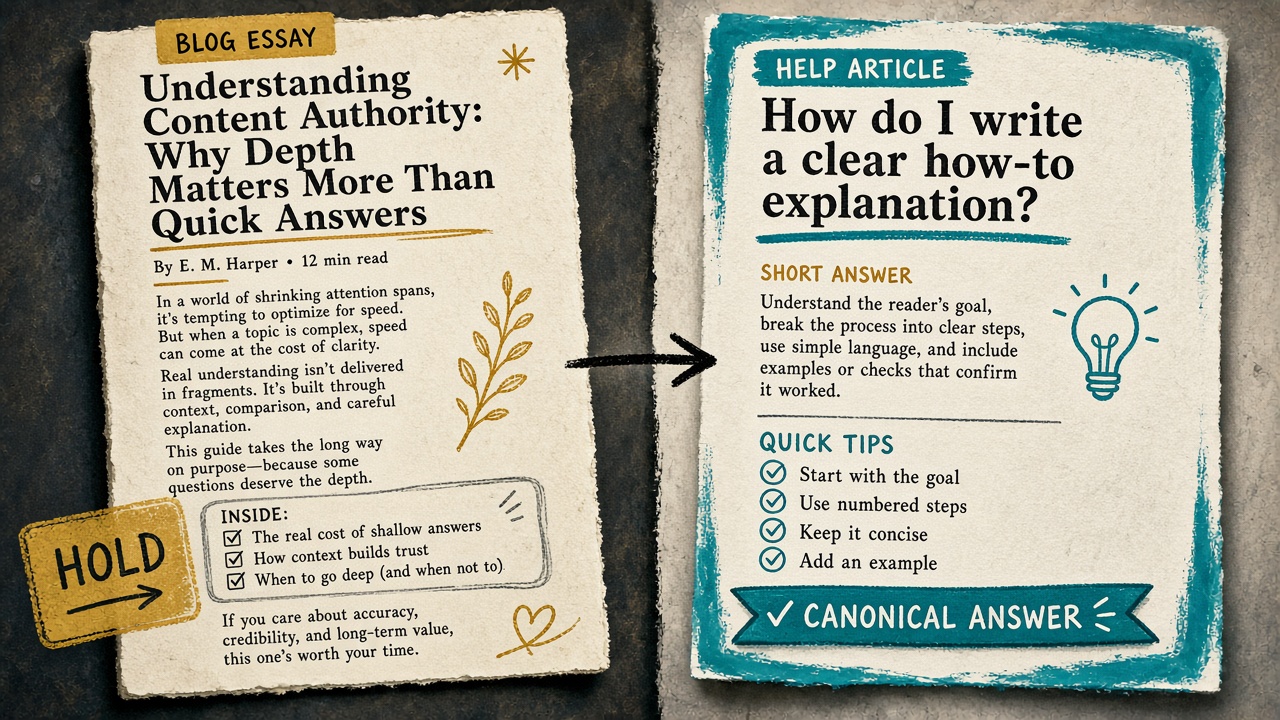
A clear article structure still loses if a blog post answers the same question. When help and the blog overlap, choose one canonical URL and retire the other. Help wins when the intent is how to do or fix something in the product. The blog wins for comparisons, opinions, and top-of-funnel explainers. A short FAQ stays on the product page when the objection is a one-sentence buying or setup answer, not a multi-step procedure.
Do not publish a second page that restates the first in a different template. A blog how-to sitting beside a help article with the same steps splits links and gives search and assistants two near-copies to choose between. The losing URL gets one of three treatments:
- Redirect it when the surviving page fully replaces the old one and should inherit its links.
- Noindex it when the page must stay reachable for logged-in or campaign readers but should not compete in search.
- Consolidate it when both drafts have useful lines, then keep a single public URL.
Fail closed. If the draft duplicates an existing URL, or is too thin to quote on its own, hold it. A cite-or-refuse loop is the difference between a library and a pile of near-duplicates. The question, source, and existing URL are already on the editorial log; the only new decision is publish or hold.
When a short FAQ stays on the product page
Keep that block on the product page for one-sentence buying or setup objections. Of 14 FAQ sections measured on September 30, 2026, 13 had 17 questions or fewer, and only 6 used FAQPage JSON-LD. A short on-page block is the normal pattern, not a reason to spin up a help URL for every line.
Promote the block to its own help article only when tickets or failed searches show people need steps, screenshots, or a URL an assistant can cite. Until that signal appears, the product page remains the canonical answer, and a new help article would only compete with it.
One URL — Help owns how-to and fix intent, the blog owns comparisons and explainers, and a one-sentence objection stays on the product page until tickets prove it needs its own article.
What to Noindex in Zendesk or Intercom, and How to Get ChatGPT to Cite the Rest

In Zendesk or Intercom, also noindex help-center search-result URLs, empty categories, tag dumps, and agent-only macros. Those pages exist for navigation or agents, not as an answer a customer typed into Google.
ChatGPT, or an on-site concierge, cites a support article only when it is handed one current canonical URL for that question. A larger library does not help. The concierge quotes that URL or logs a miss. It does not improvise from a stale article or an internal doc that was never meant to be public.
Visibility is real, and it is not automatic
Across four sites, Arc Intermedia found knowledge-base URLs can earn far more generative AI impressions per URL than other pages, with the largest gap at 4.5 times (255 versus 57). The advantage does not travel with the content type. On a nonprofit brand in the same study, the average knowledge-base URL earned 404 generative AI impressions versus 1,000 for non-knowledge-base URLs, about 60 percent lower.
Citation penetration beats article count. Sixty-two knowledge-base URLs produced 147 citations, and only 28.2 percent of 220 articles were cited. A 14-article real-estate library had 12 URLs cited (85.7 percent); Arc Intermedia’s own 128-article library had 5 cited (3.9 percent). Even with that low prompt-set penetration, the knowledge base still drove 38.1 percent of the site’s generative impressions — 49,048 of 128,574. Publishing volume alone is not a useful measure of whether assistants can quote you.
The citation log is the rule the concierge follows
Ship a citation log with the pillar: question, canonical URL, index decision, last verified date, and cite or refuse. If the row says refuse, the concierge logs a miss instead of stitching an answer from a stub, a macro, or last year’s draft. Tracking beyond this help-center rule — which prompts actually cited which URL — belongs in the site’s AEO citation playbook, not in a second copy of the same article.
Cite or refuse — Noindex search-result URLs, empty categories, tag dumps, and agent-only macros. Give ChatGPT or the concierge one current canonical article per question, and log a miss instead of quoting anything else.
Generative AI Impressions per URL
Which Metrics Prove Ticket Deflection, and How Often to Review Articles
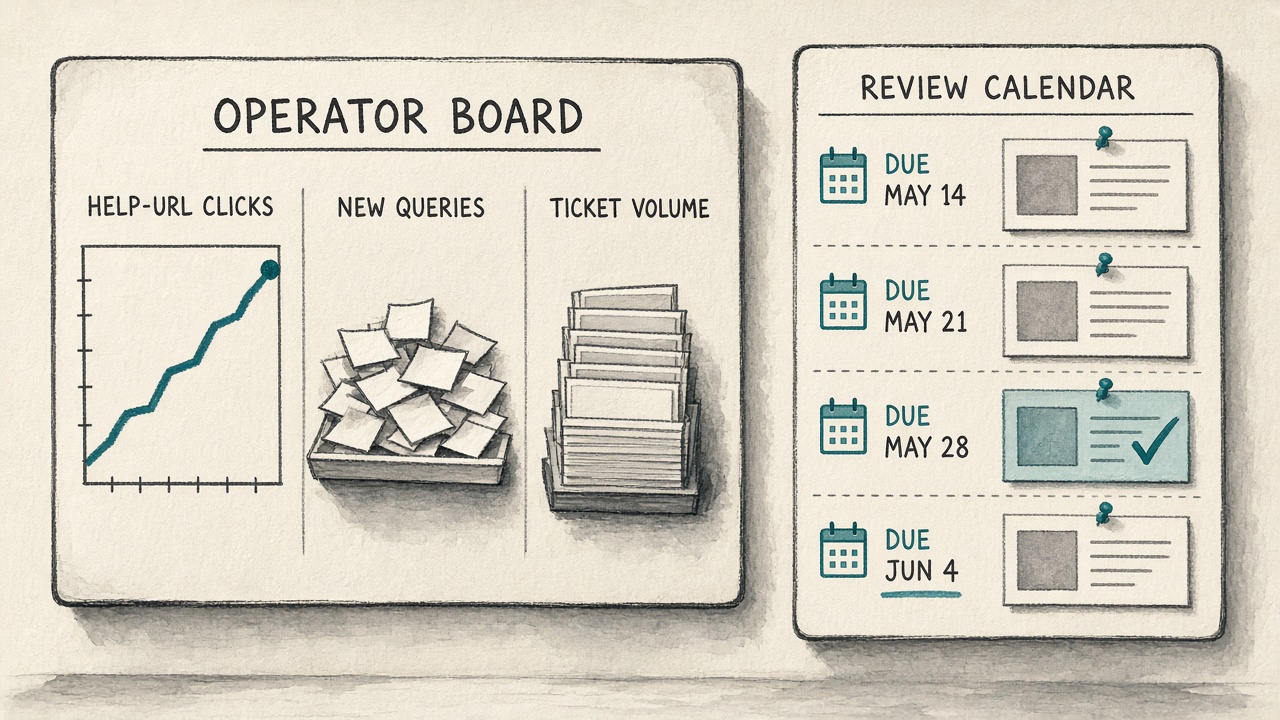
With the citation log already deciding what the concierge may quote, the proof of help center SEO is not a keyword rank. Deflection shows up when people find the canonical article and stop opening a ticket for that same question.
Ignore rank vanity. Track three numbers, and read them together rather than as a traffic dashboard.
- Help-URL clicks in Search Console, so you can see whether public answers are actually being found.
- New queries the center starts ranking for, which is unclaimed demand turning into coverage.
- Ticket volume on topics that now have a canonical article, which is the only number that proves the work left the queue.
On-site search success is the leading indicator, ahead of organic clicks. HelpDocs reports an average success rate of 82.69%, and says strong on-site search can cut ticket volume sharply. A drop in that rate is a missing-answer signal, not a rank problem.
Review on product change, not on an annual cleanup
Re-verify any article the concierge cited in the last 90 days, and pass quarterly over topics that still generate tickets. If the last verified date is past that window, or the interface in the steps has changed, the concierge refuses the cite and logs a miss. A stale quote is worse than no quote, because it teaches both the customer and the assistant the wrong fix.
Pair that review date with the citation log so measurement and the assistant use the same source of truth. When the row stays current, help center SEO quotes one public answer per recurring ticket question only while it is still true.
Measure the queue, not the rank — Deflection is three numbers plus a fresh verification date: Search Console clicks on help URLs, new queries the center ranks for, and fewer tickets on topics that already have a canonical article. If the article is stale, refuse the cite.
Key Takeaways
Audit your help center against the ticket log this week and publish or noindex until every recurring question has one current URL a search engine or concierge can quote.