How to Embed AI Chat for Reader Navigation and Engagement in Articles
Most readers land on a blog post searching for one specific answer, but they often bounce the moment they are forced to hunt through walls of text to find it. Traditional, static content expects the reader to do all the heavy lifting, which inevitably leads to lost attention and high bounce rates.
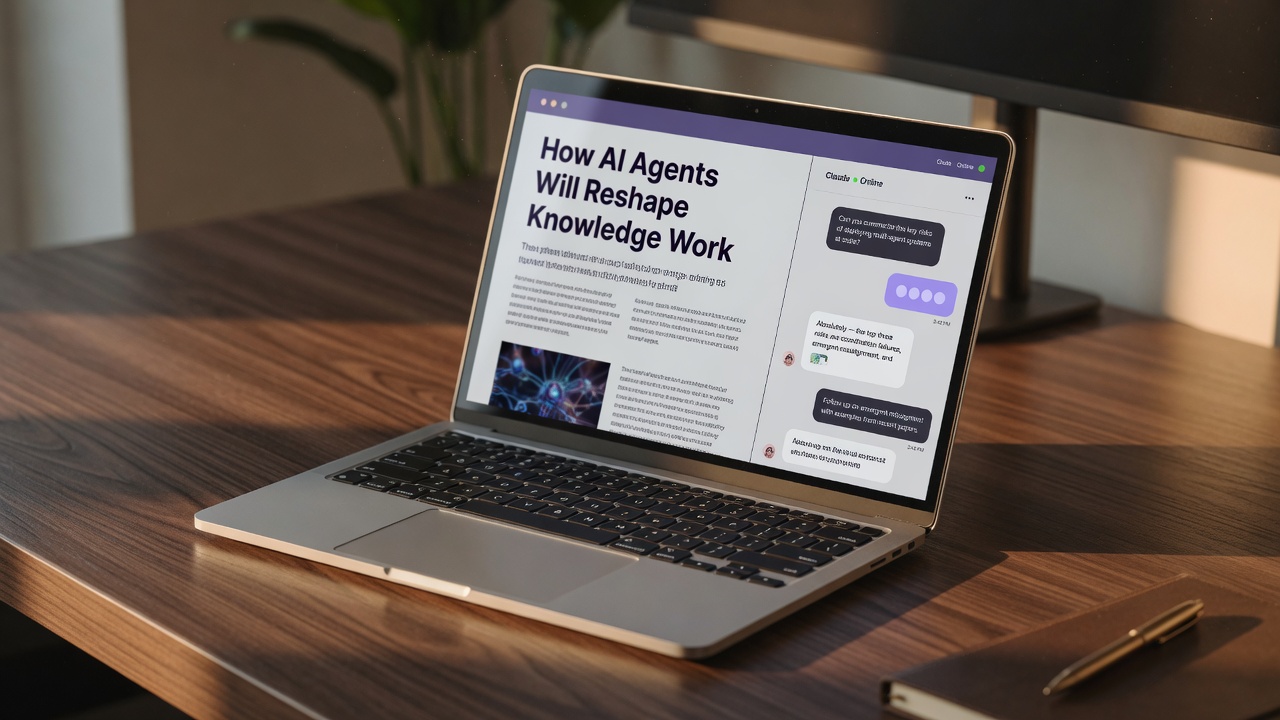
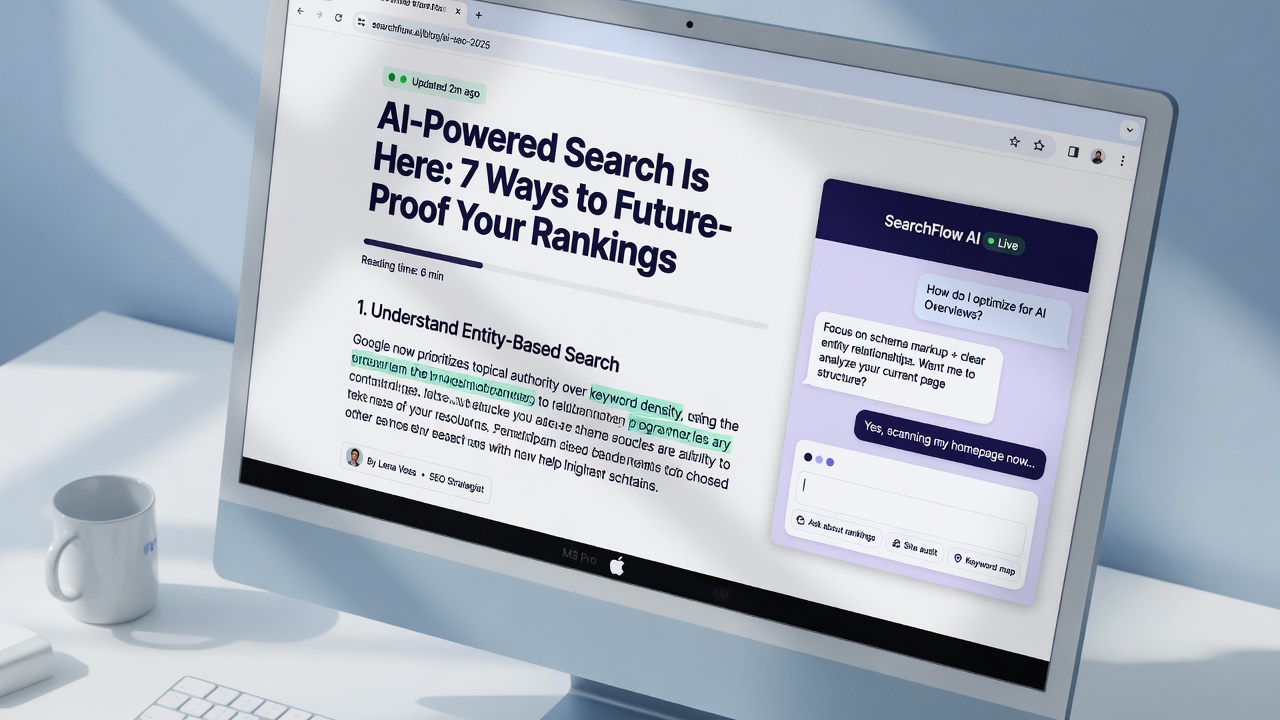
By embedding an interactive AI chat directly into your articles, you can change this dynamic entirely. AI chatbots boost blog engagement by driving interaction, reducing bounce rates, and personalizing reader experiences. Instead of scrolling aimlessly, readers can simply ask the article a question and receive an instant, accurate summary of what they need.
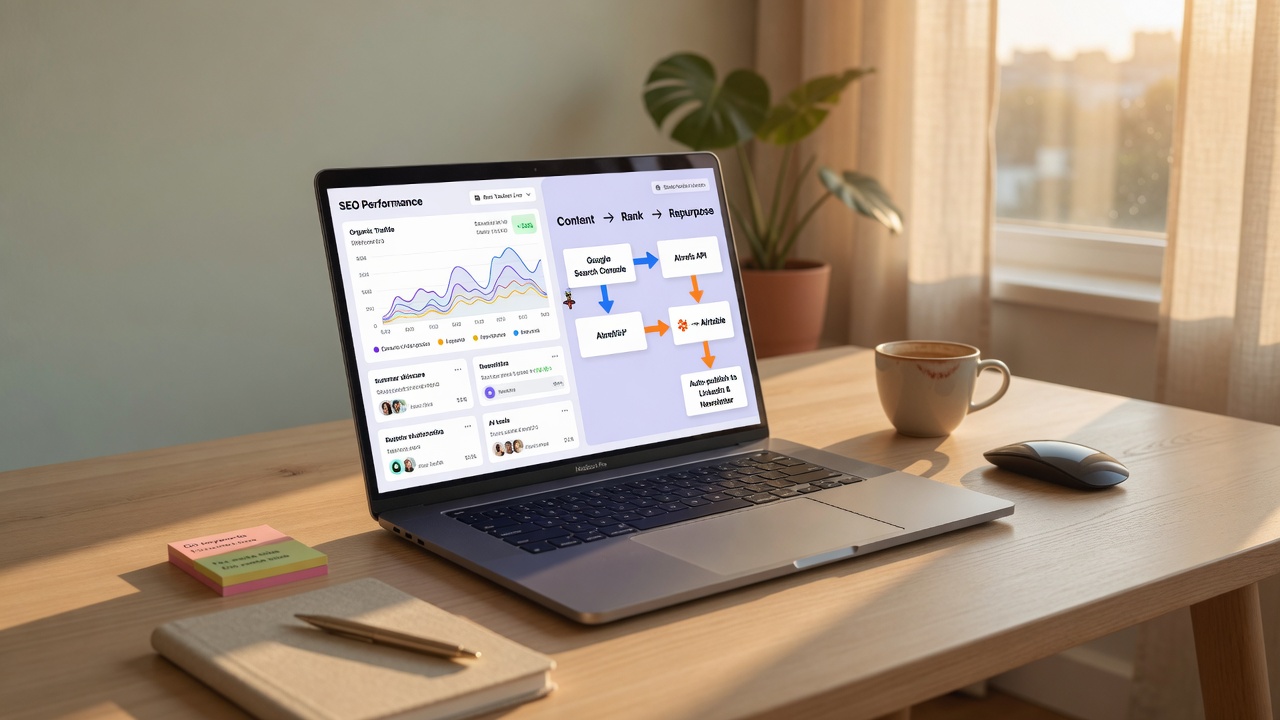
This article explains how to bridge the gap between static publishing and interactive content, turning your automated SEO output into a highly engaging resource. Let us start by looking at why traditional layout structures fail modern readers and how a navigation gap is hurting your content performance.
- 1
Static blog posts often lose readers who want immediate, personalized answers to specific questions.
- 2
Embedding an AI chat widget directly into articles drives deeper interaction and reduces bounce rates.
- 3
Successful chat integrations leverage natural language and maintain user context across the page.
- 4
You can easily deploy these interactive assistants using simple, no-code JavaScript snippets.
The Navigation Gap: Why Traditional SEO Content Fails the Modern Reader
When content automation and SEO automation scale up, articles are often published in high volumes to capture search traffic. However, these autoblogged pieces frequently suffer from a critical user-experience flaw: they lack natural internal linking, intuitive contextual cues, and tailored user journeys. Instead of a cohesive, easy-to-navigate web of information, readers are met with a dense wall of text that expects them to do all the heavy lifting.
In this environment, readers struggle to locate specific sections or related explanations that match their immediate search intent. If a user lands on a comprehensive guide looking for one specific troubleshooting step, forcing them to scroll endlessly or rely on generic, static tables of contents often leads to a quick bounce. They want instant answers, not an archaeological dig through layers of text.
This is where integrating an AI chat widget changes the game. By acting as an on-demand, interactive table of contents and contextual explainer, an embedded AI assistant can instantly guide readers to the exact information they need. Rather than leaving visitors to navigate a static page alone, the AI chat understands user queries in real-time, pulling relevant snippets and directing them to the precise paragraph that answers their query.
By transforming passive reading into an active, conversational experience, the AI assistant keeps visitors engaged without forcing them to navigate alone.
The navigation gap — Traditional automated SEO content often isolates readers with static layouts, but integrating an interactive AI chat solves this by serving as an on-demand, personalized guide that reduces bounce rates and boosts engagement.
The Core Pillars of a Truly Useful Reader AI Chat
To move beyond a basic chatbot gimmick, an on-page assistant must be deeply integrated into the fabric of your article. It cannot just be a floating window pinned to the side of the screen; it must understand the exact content the reader is looking at. For an AI chat to truly solve the navigation gap, it has to operate on the core primitives of your digital experience—meaning it must reference headings, specific paragraphs, and hard data points directly as the user reads.
"4 principles of successful chat integrations: must be able to operate on the core primitives of the app; take advantage of the powerful characteristics of natural language... allow the user to fluidly mix and match... and maintain context across the user’s entire experience."
— The 4 characteristics of successful AI chat integrations
Maintaining Context Across the Scroll
In practice, maintaining context is non-negotiable. As readers scroll down a long-form guide or jump between different subheadings, the AI must keep pace, understanding where the reader is without forcing them to re-explain their query. Furthermore, the interface should allow for fluid switching between reading and chatting. If a reader highlights a complex sentence, the AI should instantly offer to explain it, creating a seamless loop between static text and interactive dialogue.
Context is king — A successful AI reader assistant must dynamically track the user's scroll depth and allow fluid transitions between reading static text and asking questions.
How to Embed AI Chat in Your Articles: A Step-by-Step Guide
Transitioning from this conceptual loop to a live, working integration is surprisingly straightforward. You do not need a team of developers or weeks of custom coding to make your content interactive. By leveraging modern no-code platforms, you can deploy a fully functional AI assistant directly into your article templates in just a few minutes.
<script src="https://platform.com/embed.js"></script>—which you can copy instantly.Setting up the technical integration is only half the battle; the real magic lies in how the AI behaves. When the prompt is calibrated correctly, the assistant doesn't just answer generic queries—it dynamically anchors its responses to the specific section the reader is currently viewing. This contextual awareness keeps the conversation highly relevant, transforming static content into an active, two-way dialogue that naturally guides readers toward your conversion goals.
No-code embedding — Integrating AI chat into SEO articles is as simple as dropping a JavaScript snippet below the headline, provided you train the prompt to act as an active navigation guide.
Fine-Tuning the Chat Experience: Balancing Reader Flow and SEO Value
Achieving this seamless transition requires a delicate balance between user experience and technical optimization. If an AI chat widget is forced upon a reader too early, it becomes an intrusive distraction rather than a helpful assistant. To maintain a natural reading flow, position the chat so it appears after the introduction, ensuring it remains easily accessible without blocking the primary content.
Designing Context-Aware Prompts
Once the physical placement is set, the underlying prompt engineering must be tailored to the specific article. Instead of letting the AI pull from generic, broad-world knowledge, program your prompts to reference the unique structure of your article. This keeps the conversation highly relevant and hyper-focused on the reader's immediate intent.
- Anchor to headers: Force the AI to use your existing subheadings as navigational jump-to points.
- Prevent repetition: Ensure chat responses do not duplicate your meta descriptions or primary headings, keeping the interaction fresh.
- Maintain scope: Restrict the assistant to the page's topics to prevent users from wandering off-site.
By keeping the AI's responses distinct from your on-page SEO metadata, you avoid redundancy while providing real-time, complementary value. This dual approach keeps readers on the page longer, signaling strong engagement to search engines without cannibalizing your core keyword strategy.
Tactical Placement — Position the chat widget after the introduction and prompt it to reference your article structure, ensuring it guides readers without duplicating your SEO metadata.
Tracking the Impact: How to Measure AI Chat Success
To prove this value, you need to look beyond standard pageviews and measure how readers actually interact with your embedded assistant. Start by tracking core engagement metrics like scroll depth, overall time-on-page, and internal link click-through rates. When readers use the chat to navigate, you should see a noticeable lift in how deep they dive into your content ecosystem.
Testing and Refining Your Widget Setup
Don't just set it and forget it. Test the visibility of your chat widget at different scroll positions—such as a slide-in after the first few paragraphs versus a sticky sidebar. By analyzing these placements, you can find the sweet spot that captures attention without disrupting the reading flow.
Ultimately, you want to correlate chat usage with your broader SEO performance. In traditional service environments, 75% of professionals find that AI helps reduce response times, and a similar principle of instant gratification applies to blog readers. By automating workflows and eliminating wait times for answers, interactive chatbots naturally improve customer engagement and build brand loyalty. Monitor your analytics to see how this instant access to information translates to reduced bounce rates and improved search rankings over time.
Data-driven optimization — Measure scroll depth, time-on-page, and placement visibility to ensure your AI chat actively reduces bounce rates and supports long-term SEO growth.
Key Takeaways
Start publishing high-performing, interactive SEO articles that engage your readers instantly with Flows.
Frequently Asked Questions
AI chatbots boost blog engagement by driving real-time interaction, reducing bounce rates, and personalizing the overall reader experience. They turn static text into an active conversation, keeping visitors on the page longer.
No, you do not need coding experience. You can embed an AI chatbot using a simple JavaScript snippet from no-code platforms for quick deployment on virtually any content management system.
Successful integrations must operate on core app primitives, leverage natural language, allow fluid mixing of UI elements, and maintain context across the user's entire experience on the page.
Yes, they eliminate wait times entirely by providing instant answers. Research shows that seventy-five percent of customer service professionals say AI has helped them reduce response times.
Absolutely. The AI assistant can naturally recommend affiliate products, relevant services, or newsletter subscriptions based on the specific questions the reader asks during their session.