Customizing AI Chat Prompts for Better User Navigation
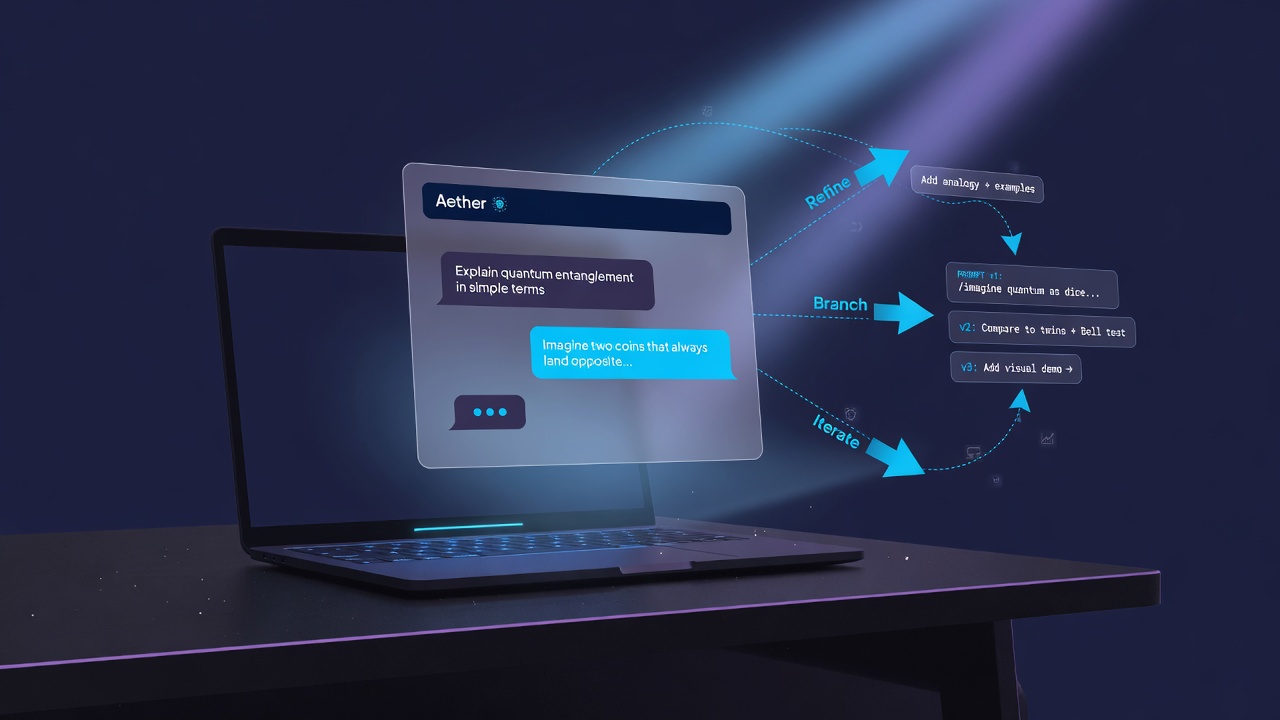
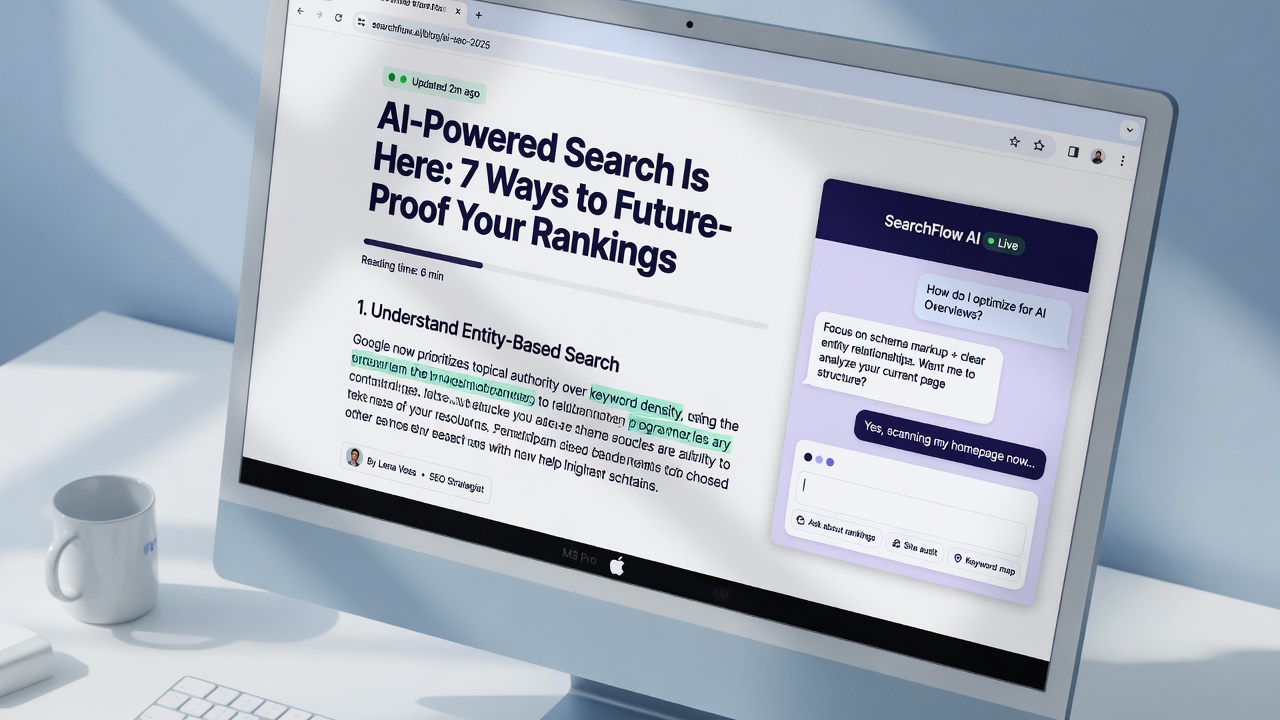
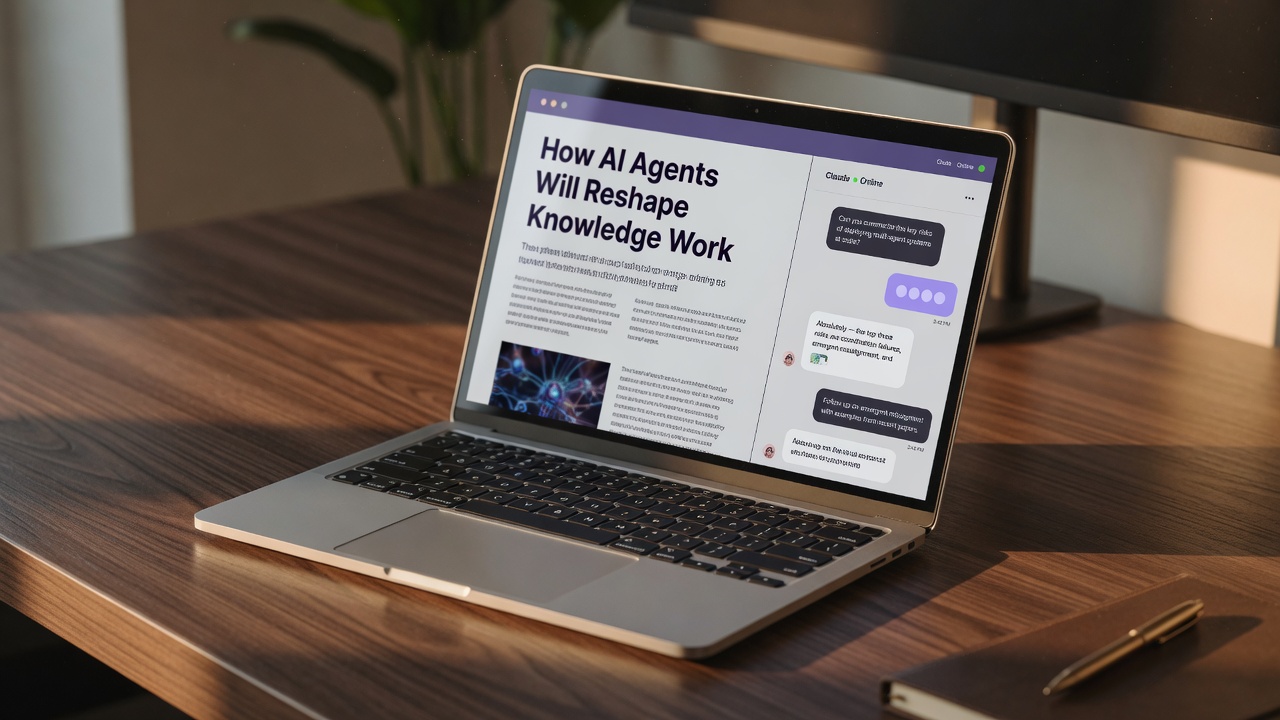
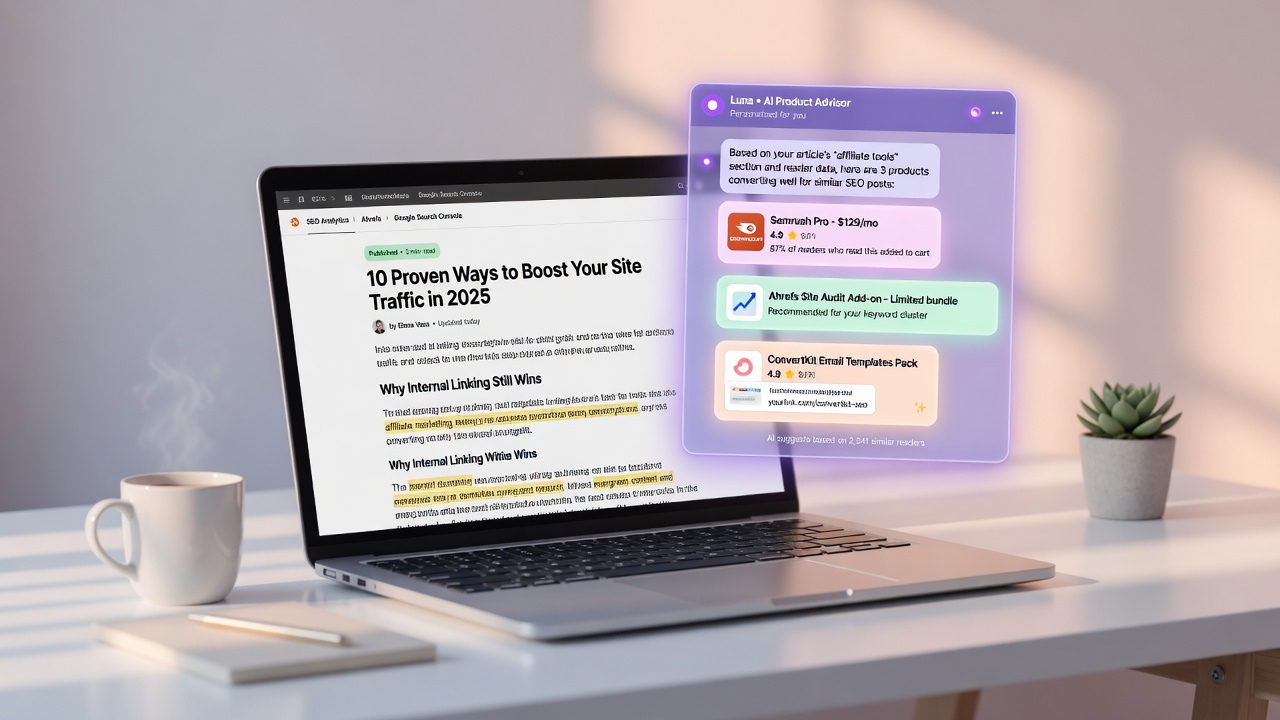
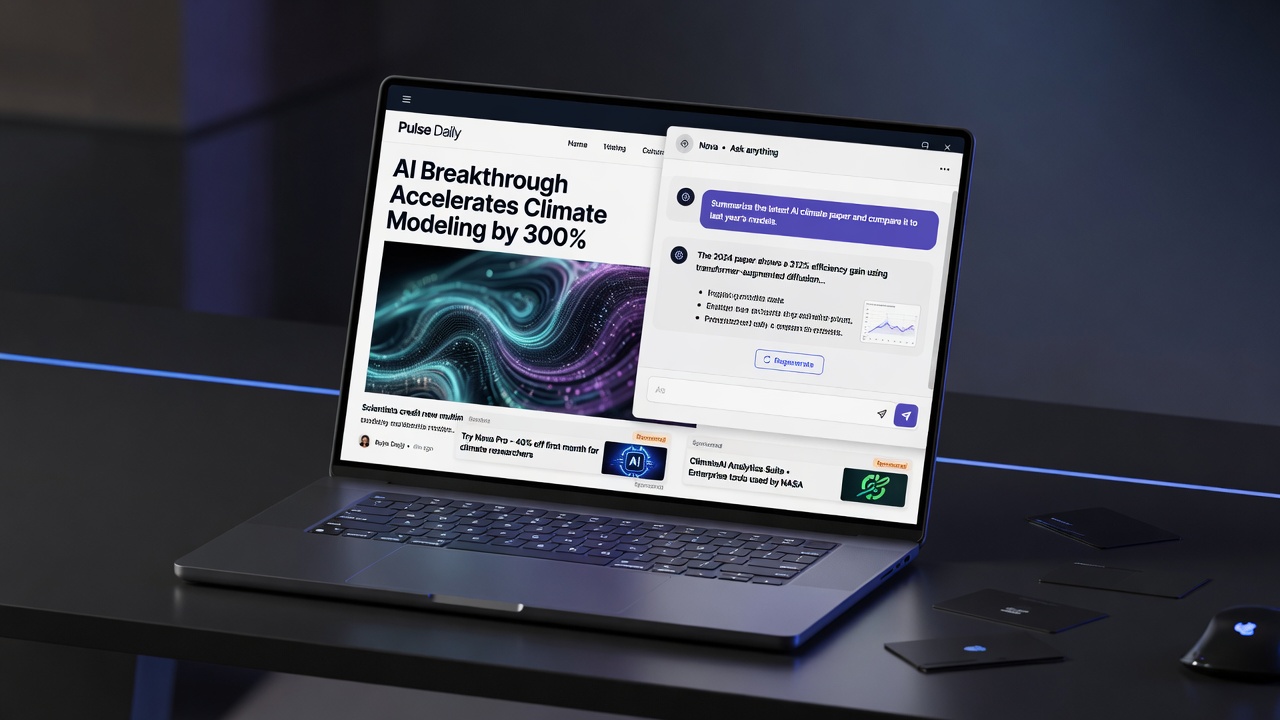
Imagine landing on an article, skimming a few headings, and instantly having a knowledgeable assistant step in to guide you to the exact resource, product, or tool you need. In the era of automated content, the traditional, static blog post is evolving. By embedding an interactive AI chat directly into your automated SEO articles, you can bridge the gap between search traffic and active user engagement.
But simply dropping a generic chatbot onto a page is not enough to keep readers hooked. To turn casual skimmers into highly engaged users, you must customize your AI chat prompts to align with your readers' specific needs. This means tailoring your prompts based on who is reading—ensuring beginners get the foundational background they need while experts receive direct, advanced tips. It also means using smart prompt design to highlight friction points in the user journey and offering clear use-case prompt suggestions that help readers understand exactly how to interact with the AI tool.
In this guide, we will walk you through the step-by-step process of engineering and refining in-article AI chat prompts. You will learn how to structure these prompts for optimal navigation, map them to different stages of the reader's journey, and continuously iterate on them to maximize your site's monetization potential. Let's start by looking at how to lay the groundwork for a conversational experience that feels completely natural.
- 1
In-article AI chat transforms static reading into an interactive, guided navigation experience.
- 2
Effective prompts must be tailored to the audience's expertise level, offering background for beginners and advanced tips for experts.
- 3
Use-case prompt suggestions help users instantly understand how to interact with the AI assistant.
- 4
Continuous testing and refinement of prompt structures are essential to remove user friction and boost conversions.
Building the Foundation: A Core Prompt Framework for In-Article AI
Laying that groundwork starts with building a robust, core prompt framework. When you integrate an AI chat assistant directly into your content, it cannot simply operate as a generic, open-ended chatbot. Instead, it needs a highly defined identity, a specific navigation mission, and clear boundaries that align with your site's monetization and SEO goals.
To make this interaction seamless, you should also provide clear use-case prompt suggestions alongside the chat interface. These pre-designed prompt suggestions are intended to help users understand what they can use the AI tool for and how to interact with it, removing the friction of a blank text box and immediately demonstrating value.
By standardizing these three pillars—role, objective, and constraints—you ensure that the AI remains a helpful, on-brand assistant. It prevents the AI from hallucinating off-site links or drifting into irrelevant topics, keeping the reader's attention exactly where it belongs: on your content. Next, we need to consider how these prompts should adapt depending on who is reading.
Structure drives engagement — A robust prompt framework transforms your AI chat from a passive Q&A box into an active, on-site navigator that aligns user intent with your monetization goals.
Matching the Message: How to Align AI Prompts with Reader Expertise
To make an in-article AI chat truly effective, you cannot treat every reader the same. A developer looking for specific API documentation needs a completely different interaction style than a marketing manager exploring SEO automation for the first time. To bridge this gap, you must align your AI's tone and depth with the reader's current knowledge base.
This alignment starts at the prompt level. As highlighted in A Guide to Crafting Effective Prompts for Diverse Applications, you must "Consider Your Audience: Tailor your prompt based on who will interact with or benefit from the AI's response." Categorizing your target readers into distinct expertise brackets allows you to write prompts that serve them precisely what they need.
Designing for Beginners vs. Experts
When a reader is a beginner, they often lack the foundational vocabulary to ask the right questions. Your AI chat prompts should instruct the assistant to provide extra context, define industry jargon on the fly, and suggest introductory articles. For instance, if your article is about technical SEO, the prompt should direct the AI to explain terms like "canonical tags" before suggesting deeper navigation links.
On the flip side, experts have no patience for introductory fluff. They want advanced tips, direct shortcuts, and immediate access to complex tools. For this audience, program your AI prompt to bypass basic explanations and dive straight into actionable, high-level insights or advanced documentation.
To ensure these custom prompts land perfectly, test your AI chat outputs against specific reader personas before deploying them. Run mock chats using both beginner and expert scenarios to see if the AI's tone, complexity, and navigation suggestions align with what those users actually need. Adjusting the prompt constraints based on these test runs ensures a seamless user flow.
Audience-centric prompting — Tailoring your AI chat prompts to distinct user expertise levels ensures beginners get the context they need while experts get fast, actionable shortcuts, directly boosting on-site engagement.
Once you have calibrated your prompts for different expertise levels, you can begin structuring them to guide users through specific, interactive scenarios. Next, we will explore how to craft prompts that mimic structured interviews to uncover the reader's exact needs.
Turning AI Chat into an Interactive Navigation Assistant
To transform a passive reader into an active participant, your in-article AI chat must act less like a static search bar and more like an intuitive concierge. By structuring your prompts to mimic a user experience interview, you can instruct the AI to actively ask readers about their navigation pain points rather than waiting for them to type a query.
This conversational approach mirrors proven UX practices. For instance, UX researchers often use specific prompts to generate user interview questions focused on evaluating navigation, search functionality, and checkout flows to diagnose site friction. In the context of an informational article, you can program your AI chat to ask targeted, open-ended questions about what the reader is trying to find next.
To make these interactions highly effective, focus the AI's questioning on three core pillars:
- Search Intent: Asking what specific answer or tool the reader came to find.
- Internal Link Guidance: Helping the reader discover related deep-dive resources on your site.
- Next-Step Suggestions: Offering logical paths forward based on their current reading progress.
Furthermore, you can seamlessly align these generated questions with semantic SEO keywords. By instructing the AI to weave relevant, high-intent search terms naturally into its dialogue, you reinforce the topical relevance of your content. This not only keeps the conversation contextually aligned with your site's monetization goals but also guides the user toward high-value pages that match their exact search journey. Once you have set up these navigation-focused prompts, the next step is monitoring how readers interact with them to pinpoint exactly where their journey stalls.
Interactive prompting — By training your AI chat to conduct mini-navigation interviews, you can uncover reader pain points in real time and guide them seamlessly to their next destination.Finding the Speed Bumps: Spotting and Fixing Friction in Your Reader's Journey
To catch these drop-off points before they impact your conversion rates, you can use structured prompts to actively simulate and review reader paths through your content. By treating your article and its integrated AI chat as a continuous user experience, you can pinpoint exactly where readers get lost, lose interest, or fail to find the next logical step.
"Review this user flow: sign-up → profile setup → dashboard. Identify friction points for people over 60 and suggest 2 improvements."
— Prompt engineering for designers: a practical guide
While this approach is commonly used for product design, applying it to your content strategy helps uncover hidden navigation hurdles. Your in-article AI chat is uniquely positioned to spot these issues because it captures direct, conversational feedback in real-time. By instructing your AI to analyze these interactions, you can identify negative sentiment or confusion surrounding specific navigation elements, like vague internal links or misplaced calls-to-action.
- Identify where readers repeatedly ask the same clarifying questions within the text.
- Spot patterns of frustration or confusion in chat sentiment.
- Generate concrete suggestions to simplify the reader's path to high-value pages.
Once you have identified these roadblocks, the next step is translating those raw insights into continuous prompt updates that adapt to real-world reader behavior.
Audit conversational flows — Using AI prompts to analyze chat transcripts and simulate reader paths exposes navigation roadblocks, giving you the exact insights needed to streamline the user journey.
Continuous Optimization: Refining AI Chat Prompts with Real Reader Data
This transition works best when you adopt an iterative approach to your prompt engineering. Instead of trying to predict every user behavior from day one, start general and then narrow your focus based on actual interaction data.
When reviewing your conversational logs, look for patterns in how readers interact with the AI assistant. You can ask direct questions about sentiment, themes, or outcomes—for example, asking "What are common complaints about mobile navigation?" helps you pinpoint exactly where the user experience is breaking down. Once you identify these trends, feed those real user questions directly back into your prompt guidelines to make the AI's responses more precise.
A Framework for Ongoing Prompt Maintenance
- Monitor engagement metrics: Track which prompt variations directly increase time-on-page and drive higher click-through rates on your internal links.
- Refine with real queries: Use the actual phrasing your readers use in the chat to train the AI to recognize intent more accurately.
- Re-test after updates: Every time you update your article content or add new monetization paths, re-test your prompts to ensure the AI's navigation suggestions remain accurate.
Ultimately, treating your AI chat prompts as evolving assets turns passive readers into active participants. This continuous loop of feedback and refinement ensures your content remains both highly engaging and highly profitable.
Iterative prompt refinement — Continuously update your AI chat prompts using real interaction data and specific user queries to maximize reader engagement, time-on-page, and navigation efficiency.
Key Takeaways
Start transforming your static content into an interactive journey today by integrating Flows and customizing your in-article AI chat prompts.
Frequently Asked Questions
Customizing prompts ensures that the AI assistant provides relevant, context-aware answers tailored to your specific article content. This keeps readers engaged longer, reduces bounce rates, and naturally guides them toward your high-value pages or products.
You should adjust the complexity and depth of the prompt based on your target audience. As research shows, beginners require more foundational background and simplified explanations, whereas industry experts prefer direct, advanced tips and technical insights.
You can use targeted prompts to review user flows and pinpoint where people experience friction during tasks like sign-ups or checkouts. By asking the AI to analyze these journeys, you can quickly uncover and resolve critical navigation barriers.
Use-case prompt suggestions are pre-written prompt templates or ideas presented to the user. They help readers immediately understand what the AI tool is capable of and how they can best interact with it to get valuable navigation help.
Yes, you can design prompts to generate structured user interview questions focused on key UX elements. This allows you to gather targeted feedback on ease of navigation, search functionality, and checkout processes to refine your site design.
You Might Also Like