Shopify AI Shopping Assistant: Use Cases and Setup Considerations
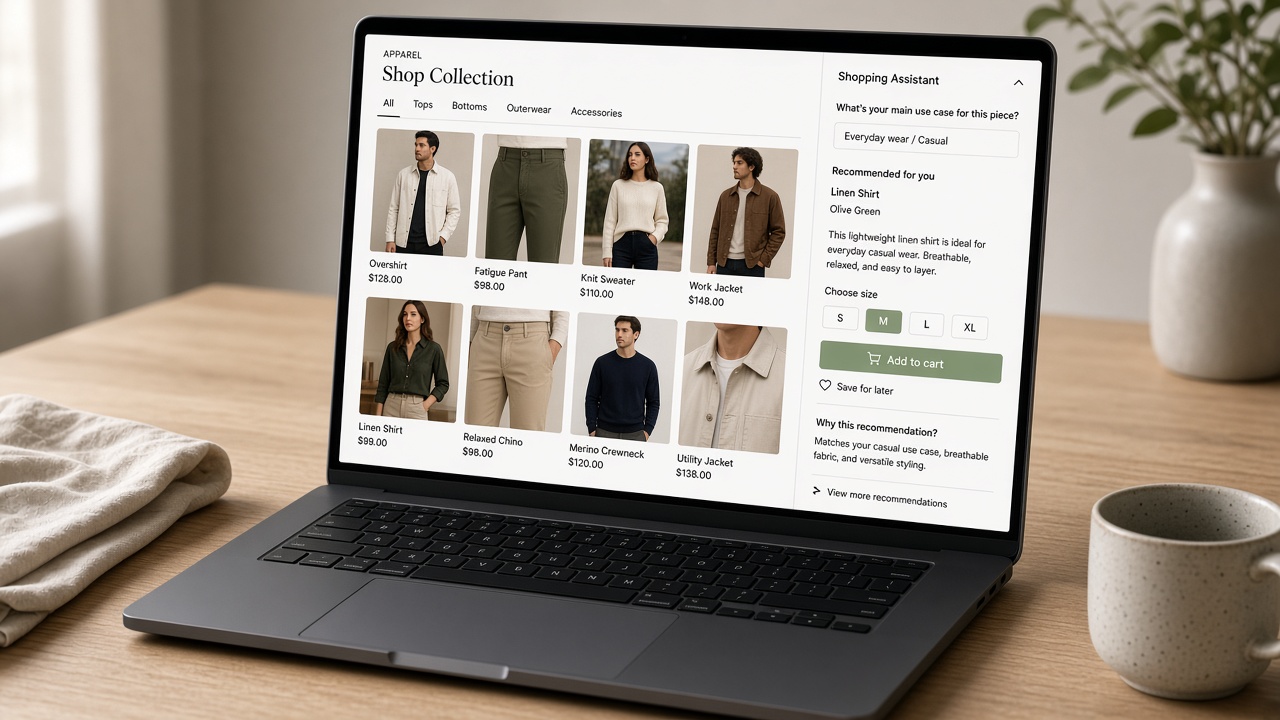
Shoppers do not open a store chat to hear that you value their business. They want to know whether the navy hoodie in their size ships before Friday, if the bundle still qualifies for free shipping, and what happens if the fit is wrong. A Shopify AI shopping assistant is useful only when it can answer those questions from the same catalog, inventory, discounts, and policies the storefront already uses—not from a canned script.
That is a different job from a website chatbot that routes tickets or an AI concierge that small-talks. Catalog-aware buying help sits in the path of discovery and checkout: it recommends from what you actually sell, flags out-of-stock variants, and stays within merchant rules so you do not invent promises support cannot keep. Generic bots fail here because they treat every store as a FAQ page; Shopify-native assistants fail when they are launched without clear use cases, data hygiene, and a plan for what happens when the model should hand off to a human.
This article stays on that through-line: when an assistant beats a generic chatbot, which use cases justify the work, and which setup choices keep extra support load from appearing the week after you go live. The goal is evergreen merchant judgment—not a feature tour that ages with the next app update.
- Treat the assistant as catalog-aware buying help, not a FAQ widget or ticket router.
- It outperforms generic chatbots when answers come from live products, stock, shipping, and return rules.
- Launch only around a few high-intent jobs: find, compare, size, ship, and policy-safe checkout help.
- Setup quality—feeds, guardrails, and human handoff—determines whether support load falls or rises.
- If the store cannot trust inventory and policy data, do not put an assistant in the purchase path yet.
When a shopping assistant beats a generic website chatbot
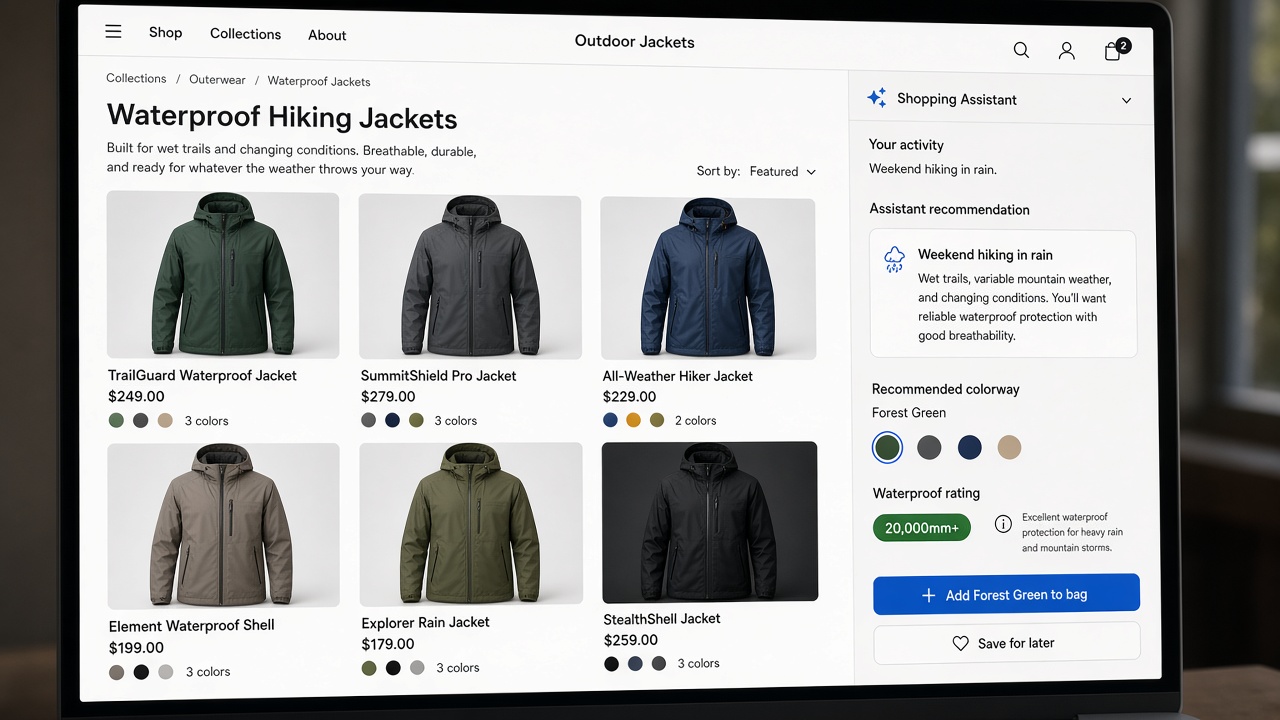
That distinction matters on a Shopify storefront more than it does on a generic marketing site. A shopping assistant earns its place when it behaves like a buying guide: it reads products, variants, inventory, collections, and store policies in the moment, then helps someone decide and add to cart. A scripted website chatbot recites canned answers. Support still has to babysit it when the catalog moves, a size sells out, or a discount does not apply the way the script assumed.
Shopping work and support work are different jobs. The first is find, compare, size, bundle, and check out. The second is order tracking, return status, and account fixes after money has already changed hands. Assign the shopping assistant to the storefront path. Route post-purchase questions to order tools or a person. Lean operators choosing the broader job-to-be-done can start with a chatbot-versus-concierge deploy article; this piece stays on storefront shopping.
What a generic chatbot usually cannot finish
Shopify is not a flat FAQ. Variant logic, sold-out states, collection membership, discount rules, and checkout are the store. A chatbot that cannot complete those steps for the shopper is not an assistant—it is another inbox. The gap shows up mid-session: the bot can greet, but it cannot pick an in-stock variant, apply the right collection filter, or stay inside a discount checkout will actually honor.
Simple rule — If they are still choosing, ground the assistant in live catalog and policy data. If they already bought, do not make a FAQ bot pretend it can finish checkout.
Use cases that actually move a shopper toward checkout
Once you treat the assistant as a buying guide rather than a ticket queue, the useful work is almost always pre-purchase: turning a messy intent into a SKU the catalog can actually sell. Discovery is the first job. A shopper who says “gift under $50” or “replace my old model” is not asking for a homepage tour. They are describing a job. Map that language to collections, tags, price filters, and merchandising rules you already maintain so the reply is a short, in-stock shortlist—not a wall of bestsellers.
Comparison is the next job, and it only works if the assistant cites real attributes. Material, warranty length, care instructions, dimensions, and what’s in the box beat slogans every time. Two similar SKUs should be framed as trade-offs a shopper can act on: which one ships faster, which one is easier to maintain, which one matches the variant they already own. If those facts live in product fields, the assistant can use them; if they only live in ads, it should stay quiet.
Fit, variants, and “will this work with X”
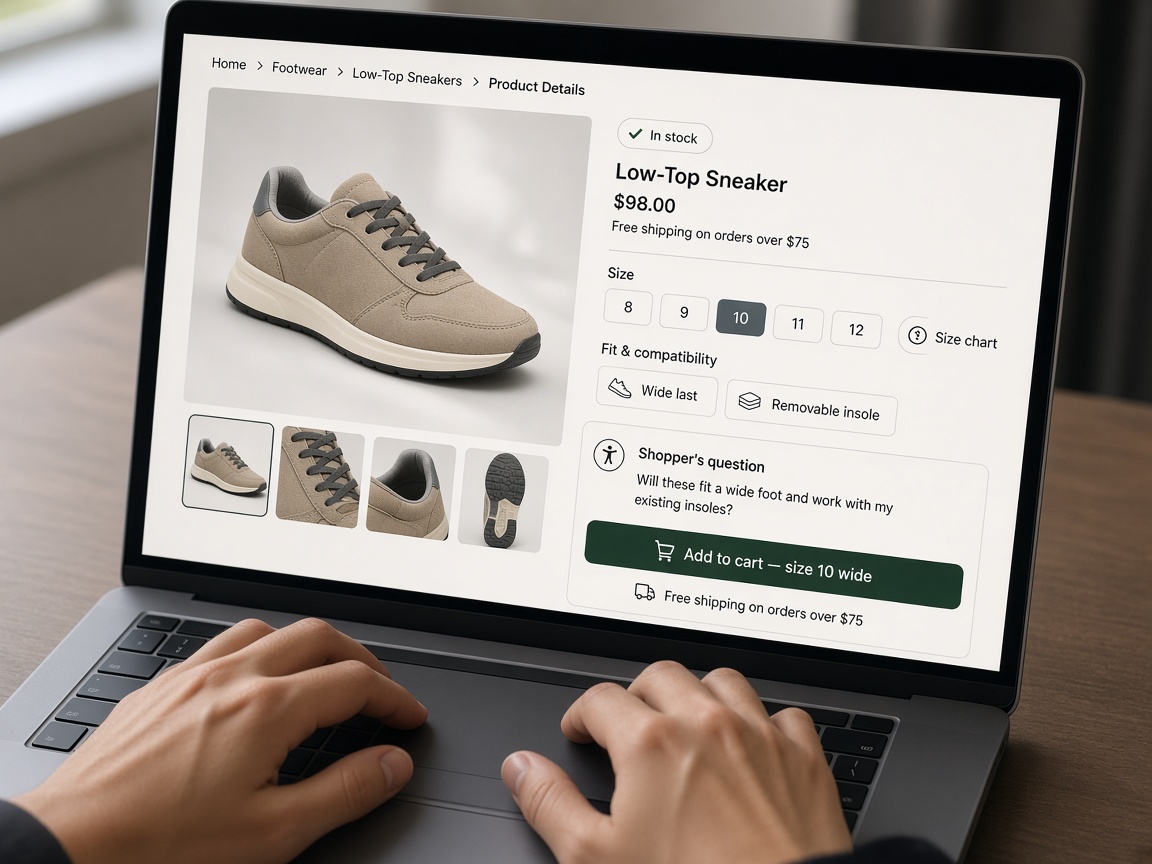
Carts often stall on Shopify not because shoppers hate the brand, but because they still do not know if this size, shade, or bundle is theirs. Size charts, shade names, bundle components, and compatibility notes belong in metafields merchants already keep. The assistant should walk through those fields, flag sold-out options, and refuse to invent a fit. “Will this work with X” is the same pattern: answer from documented compatibility, not from a hopeful guess.
At the cart, keep the help commercial and honest. Suggest a complementary add-on that is in stock and actually related. Explain shipping cutoffs and return windows from live policy copy. Reduce hesitation by restating what is in the cart and what happens next. Do not invent discounts, coupon codes, or stock that isn’t there. Support then does not have to unwind a promise the bot never had authority to make.
What to leave out of a first launch
Skip chargebacks, medical or safety claims, custom legal advice, and anything that needs live order-account authentication the assistant does not have. Those threads belong to humans or authenticated order tools. Watch outcomes that prove the buying job: add-to-cart rate, assisted conversion, and fewer pre-purchase emails—not how many chats opened. Volume without those signals is just another FAQ bot to babysit.
Ship the buying jobs — Launch only the buying jobs you can ground in catalog, metafields, and policy—and judge them by add-to-cart and assisted conversion, not chat volume.
Setup that keeps the assistant honest before go-live
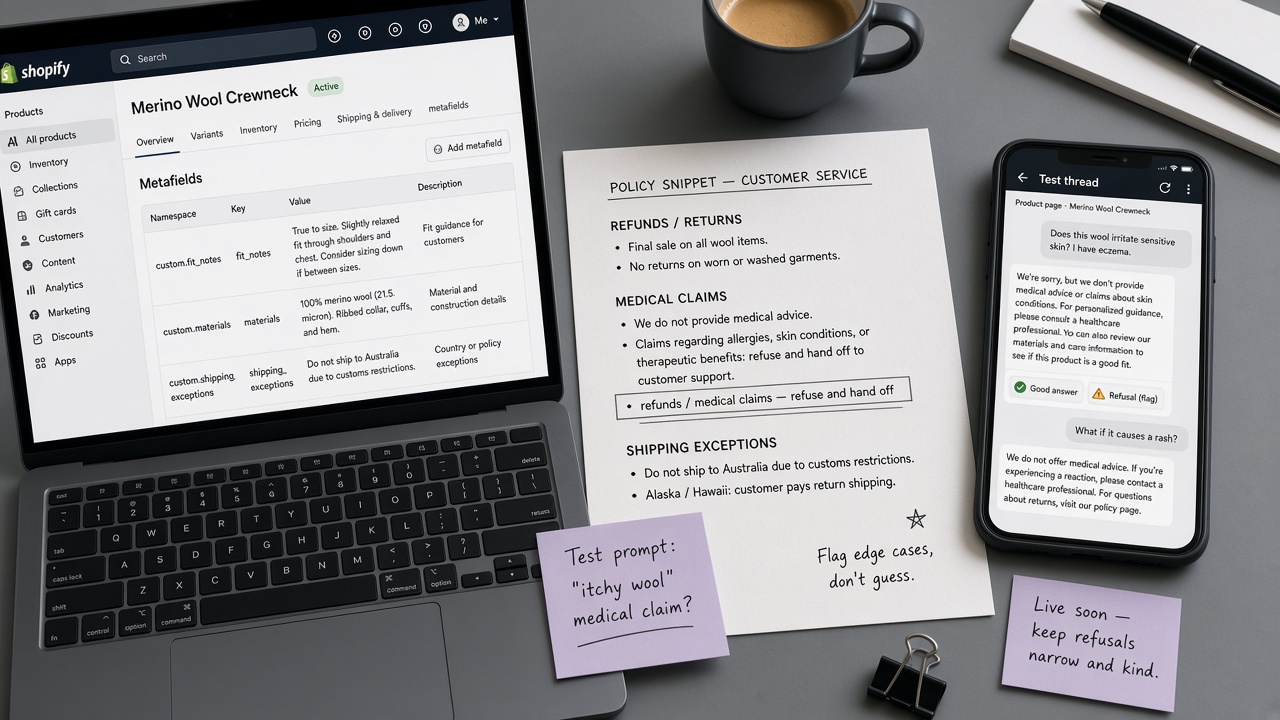
Those buying jobs only hold if the assistant is wired to the same facts merchandisers already maintain. Treat catalog quality as the real install: titles, variant names, inventory, images, and metafields it can cite. Thin product copy produces thin answers, no matter how polished the chat UI looks.
Decide source of truth up front. Shopify catalog and theme content should win over pasted FAQs that drift the moment a collection, discount, or shipping rule changes. Policies the assistant may quote—returns, cutoffs, gift notes—belong in one place operators already edit, not a second knowledge dump that support will babysit.
Refusal rules and a human path
Write refusal rules for refunds, shipping exceptions, medical or safety claims, and competitor bashing so the model does not invent policy. Define handoff: when to pass to Shopify Inbox or email, what product, cart, and conversation context to send, and hours when silence is better than a wrong answer. Keep it off post-purchase order tracking unless it can authenticate the shopper.
Launch on a few collections or a single high-intent product template first. Operators can run a short week-long sequence, then expand only after assisted sessions look like real merchandising, not another generic website chatbot.
For the broader resolution loop—when a query should close, escalate, or wait—use an AI concierge query-handling playbook. This checklist stays storefront-specific: live catalog, inventory, and policy data so shoppers can decide and buy.
Go-live rule — Go live only where the catalog can answer; refusals, handoff, and a narrow first template keep the assistant from becoming a FAQ bot support has to babysit.
Key Takeaways
If you are still choosing products on Shopify, wire a shopping assistant to live catalog and policy data—or use FlowCrews as the concierge that keeps those answers honest.